Chapter 6
Home Screen
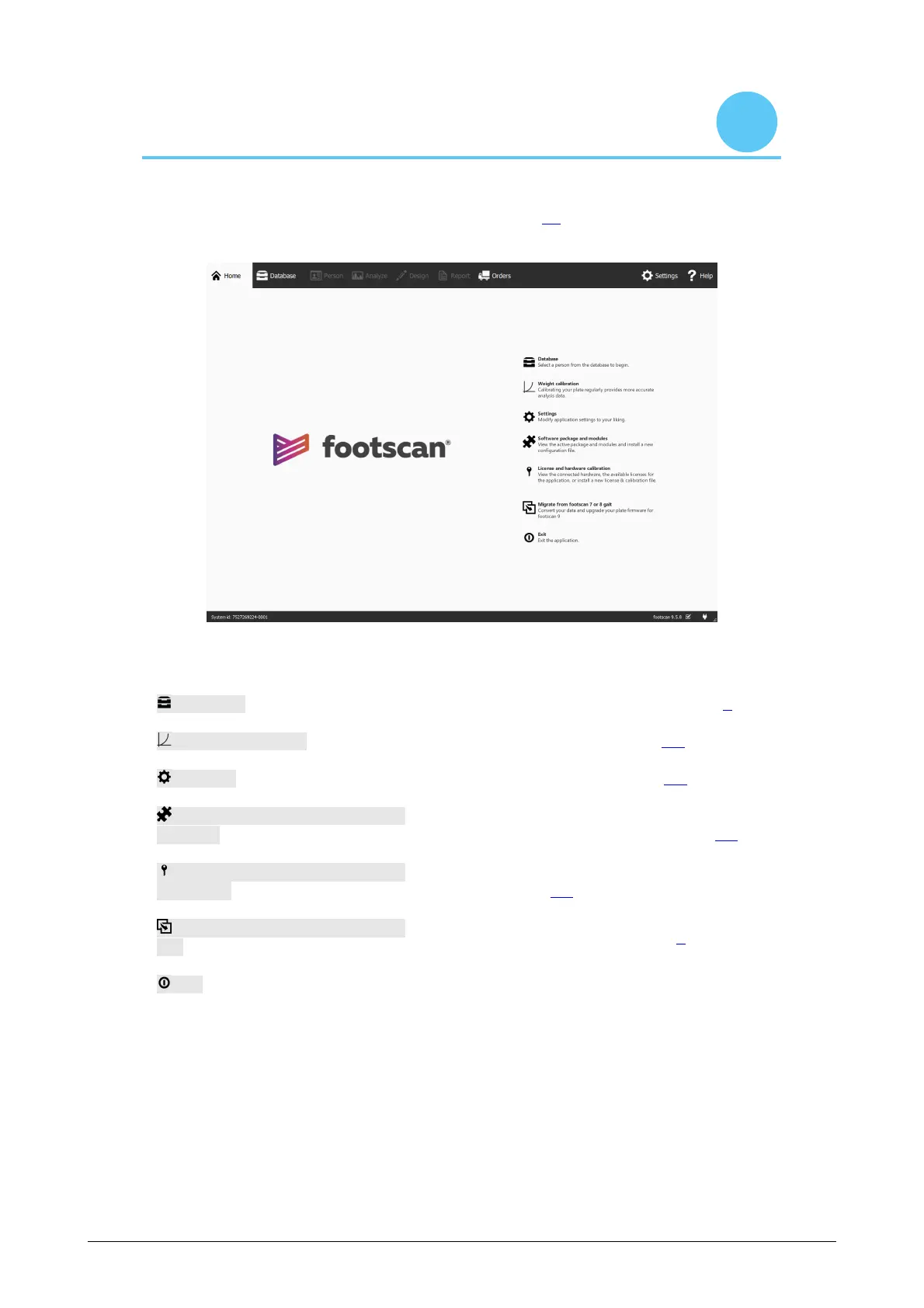
At startup footscan 9 shows the Home screen (Figure 15). The Home screen is the
portal from which you can access all functions of the application.
Figure 15: At startup, footscan 9 shows the Home screen. The Home screen guides
you to the other screens of the application.
Database Navigate to the Database screen (Chapter 7).
Weight calibration Start a weight calibration (Section 6.1).
Settings Open the Settings dialog (Section 6.4).
Software package and
modules
Show available footscan software modules and
whether or not they are enabled (Section 6.2).
License and hardware
calibration
Show license information and connected
hardware (Section 6.3).
Migrate from footscan 7 or 8
gait
Starts the migration wizard (Section 3).
Exit Close footscan 9.
®
®
®
®



 To Next Page