12.4 General Corrections
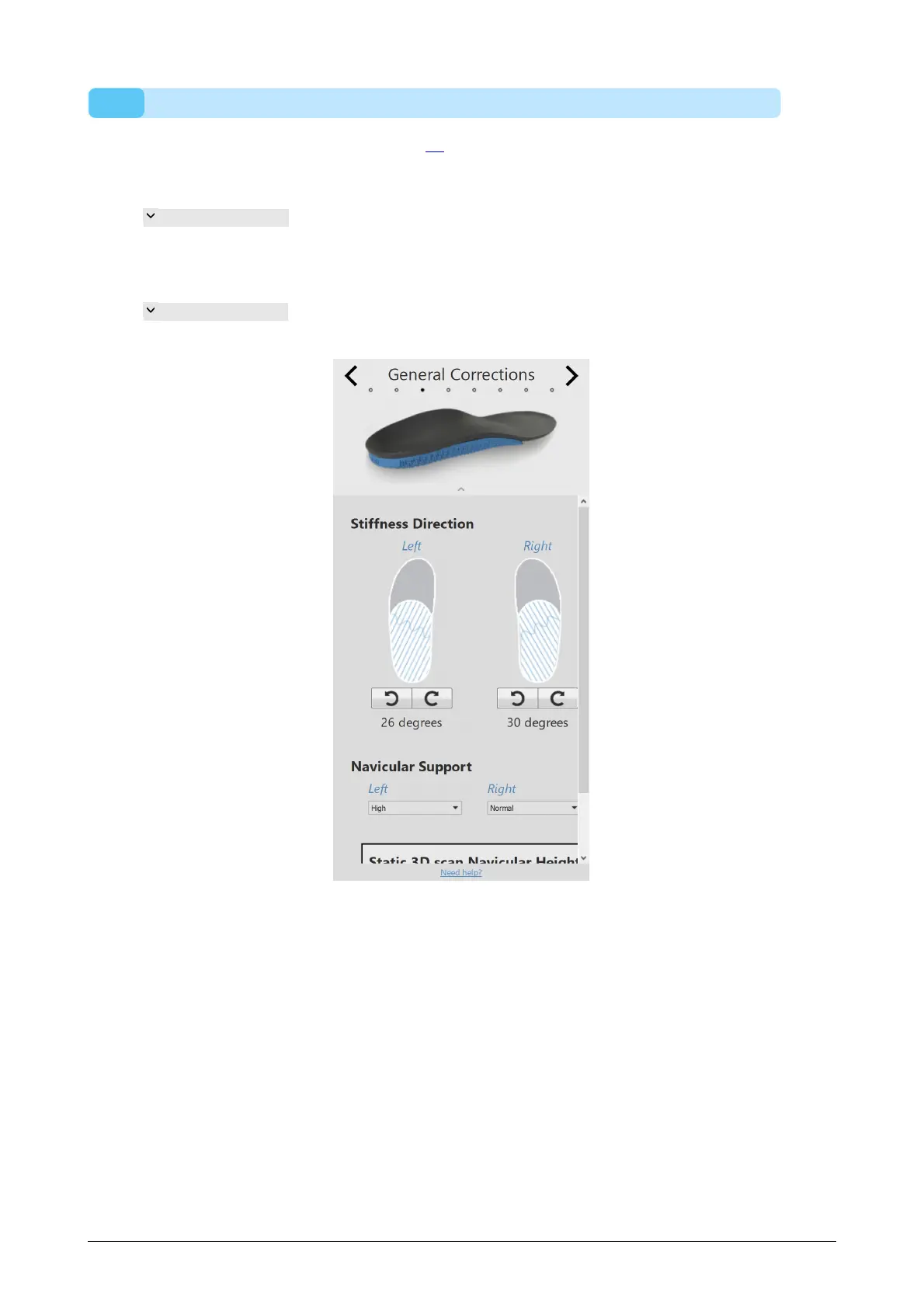
In the general correction panel (Figure 73), the stiffness direction and the navicular
support can be modified.
Stiffness Direction controls the amount of pronation/supination correction.
Positive values indicate anti-pronation stiffness. Negative
values indicate anti-supination stiffness. Use the arrows to
modify the orientation of the stiffness.
Navicular Support controls the height of the arch support (seven different
heights ranging from Extremely Flat to Extremely High).
Figure 73: General Corrections.



 To Next Page