2.3 Install the interface box
This section applies only to interface box systems. Proceed to Section 2.4 if
not applicable.
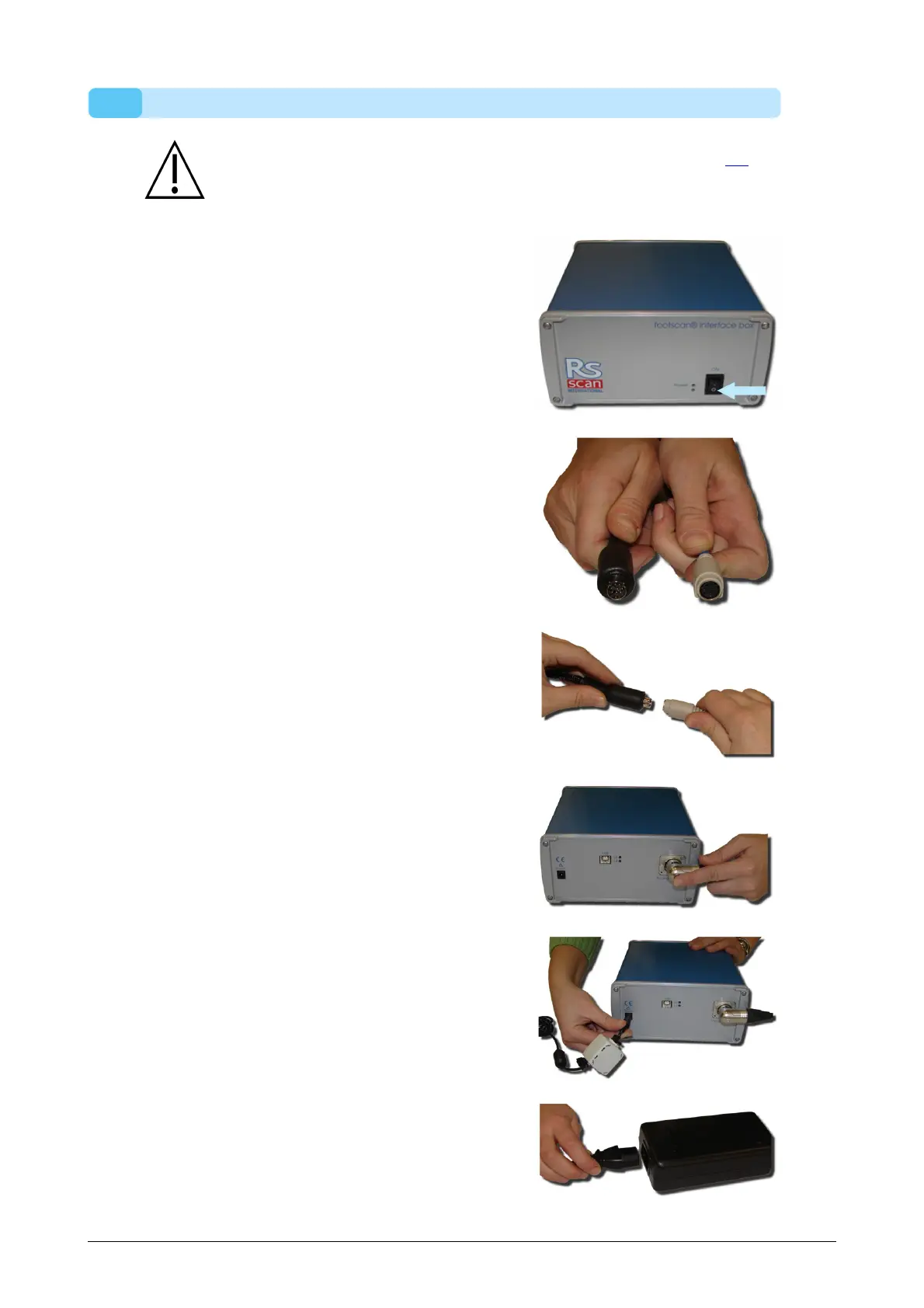
Verify that the power switch on the
footscan interface box is in the OFF
position
Connect the cable from the footscan
plate to the analog coaxial cable (mini-din
end). Align the positioning notches
Align the connectors in a straight line and
insert carefully. Do not use excessive
force.
Connect the analog coaxial cable (XLR
end) to the analog footscan connector on
t h e footscan interface box. Align the
positioning key and insert until the latch
locks.
Connect the external power supply to the
footscan interface box
Connect the mains cable to the external
power supply and the mains.
®
®
®
®
®



 To Next Page