7.1 List Export Dialog
The "ABCD ratios" option in the list export is available in the Scientific
package(s). All other list export options don't require a special package.
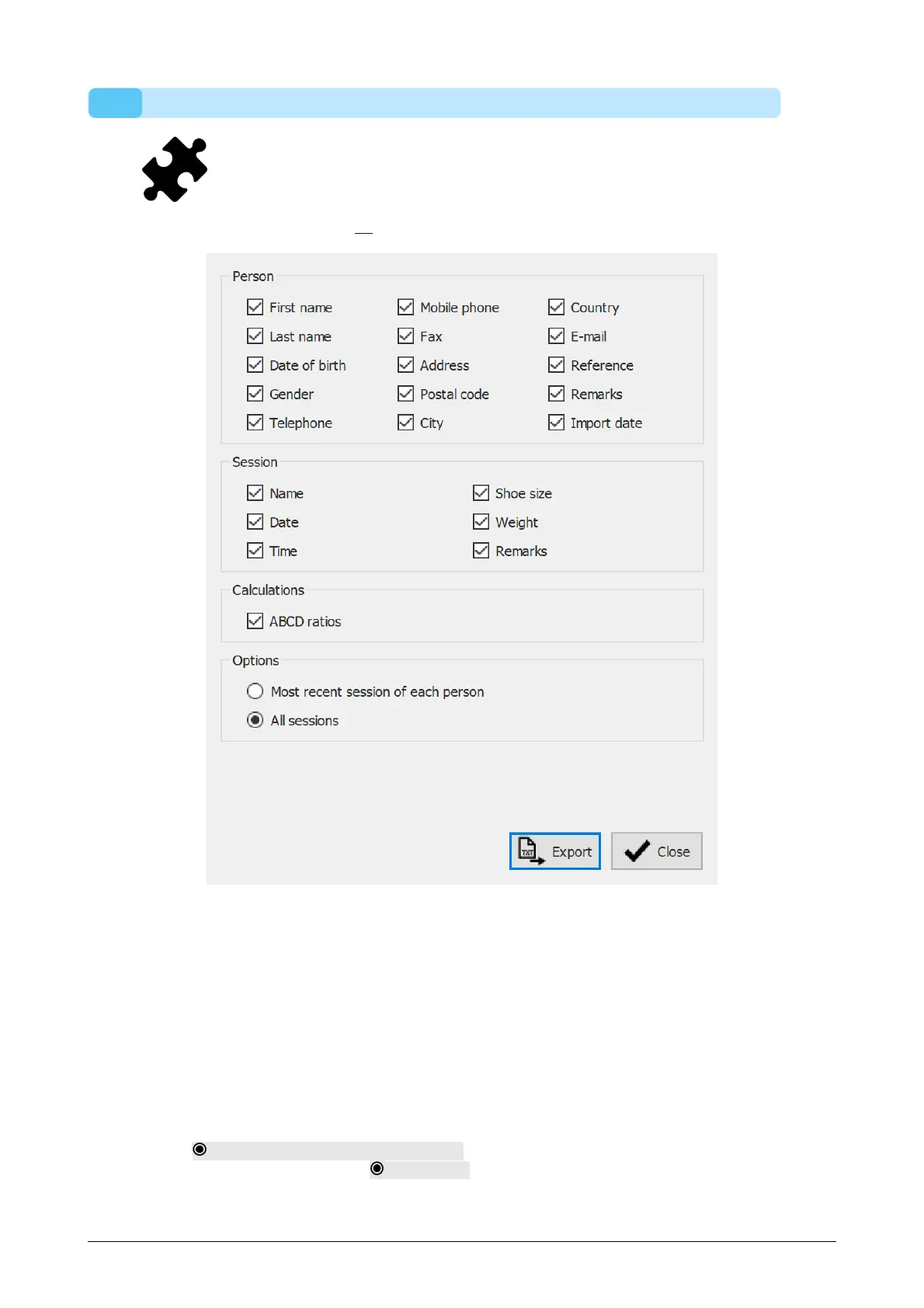
The list export dialog (Figure 26) allows you to export all clients as text into a csv file.
Figure 26: The list export dialog allows exporting all clients as text into a csv file.
Select the checkboxes to choose which data will be exported. The following data is
available to include into the list export:
Client data
First name, last name, date of birth, gender, telephone, mobile
phone, fax, address, postal code, city, country, e-mail, reference,
remarks and import data
Session data Name, date, time, shoe size, weight and remarks
Calculations ABCD ratios (this option is available in the Scientific package(s))
Select Most recent session of each person to export the data of only the most recent
session of each client or select All sessions to export data from all the sessions of
each client.



 To Next Page