17.5 Importing Page
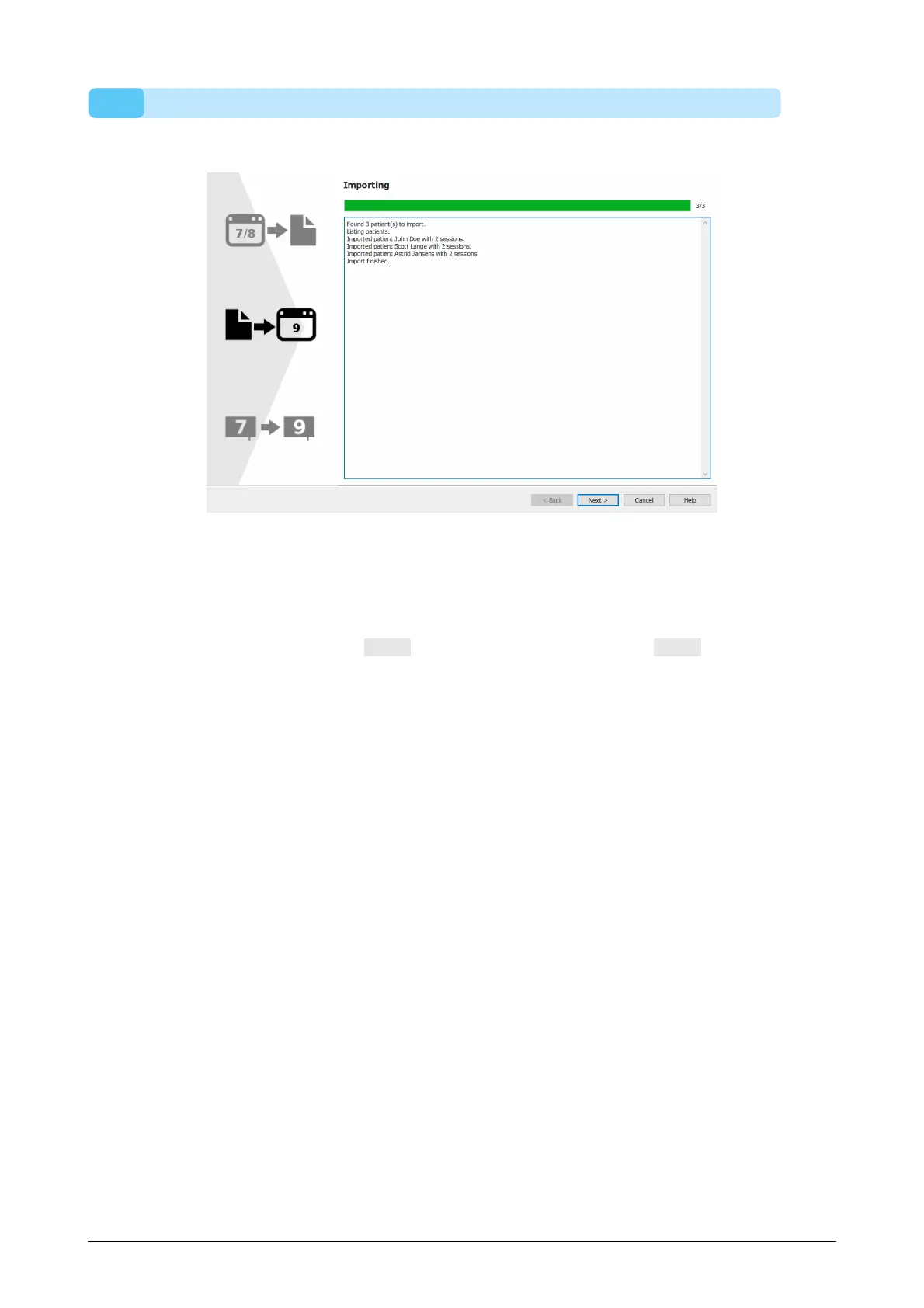
The following screen will be shown during the import.
Figure 90: Migration importing page.
Details about the data that is being imported is listed in the screen.
Please note that depending on the size of your footscan 7 or 8 database, migration
could take several hours.
After the import is finished the Next > button will be enabled. Click the Next > button to
continue.
®



 To Next Page