10.2 Plantar Surface Photo
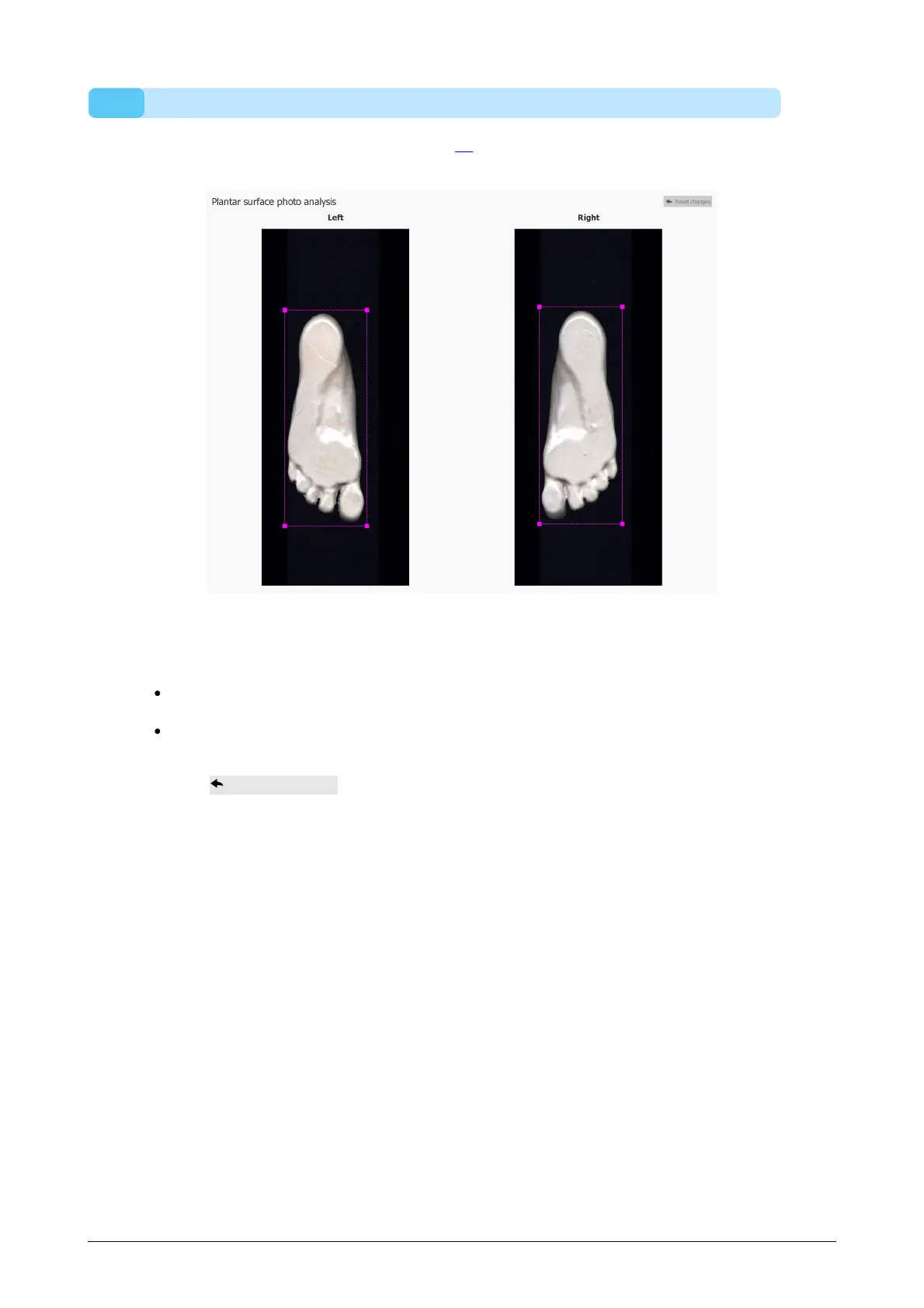
The plantar surface photo analysis (Figure 39) shows the plantar surface photo of the
3D scanned left and/or right foot.
Figure 39: The plantar surface photo analysis shows the left and/or right plantar
surface photo.
The plantar surface photo analysis allows to manually adjust the cropping area:
The size can be changed by clicking and dragging the corner points of the crop
rectangle
The location can be changed by clicking and dragging the center of the crop
rectangle
Click the Reset changes button to reset the changes.



 To Next Page