Chapter 10
Analyze Screen
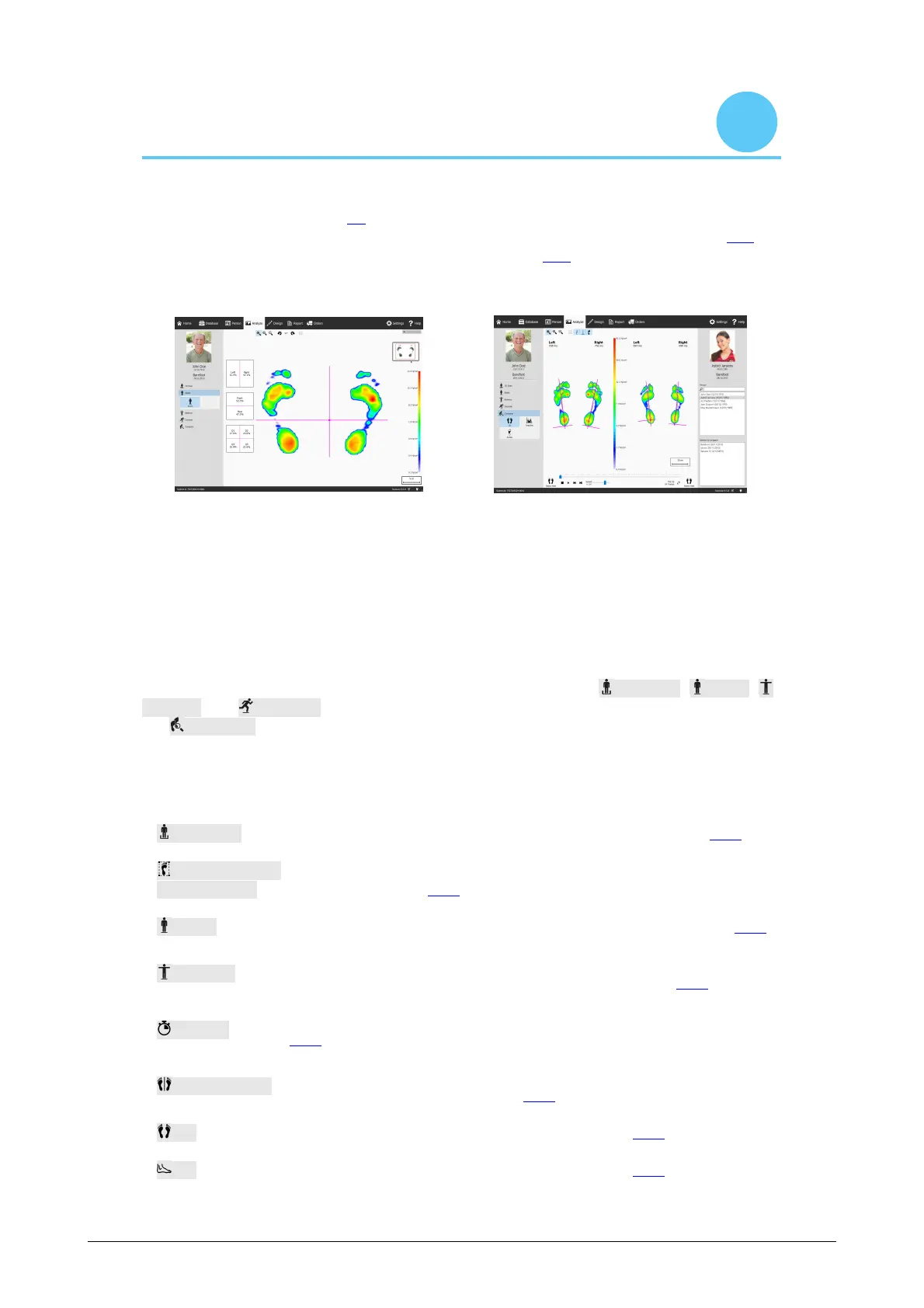
The Analyze screen (Figure 35) shows analyses of the measurement sessions created
with the Record wizard. It either analyzes a single measurement session (Figure 35a),
or it compares different measurement sessions (Figure 35b).
(a) Single measurement session analysis
(b) Comparison of measurement sessions
Figure 35: The Analyze screen
As a reference the Analyze screen always shows the name, picture and birth date of the
client on the left, as well as the name and date of the current measurement session.
When comparing, the screen shows the details of the second measurement session on
the right. Additionally it lists all clients and their corresponding sessions from which to
choose the second session.
The analyses of measurement sessions are situated under the 3D Scan, Static,
Balance and Dynamic buttons. Comparing measurement sessions is located under
the Compare button. When clicked these buttons fold down all available analyze
options.
The following analyses are available:
Both feet Analysis of the 3D scanned left and/or right foot. (Section 10.1).
Plantar
surface photo
Analysis of the plantar surface photo of the 3D scanned left and/or
right foot. (Section 10.2).
Static Relative force distribution of the static measurement (Section 10.3).
Balance
The pressure distribution and the displacement of the center of
pressure (COP) of a balance measurement. (Section 10.4).
Interval
Balance analysis divided into different time intervals. (Section
10.5).
COP per foot
Center of pressure (COP) per foot balance analysis divided into
different time intervals. (Section 10.6).
2D 2D roll-off of the current foot selection (Section 10.7).
3D 3D roll-off of the current foot selection (Section 10.8).



 To Next Page