Chapter 17
Migration Wizard
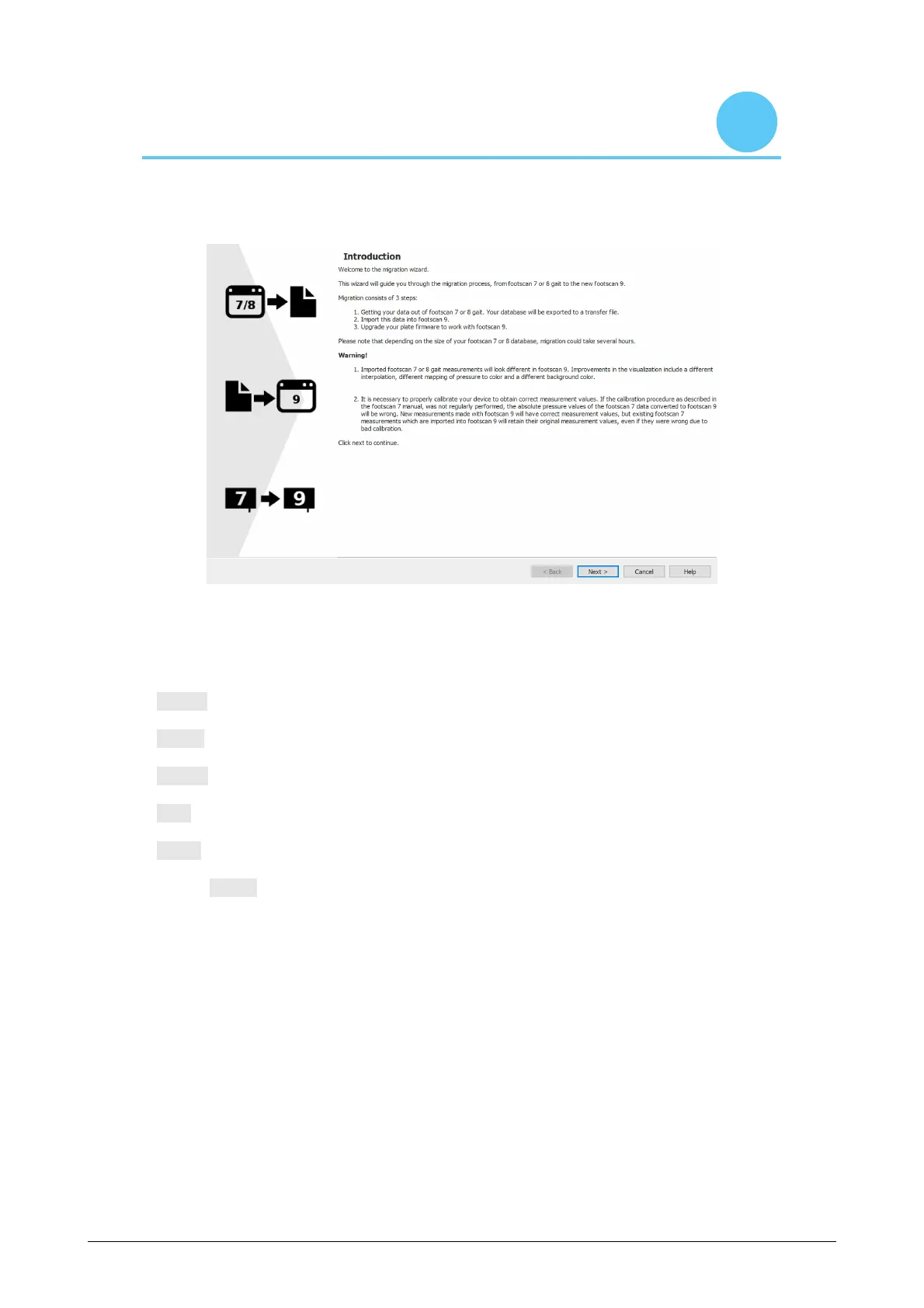
Upon starting the migration, the first screen shown is the introduction page.
Figure 85: Migration introduction page.
The following buttons may appear on the bottom off the screen, they have the following
function:
< Back Go back to the previous screen.
Next > Go to the next screen.
Cancel Cancel the export.
Help Open the help files.
Finish Close the wizard when the migration is finished.
Click the Next > button to continue.



 To Next Page