8.1 Edit Session Dialog
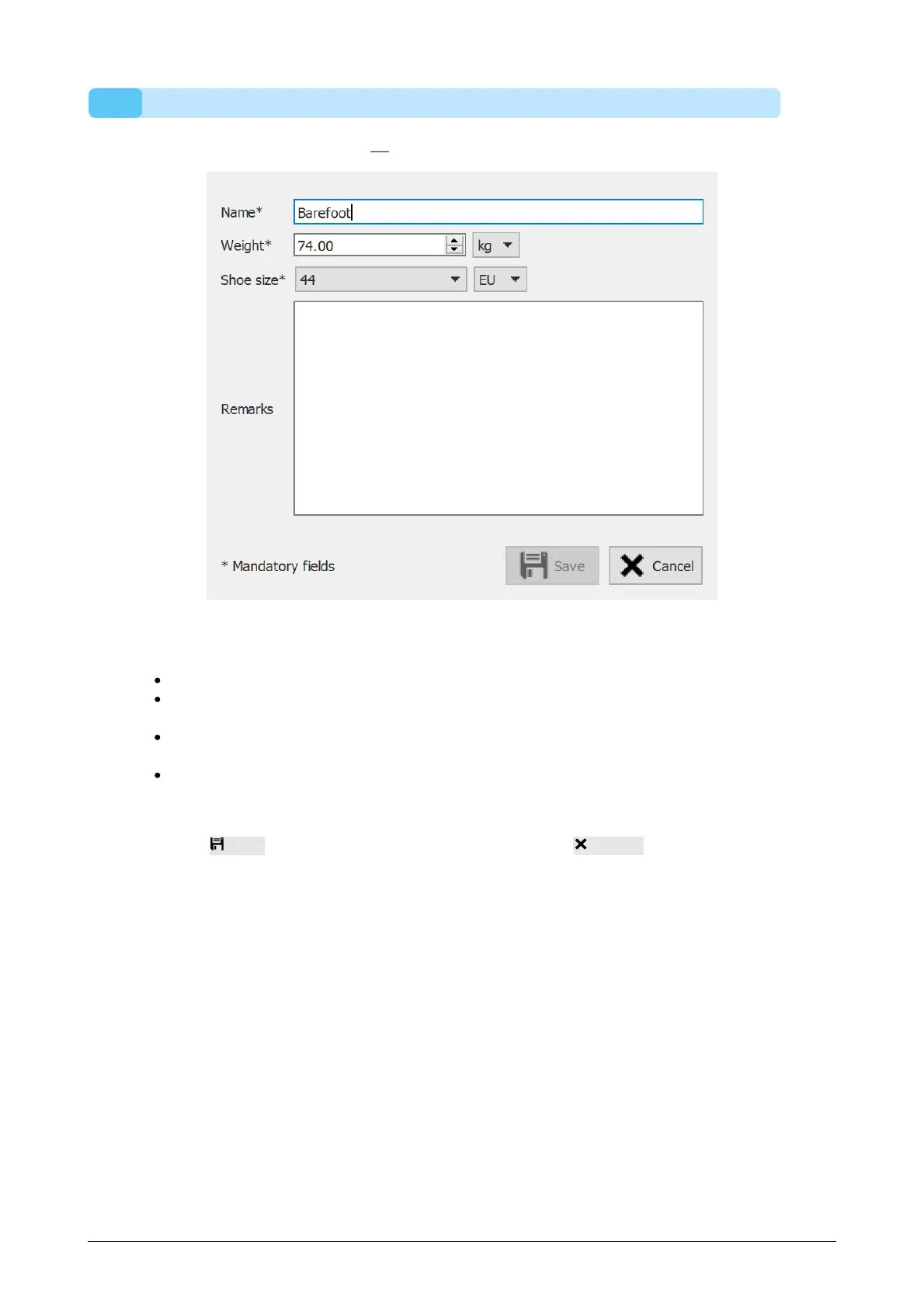
The edit session dialog (Figure 28) allows to change the data of the selected session.
Figure 28: The edit session dialog allows to change the session data.
The following fields can be modified:
Name
Weight and weight unit (the selected weight unit will be used in the entire footscan
9 application)
Shoe size and shoe size unit (the selected shoe size unit will be used in the entire
footscan 9 application)
Remarks
Fields marked with an asterisk (*) are mandatory.
Click the Save button to save the modifications, click the Cancel button to discard
the changes.
®
®



 To Next Page