Chapter 13
Checkout Screen
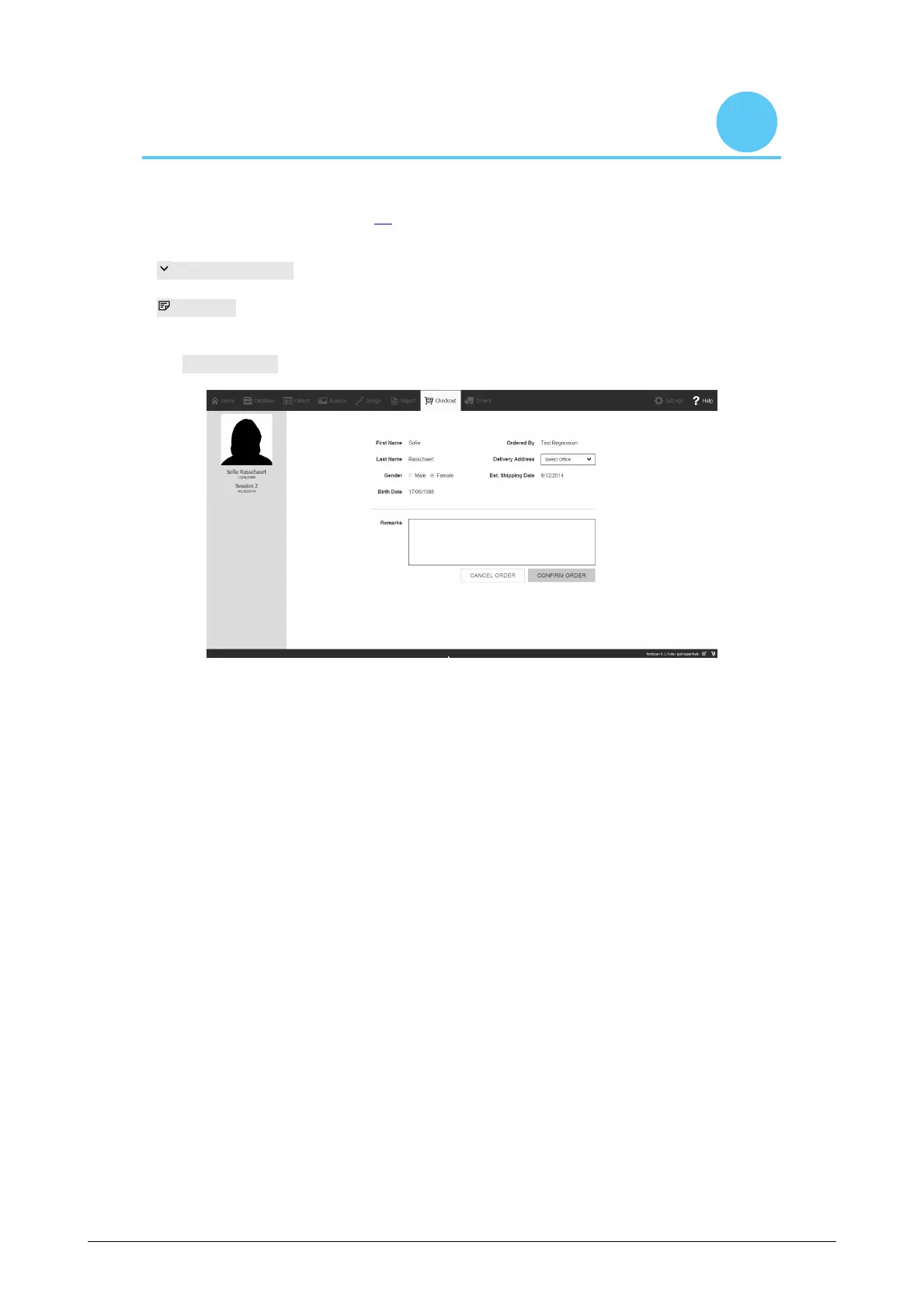
In the checkout window (Figure 79), an overview of the subject information is displayed.
Delivery Address controls the desired delivery address.
Remarks gives the opportunity to add additional comments about
the delivery address or insole finishing.
Click confirm order button to submit the order and upload it to the cloud.
Figure 79: Checkout screen.



 To Next Page