Please note that when the object was scanned using scan type "Foambox"
girths and other predefined measurements will not be available.
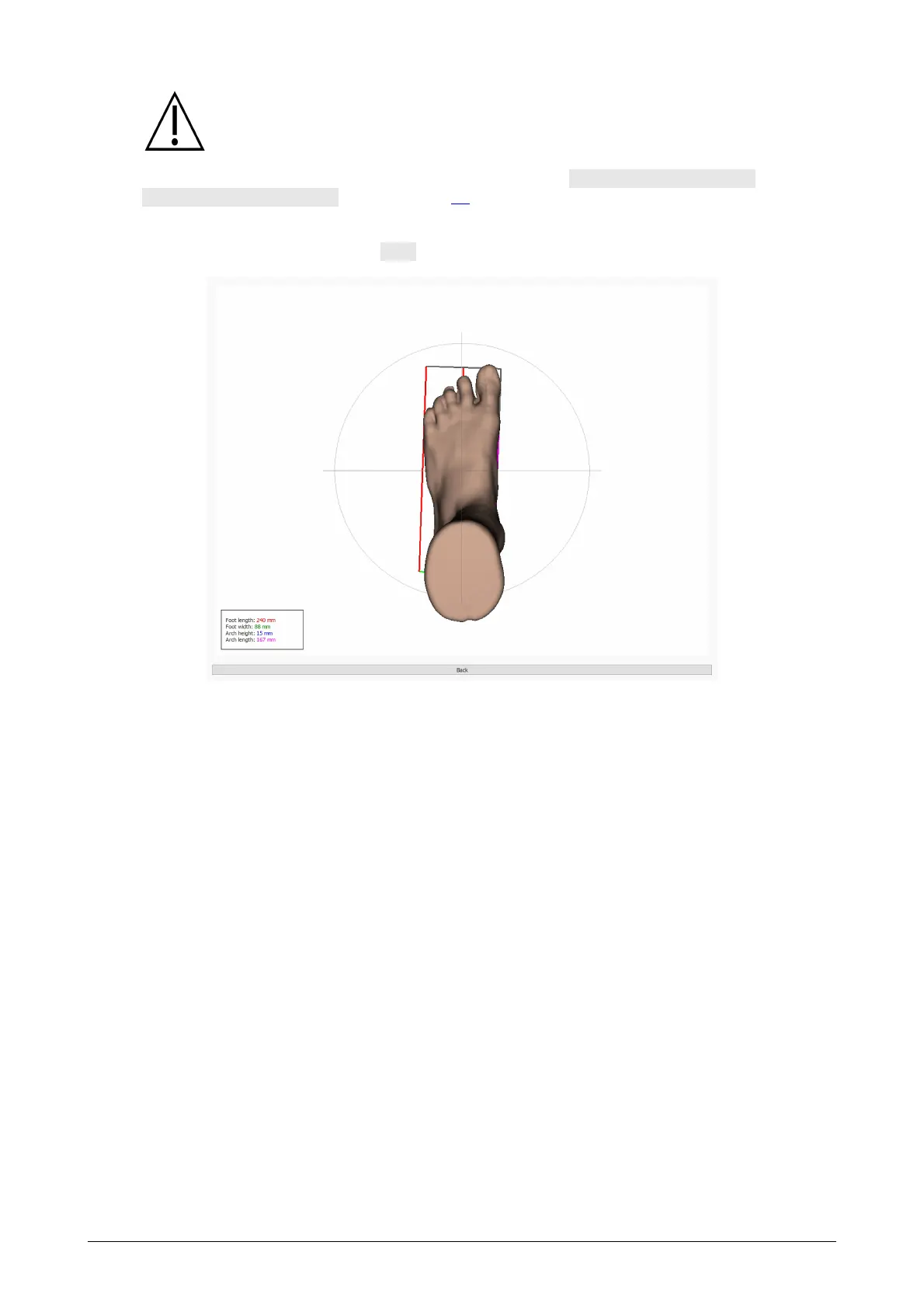
A scanned foot can be shown in full screen by clicking the View left foot in fullscreen or
View right foot in fullscreen button (Figure 38). Note that only a selected girth will show
up in the measurements overview.
To leave the full screen click the Back button.
Figure 38: The Both Feet 3D scanner analysis shows the scanned left and/or right foot
in full screen.



 To Next Page