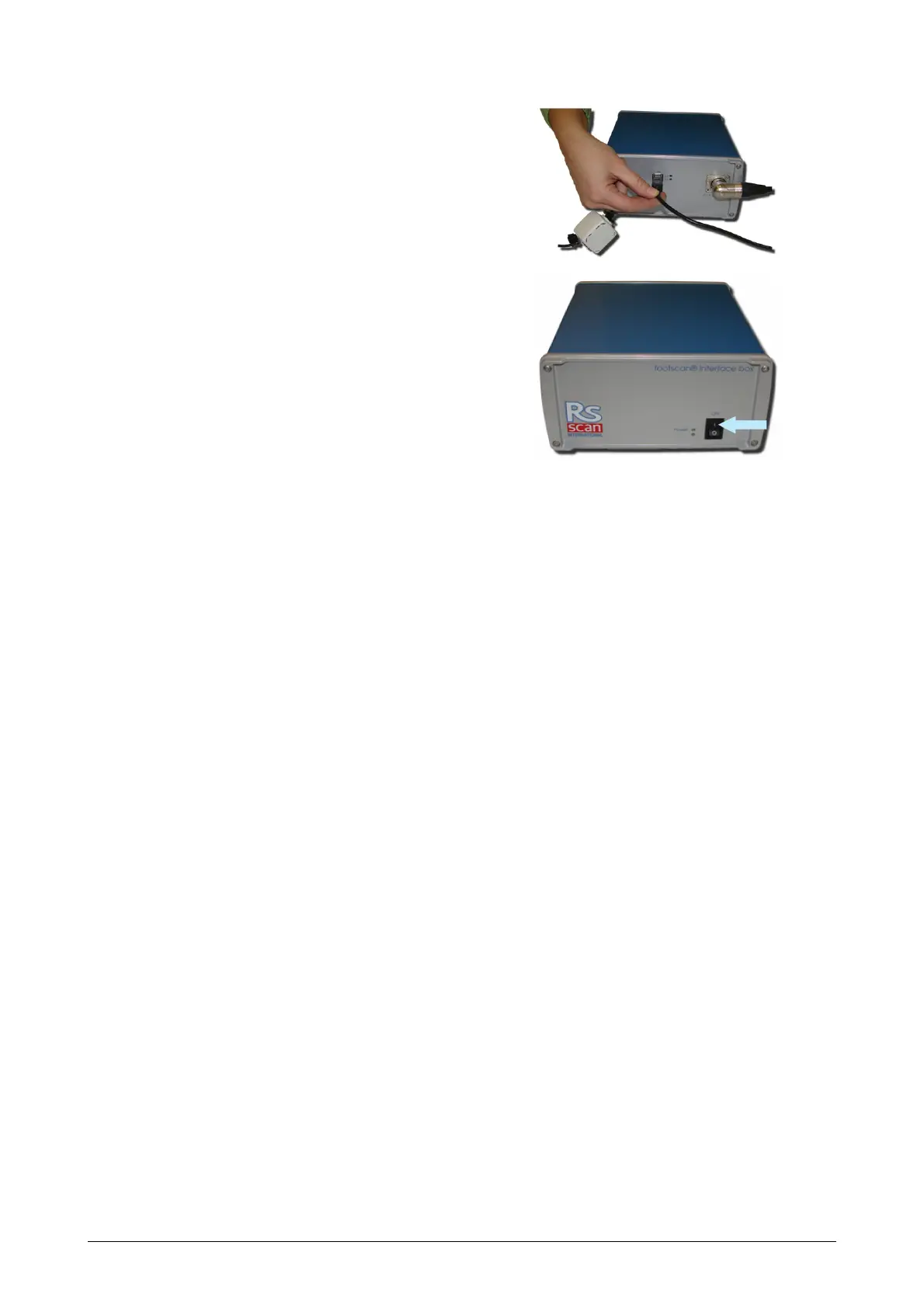
Connect the footscan interface box to
your computer using the supplied USB 2.0
compliant cable. Connect the USB-B side
of the cable (square connector) to the
USB socket on the footscan interface
box. Match the orientation of the
connectors.
When the hardware setup is completed,
switch ON the footscan interface box.
The green power LED will light up.
®
®
®



 To Next Page