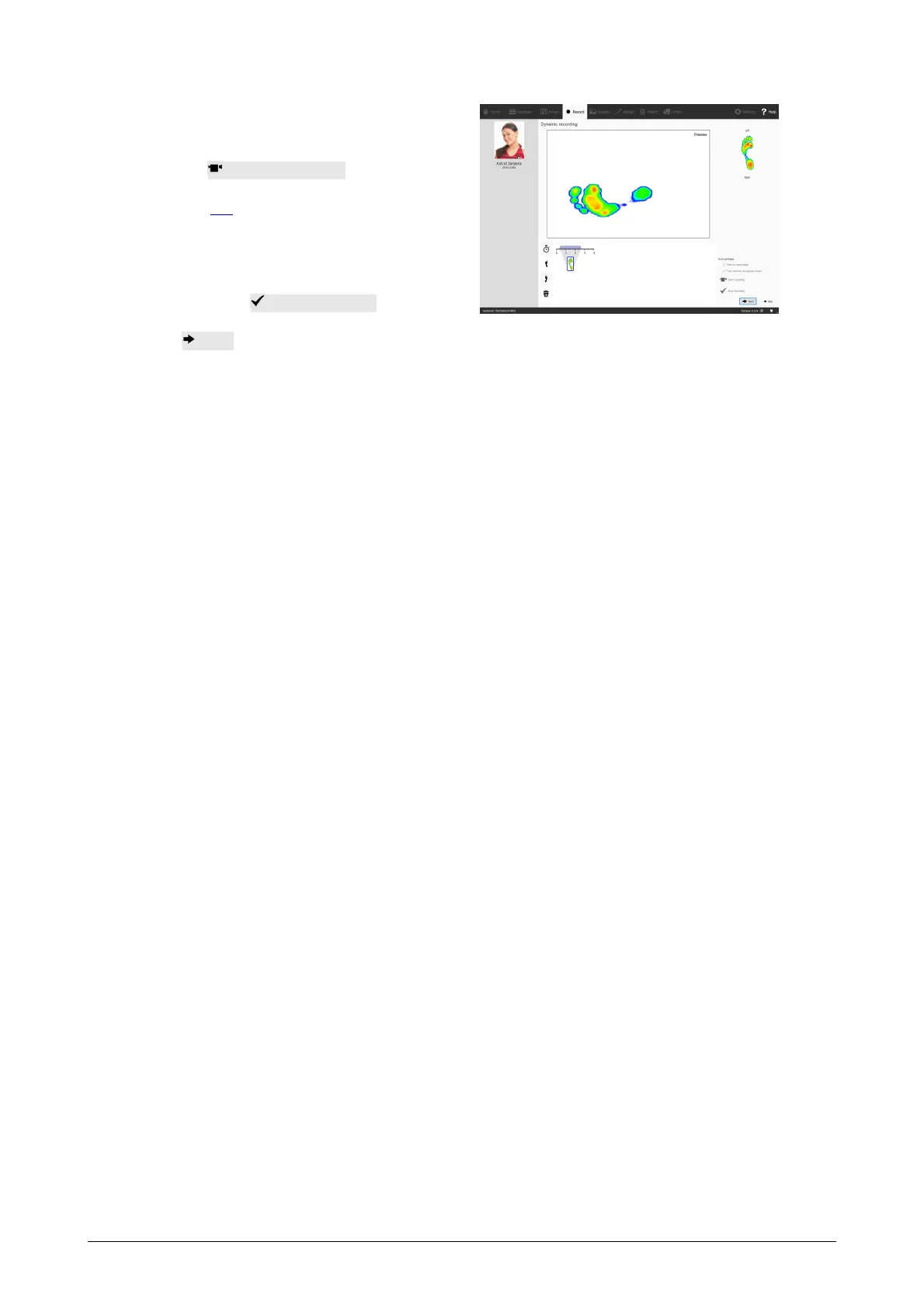
The Dynamic Recording shows the
activity on the plate in a preview.
The recording is initiated by
clicking Start recording. Walk
over the plate in the gait direction
(Section 2.4). The timeline shows
all feet recognized during the
measurement as thumbnails. The
wizard displays the latest left and
right feet on the right. End the
recording with Stop recording.
Click Next to exit the Record wizard. The application navigates to the Analyze screen,
where you can review your measurement. Refer to the second part of this Installation
Guide and User Manual for an in-depth overview of the Analyze screen.



 To Next Page