20 en | Create an Intercom connection DBP Digital Beltpack
2021-06 | 01 | F.01U.380.825
Technical Manual
Bosch Security Systems, LLC
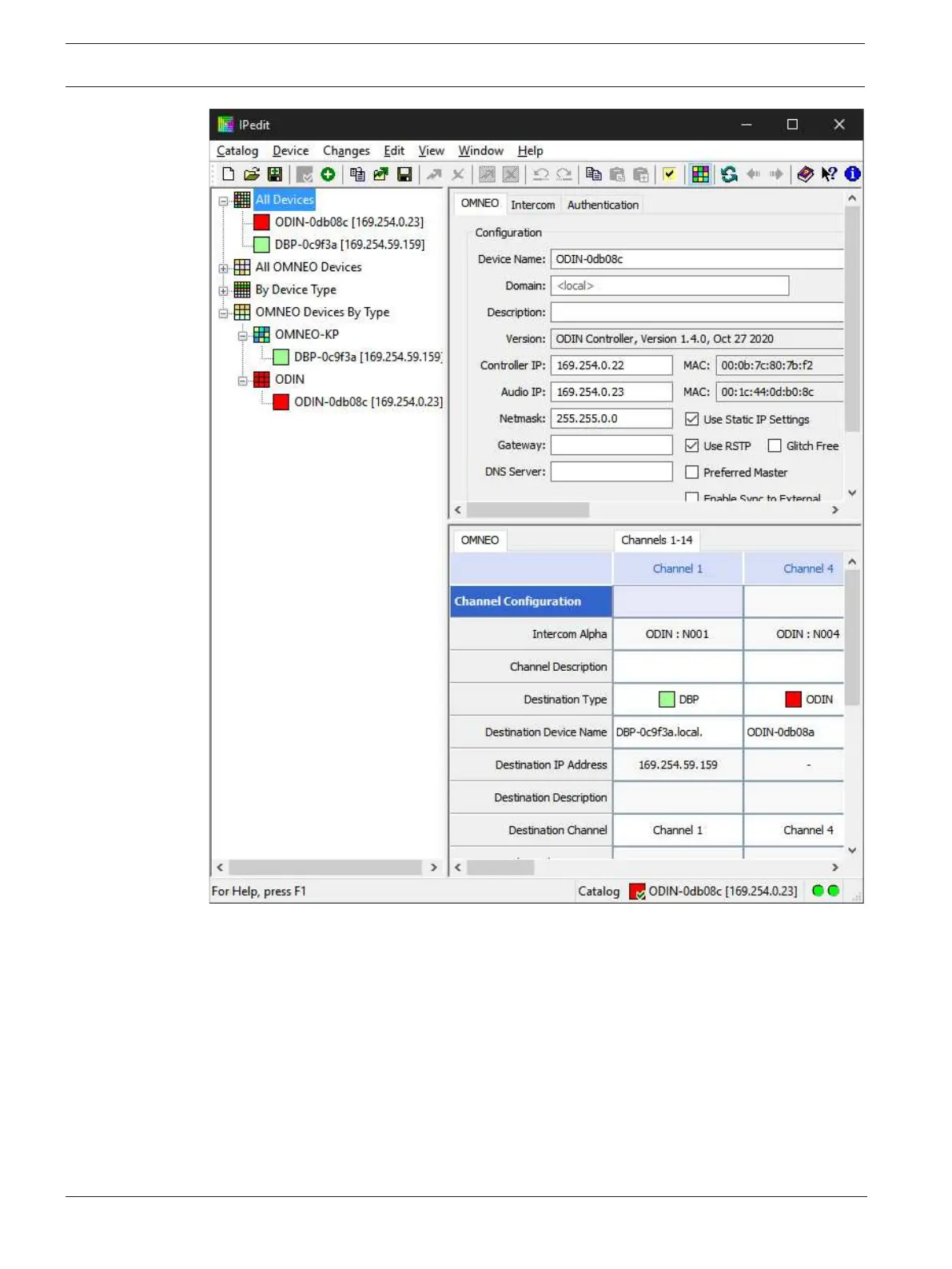
1. In the Destination Device Name field, click the … button.
The Discovered Devices screen displays.
2. Expand the tree to view the destination devices available.
3. Select the desired device for the destination.
4. Click OK.
The screen closes.
5. Select the channel to which the device connects.
6. (Optional) Enter the channel description.



 To Next Page