DBP Digital Beltpack Basic Operation | en 35
Bosch Security Systems, LLC
Technical Manual
2021-06 | 01 | F.01U.380.825
8.8 Call waiting window
Notice!
Do not confuse call signaling with incoming calls. Party lines use call signaling to notify users
that someone is trying to get their attention. Incoming calls are direct point-to-point calls
from another panel to the belt pack.
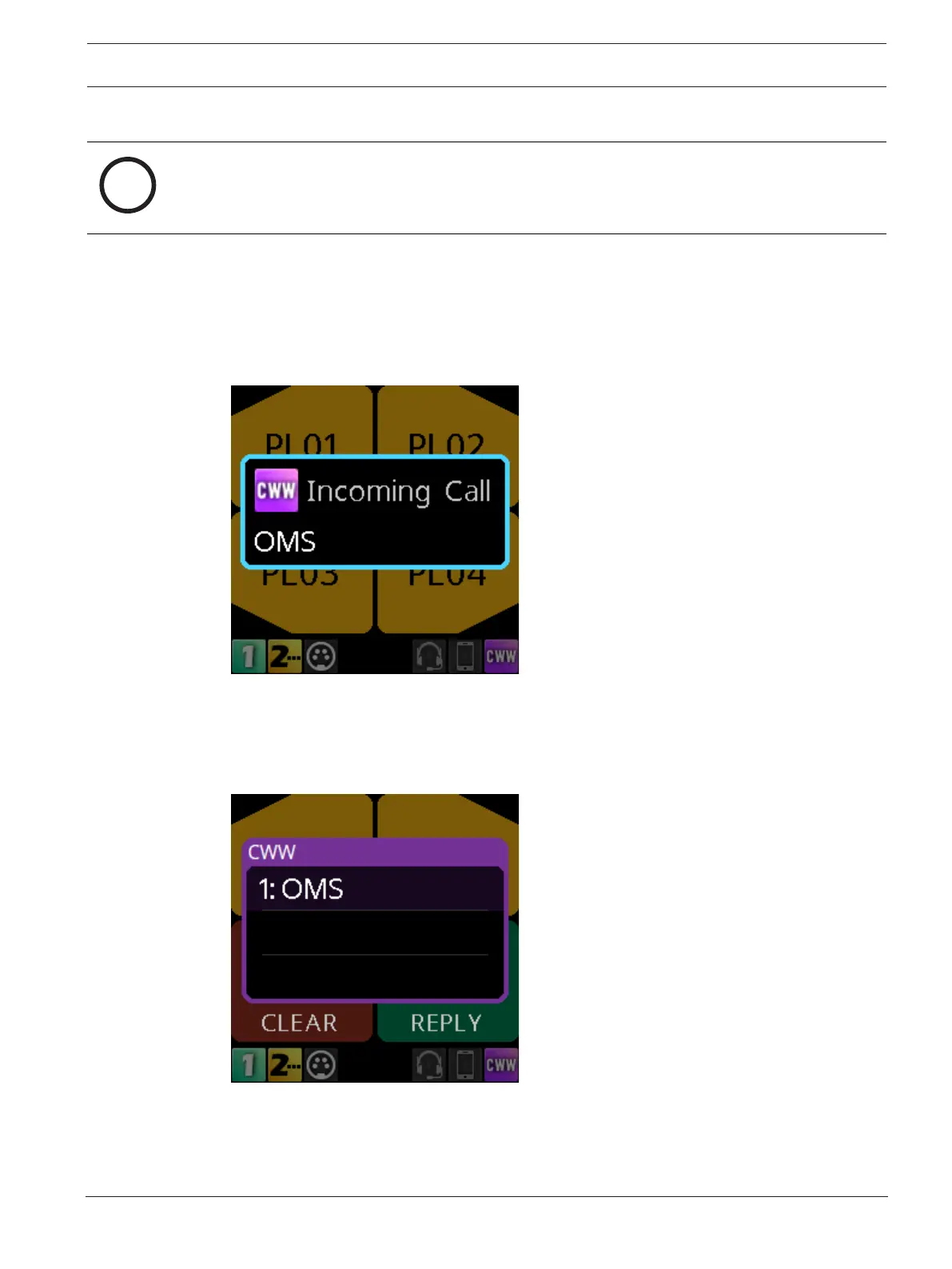
Use the CWW (Call Waiting Window) to manage multiple incoming calls to the belt pack. The
DBP CWW displays three calls at a time with a scroll bar appearing if there are more calls (up
to nine) in the list.
A popup window appears on the HOME screen that alerts the user of an incoming CWW call.
Press CLR\BACK to dismiss the notification or press SEL/MENU to show the full CWW.
Reply to a CWW call
To reply to a CWW call, do the following:
1. On the home screen, press the CLR/BACK button.
The CWW window appears.
2. Press REPLY (Key D) to answer the call.
The REPLY key and the caller lights green.



 To Next Page