66 en | Menu Structure DBP Digital Beltpack
2021-06 | 01 | F.01U.380.825
Technical Manual
Bosch Security Systems, LLC
Notice!
Although the default Mic Gain is 0 dB for all mic selections, transmission levels of 3.5mm
electret microphone vary significantly between different manufacturers and models. The
adjustment range of ±10 dB is provided to allow these 3.5mm microphones to be normalized
to desired network levels.
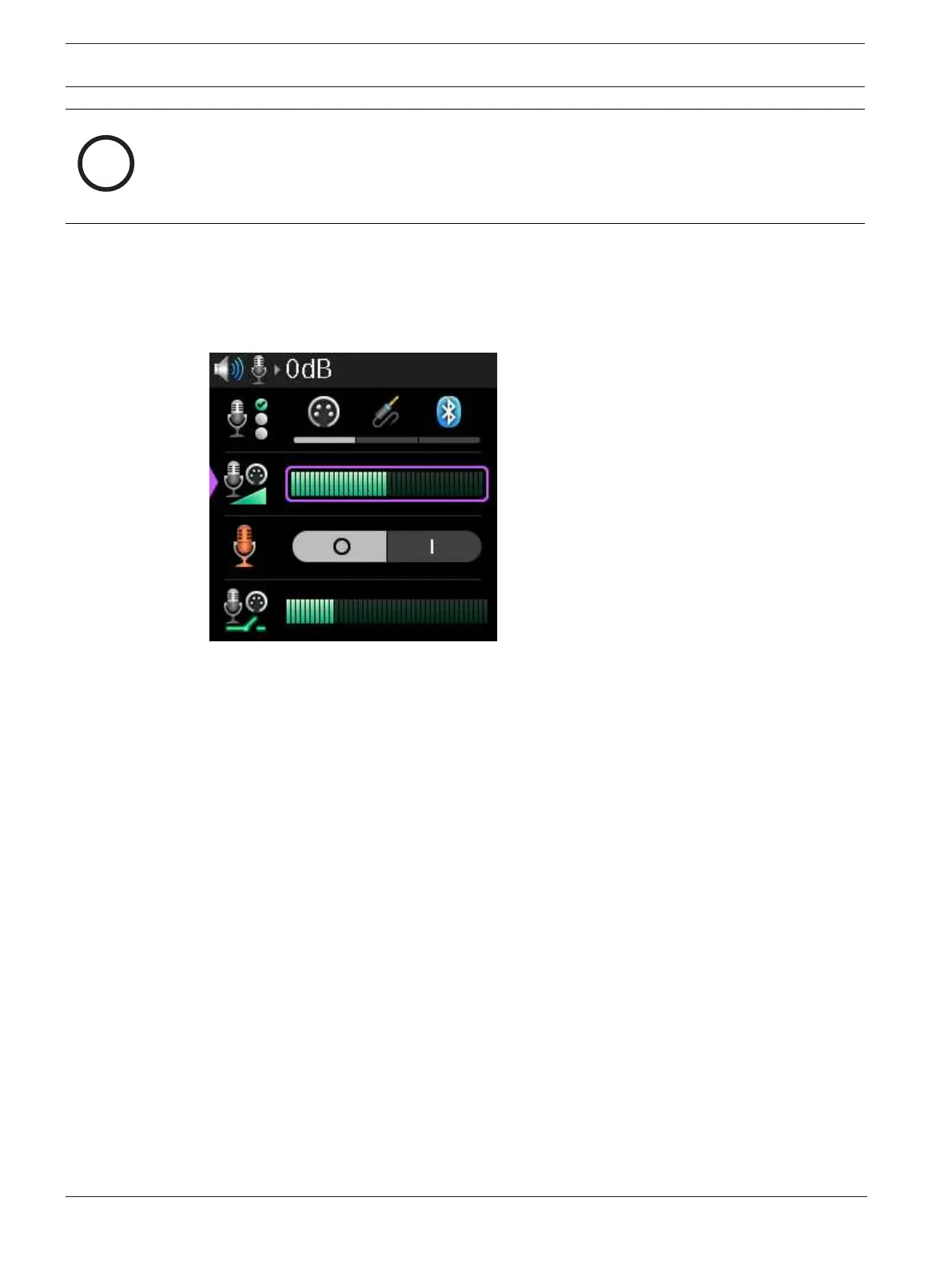
To adjust the mic gain, do the following:
1. Navigate to the Mic Gain menu item (Audio | Microphones | Mic Gain).
2. Press the SEL/MENU button.
The field becomes active.
3. Rotate either shaft encoder to adjust the level.
4. Press the SEL/MENU button to confirm the change, or press the CLR/BACK button to
abort changes.
9.8.3 Hot Mic
Use the Hot Mic menu item to enable or disable the hot mic feature. In the hot mic setting,
audio from the mic goes out to the intercom without regard to the talk key state. When Hot
Mic is not enabled, audio from the DBP is only sent to the intercom when a talk key is active.
By default, Hot Mic is disabled.
To enable hot mic, do the following:
1. Navigate to the Hot Mic menu item (Audio | Microphones | Hot Mic).
2. Press the SEL/MENU button.
The field becomes active.



 To Next Page