DBP Digital Beltpack Create an Intercom connection | en 19
Bosch Security Systems, LLC
Technical Manual
2021-06 | 01 | F.01U.380.825
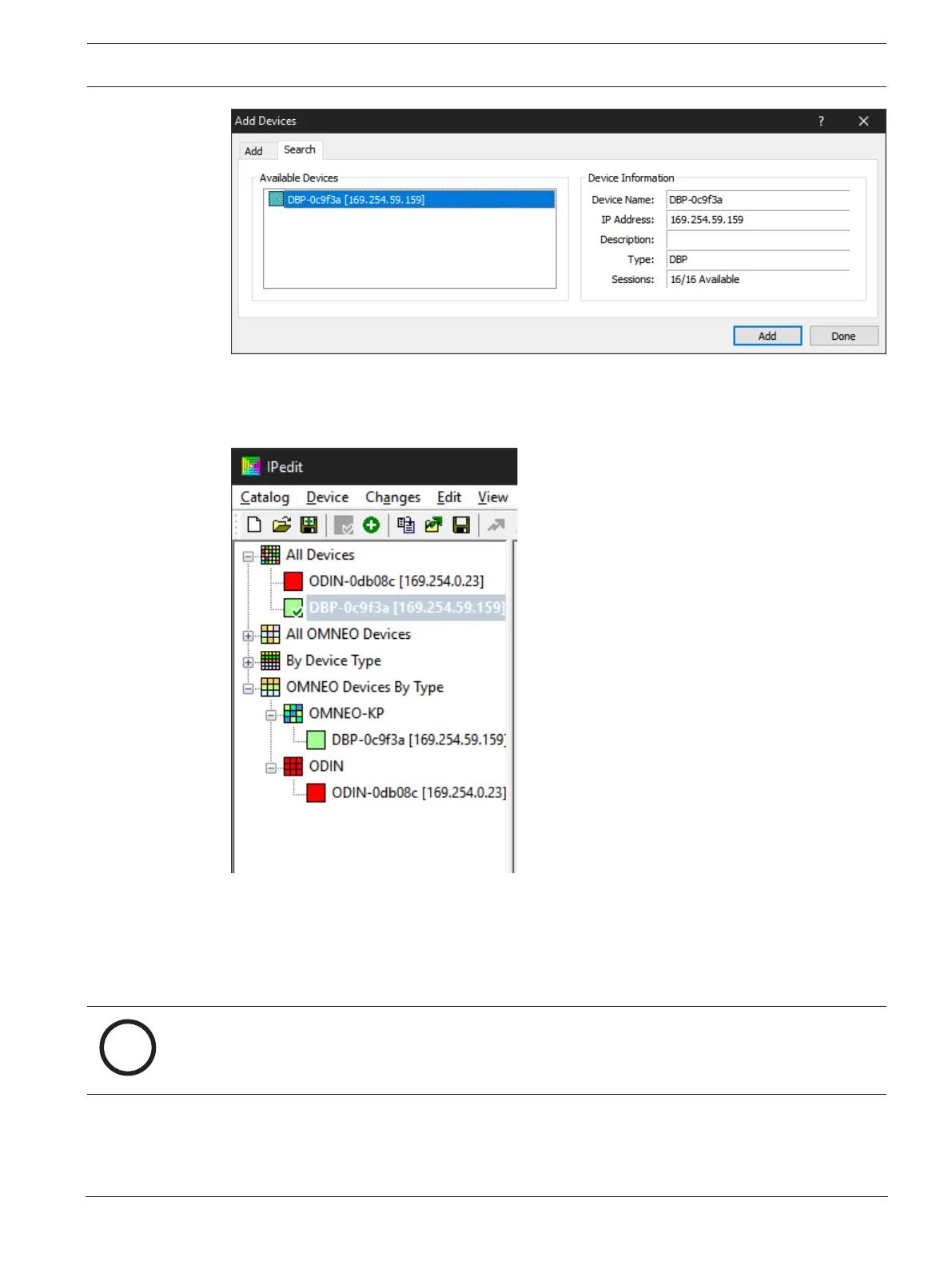
3. Select one or more available devices.
The Add button becomes active.
4. Click the Add button.
The device catalog displays the selected devices.
5. Click the Done button.
The screen closes.
6.4.2 Configure an OMNEO channel for DBP using IPedit
To configure an OMNEO channel for DBP using IPedit, do the following:
Notice!
The Destination Type does not need to be selected if using the Browse window to select the
device. It fills the type and IP Address automatically.
Using the Channel Configuration Pane



 To Next Page