DBP Digital Beltpack Basic Operation | en 39
Bosch Security Systems, LLC
Technical Manual
2021-06 | 01 | F.01U.380.825
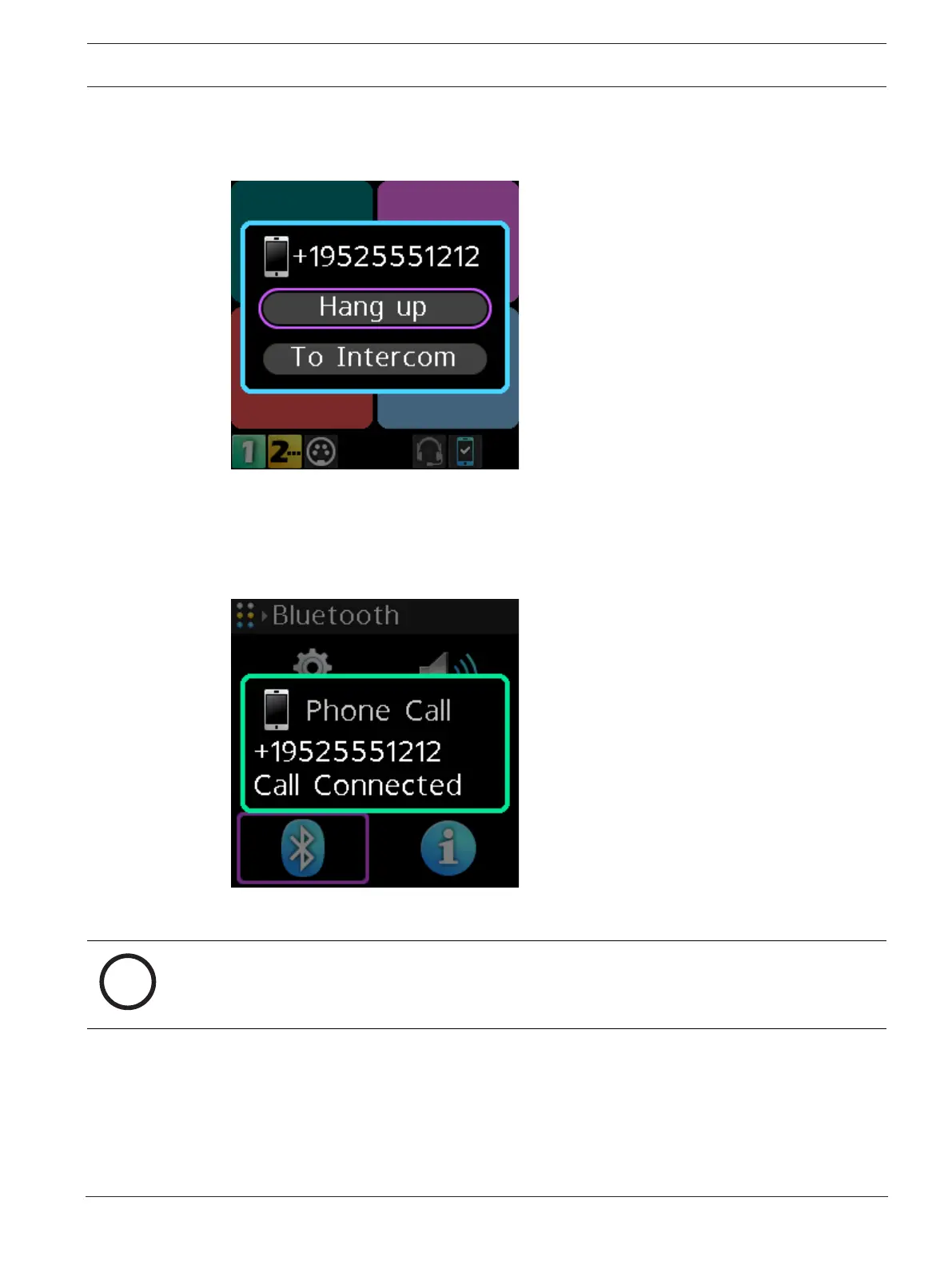
8.9.2 Phone call management window
Use the Phone Call Management window to patch incoming calls through to the intercom or
hang up the phone.
Figure8.3: Call Management Screen
8.9.3 Patch a phone call to the Intercom
To patch a phone call to the intercom, do the following:
When a phone call comes into the belt pack via a Bluetooth device, a popup screen appears.
1. Press the SEL/MENU button.
The Phone Call Management window appears.
Notice!
Also access the Phone Call Management window by pressing and holding the CLR/BACK
button and then pressing and holding the CALL button while a phone call is active.



 To Next Page