64 en | Menu Structure DBP Digital Beltpack
2021-06 | 01 | F.01U.380.825
Technical Manual
Bosch Security Systems, LLC
The range for this field is Disabled, -30 dB to 0 dB
The default setting is -20 dB
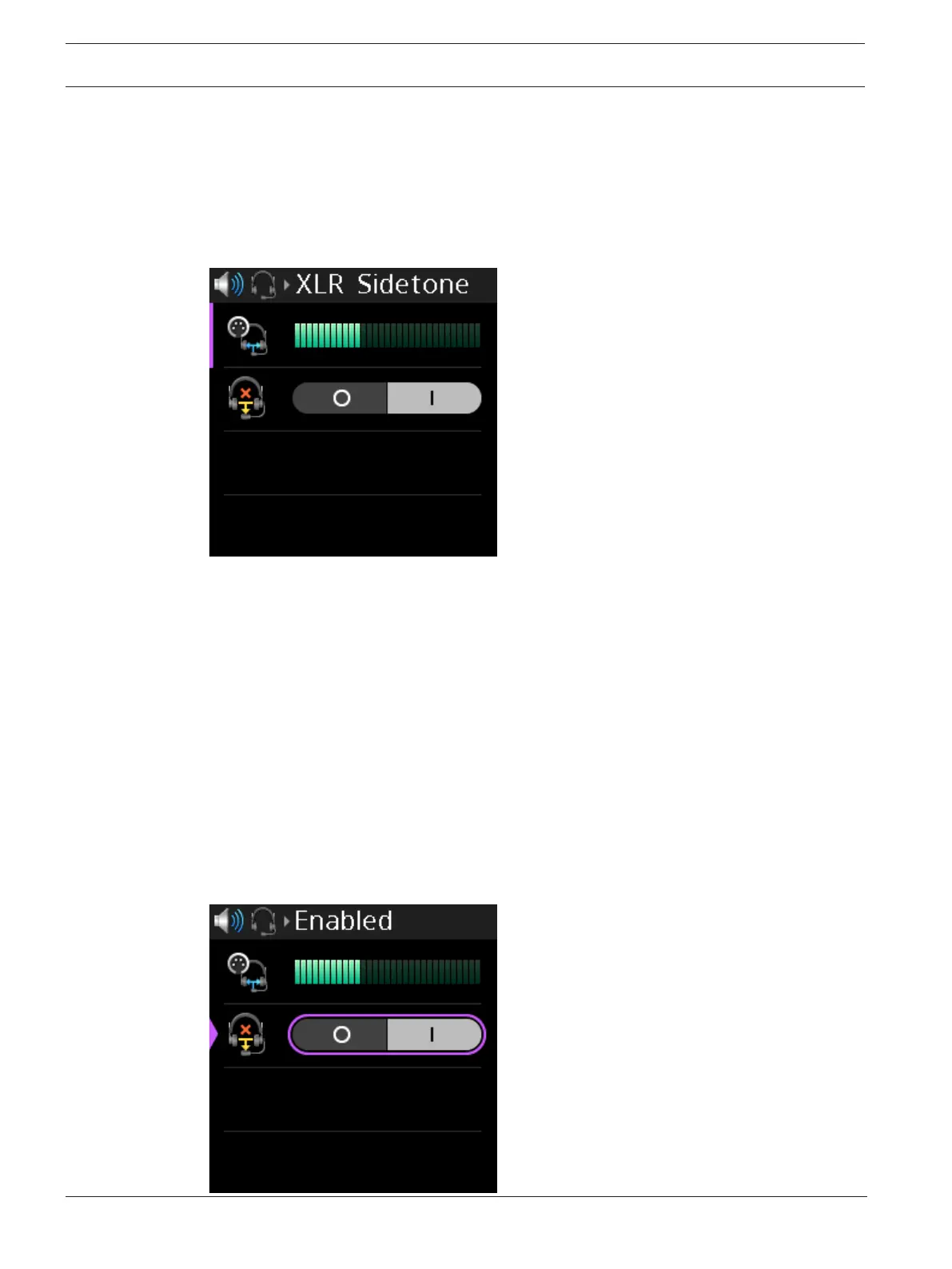
To set the sidetone, do the following:
1. Navigate to the Sidetone menu item (Audio | Headset | Sidetone).
2. Press the SEL/MENU button.
The field becomes active.
3. Rotate either shaft encoder to adjust the level.
4. Press the SEL/MENU button to confirm the change, or press the CLR/BACK button to
abort changes.
9.7.2 Echo Canceller
Use the Echo Canceller menu item to enable echo cancellation for the headset. Echo
cancellation prevents feedback from occurring between the microphone and the speaker
being used on the beltpack. If an echo is still present after being enabled, it is possible the
echo is originating from another user on the network.
This feature is not available when the Bluetooth headset is selected as the active microphone.
To enable Echo Cancellation, do the following:
1. Navigate to the Echo Canceller menu item (Audio | Headset | Echo Canceller).
2. Press the SEL/MENU button.
The field becomes active.



 To Next Page