80 en | Menu Structure DBP Digital Beltpack
2021-06 | 01 | F.01U.380.825
Technical Manual
Bosch Security Systems, LLC
9.13.2 Call Vibration
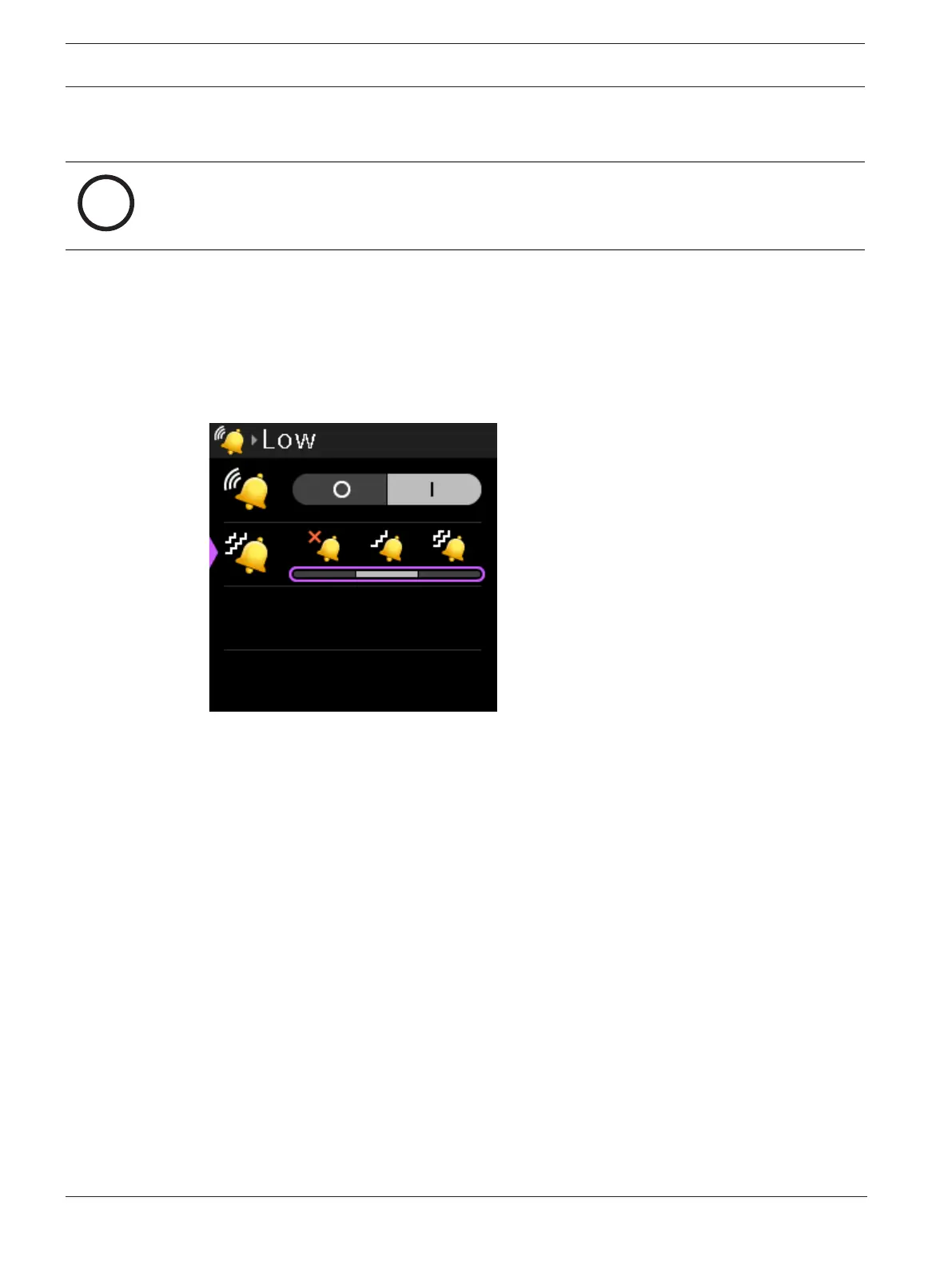
Use the Call Vibration menu item to set the vibration intensity when receiving a call signal.
Notice!
You can use call beep and call vibration at the same time, if desired.
There are three settings Off, Low, and High.
The default setting is low vibration.
To set the vibration intensity, do the following:
1. Navigate to the Call Vibration menu item (Call Alerts | Call Vibration).
2. Press the SEL/MENU button.
The field becomes active.
3. Rotate either shaft encoder to scroll through the selections.
Cycling through the haptic settings for low and high, the DBP vibrates to give an
indication of the vibration strength and frequency.
4. Press the SEL/MENU button to confirm the change, or press the CLR/BACK button to
abort changes.
9.14 Information
Use the Information menu item to display the firmware versions of the various components of
the DBP as well as the serial number and the main board ID.



 To Next Page