DBP Digital Beltpack Modes of operation | en 25
Bosch Security Systems, LLC
Technical Manual
2021-06 | 01 | F.01U.380.825
7 Modes of operation
DBP has two modes of operation, PL (Party Line) mode and Keypanel mode. When the belt
pack connects to an OMS, it runs in PL mode. When it connects to an ODIN or an OMI card in
an ADAM or ADAM M frame, it runs in Keypanel mode.
7.1 PL Mode
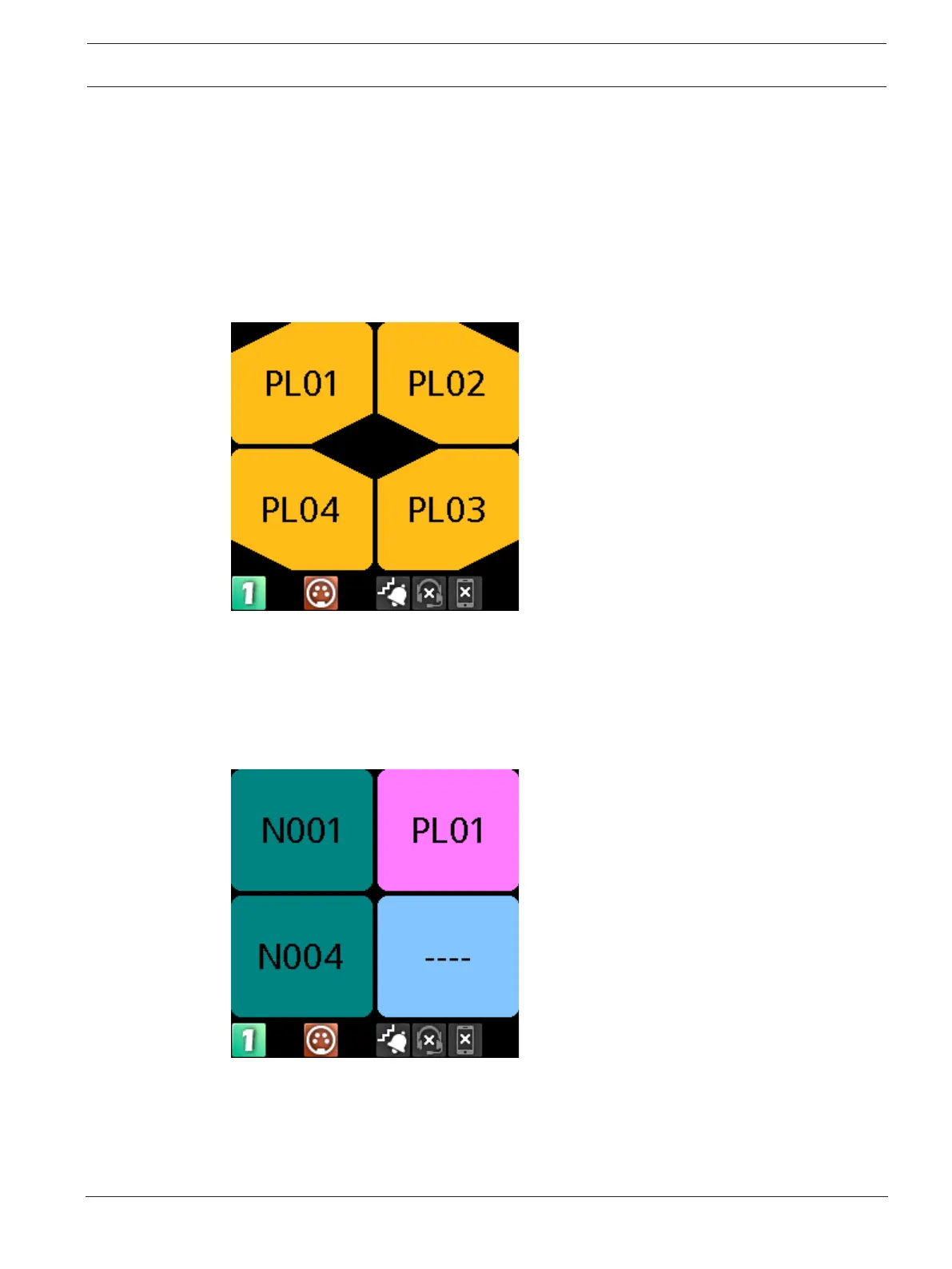
The DBP operates in PL mode when it connects to an OMS system. In PL mode, the display
screen shows Party Line assignments, Relay, or UPL Resource assignments. You can make PL
assignments via DBP, while you use AZedit to make Relay or UPL Resource assignments.
Figure7.1: Party Line Mode
To change PL assignments, refer to
Setup | Key Assignments, page 54
.
7.2 Keypanel Mode
The DBP operates in keypanel mode when it connects to an ODIN or an OMI card in an ADAM
or ADAM-M frame. In keypanel mode, the DBP supports any key assignment type supported by
the intercom.
Figure7.2: Keypanel Mode
To change key assignments in keypanel mode, refer to
Setup | Key Assignments, page 54
.



 To Next Page