DBP Digital Beltpack Menu Structure | en 69
Bosch Security Systems, LLC
Technical Manual
2021-06 | 01 | F.01U.380.825
2. Press the SEL/MENU button.
The field becomes active.
3. Rotate either shaft encoder to toggle the selections.
4. Press the SEL/MENU button to confirm the change, or press the CLR/BACK button to
abort changes.
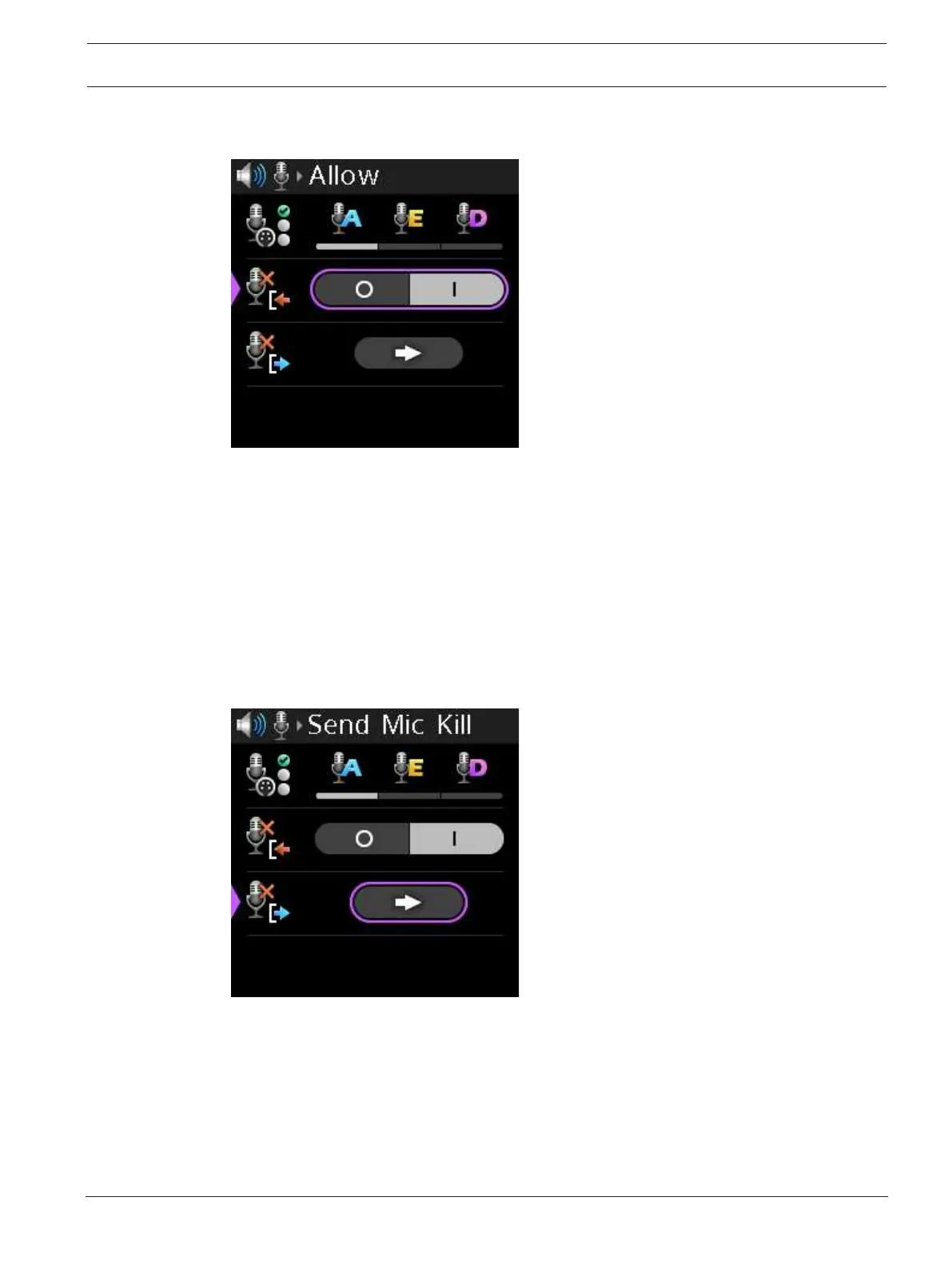
9.8.7 Send Mic Kill
Use the Send Mic Kill menu item to send an inaudible signal that forces all devices on the
affected party lines to stop talking.
To send a mic kill, do the following:
1. Navigate to the Send Mic Kill menu item (Audio | Microphone | Send Mic Kill).
2. Press the SEL/MENU button to activate the button.
3. Press the SEL/MENU button.
A confirmation message appears.



 To Next Page