DBP Digital Beltpack Menu Structure | en 81
Bosch Security Systems, LLC
Technical Manual
2021-06 | 01 | F.01U.380.825
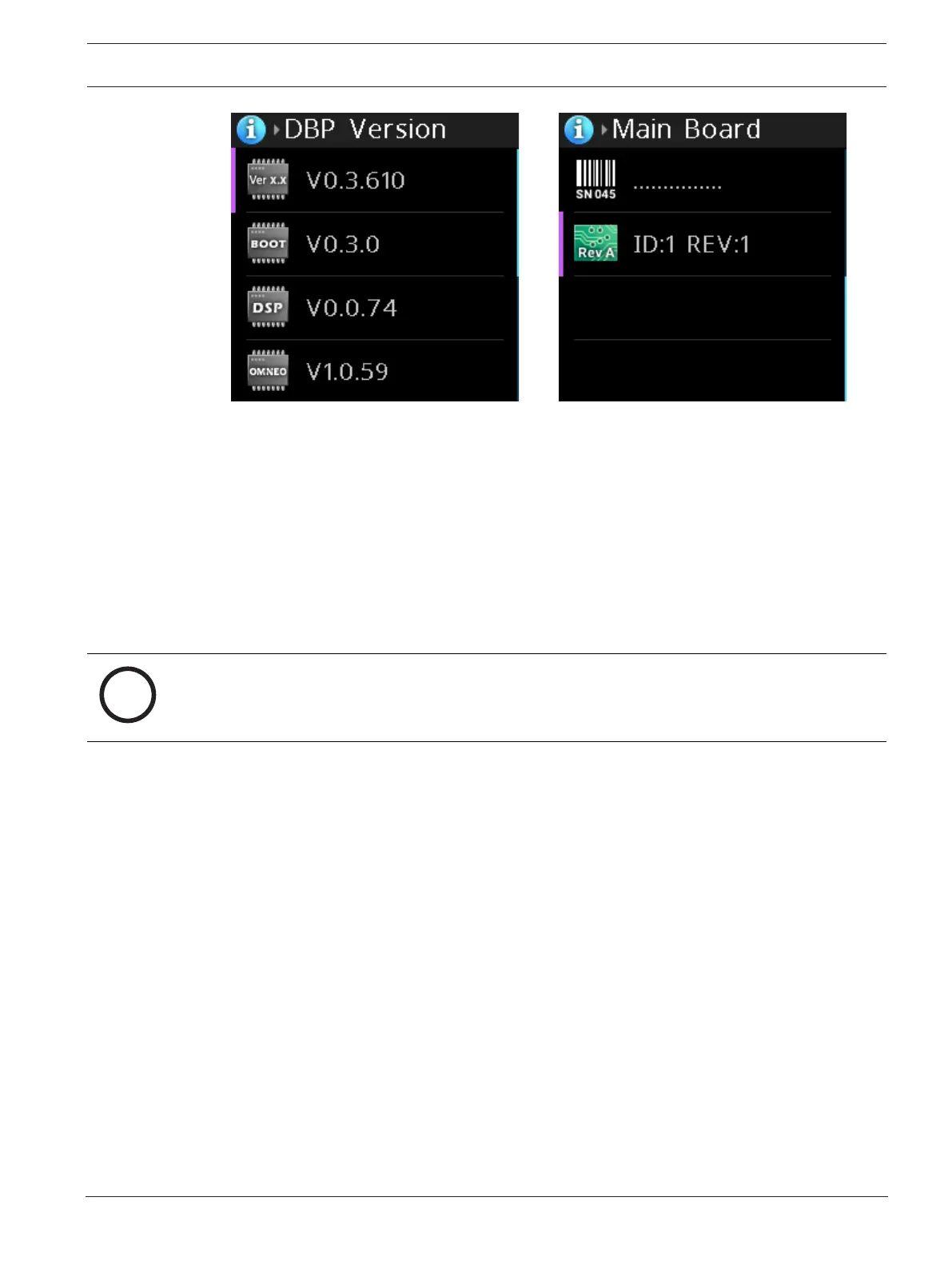
To display this information, do the following:
1. Navigate to the Information menu item.
2. Press the SEL/MENU button.
The menu opens.
3. Rotate either shaft encoder to scroll through the selections.
Cycling through the haptic settings for low and high, the DBP vibrates to give an
indication of the vibration strength and frequency.
4. Press the CLR/BACK button to exit the menu.
9.15 Bluetooth
Notice!
This menu item cannot be accessed (and is disabled at the top-level menu) if a Bluetooth
dongle is not detected.
Entering the Bluetooth menu enables discoverability on the DBP. This means that other
Bluetooth devices, such as cell phones, may see the DBP.
While in this menu, it is possible for a cell phone to initiate a pairing request to the DBP. A
popup prompt appears asking you to allow pairing.
9.15.1 Ready to Pair
The Ready to Pair menu item shows nearby discovered Bluetooth devices that are available
for pairing to the DBP.
To select and pair a device to the belt pack, do the following:
1. Navigate to the Ready to Pair menu item (Bluetooth | Ready to Pair).
2. Press the SEL/MENU button.
The field becomes active.



 To Next Page