DBP Digital Beltpack Menu Structure | en 51
Bosch Security Systems, LLC
Technical Manual
2021-06 | 01 | F.01U.380.825
3. Rotate the B/D shaft encoder to make changes.
OR
Rotate the A/C shaft encoder to move to the next octet.
4. Repeat step 3 until the address is complete.
5. Press the SEL/MENU button to confirm the change, or press the CLR/BACK button to
abort changes.
Notice!
Changes to this menu result in a device reboot.
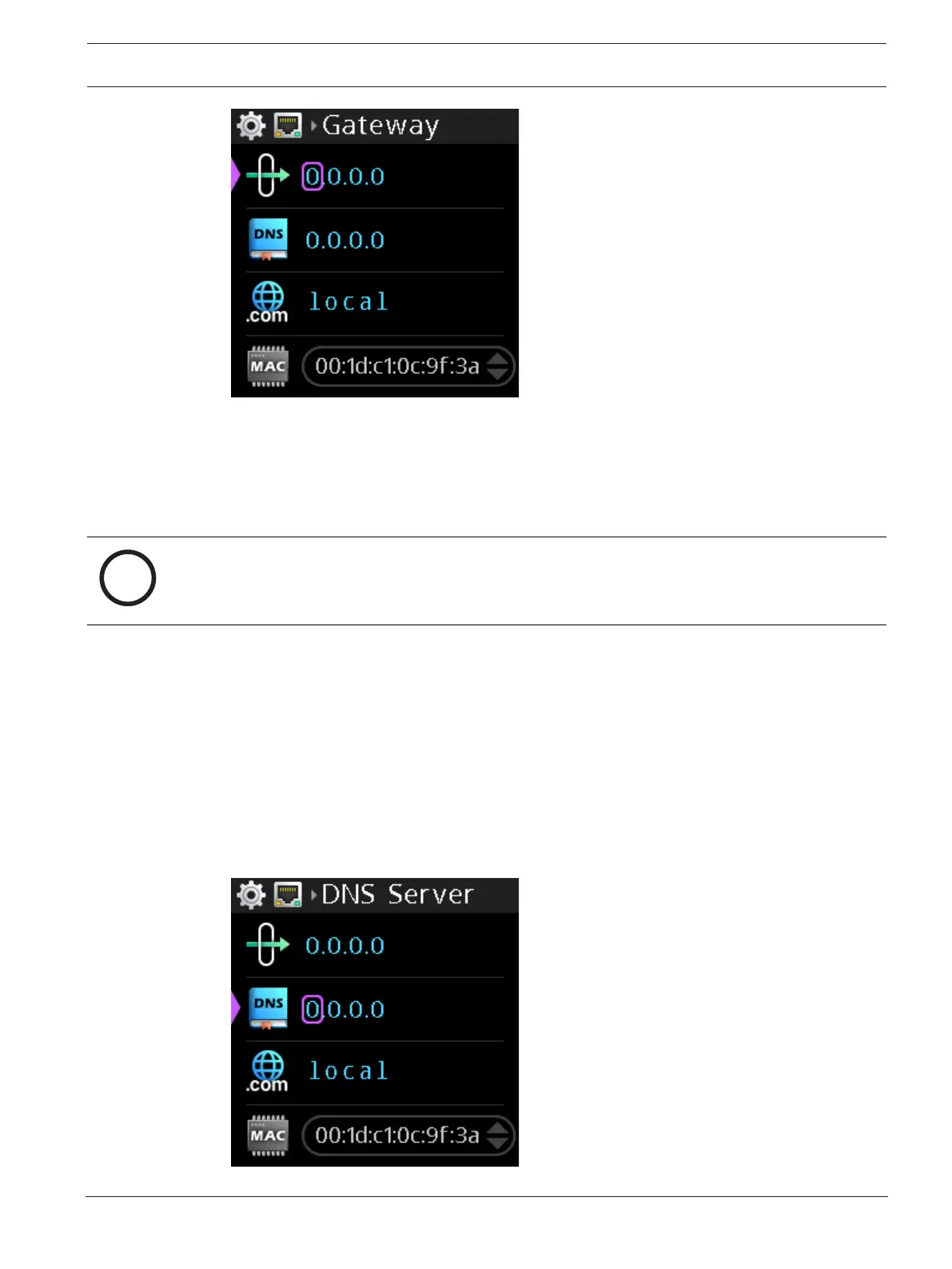
9.1.6 DNS Server
Use the DNS Server menu item to configure the DNS server address, if applicable.
Validation on address fields occur when you try to save them. If an address is invalid, an error
prompt displays.
To configure the DNS server address, do the following:
1. Navigate to the DNS server menu item (Setup | Network | DNS Server).
2. Press the SEL/MENU button.
The first octet highlights.



 To Next Page