32 en | Basic Operation DBP Digital Beltpack
2021-06 | 01 | F.01U.380.825
Technical Manual
Bosch Security Systems, LLC
8.5 Volume adjustment
There are two volume adjustments available on the belt pack: Master Volume and key Listen
volume.
Master volume adjustment
To adjust the master volume, do the following:
4 Click or rotate either shaft encoder.
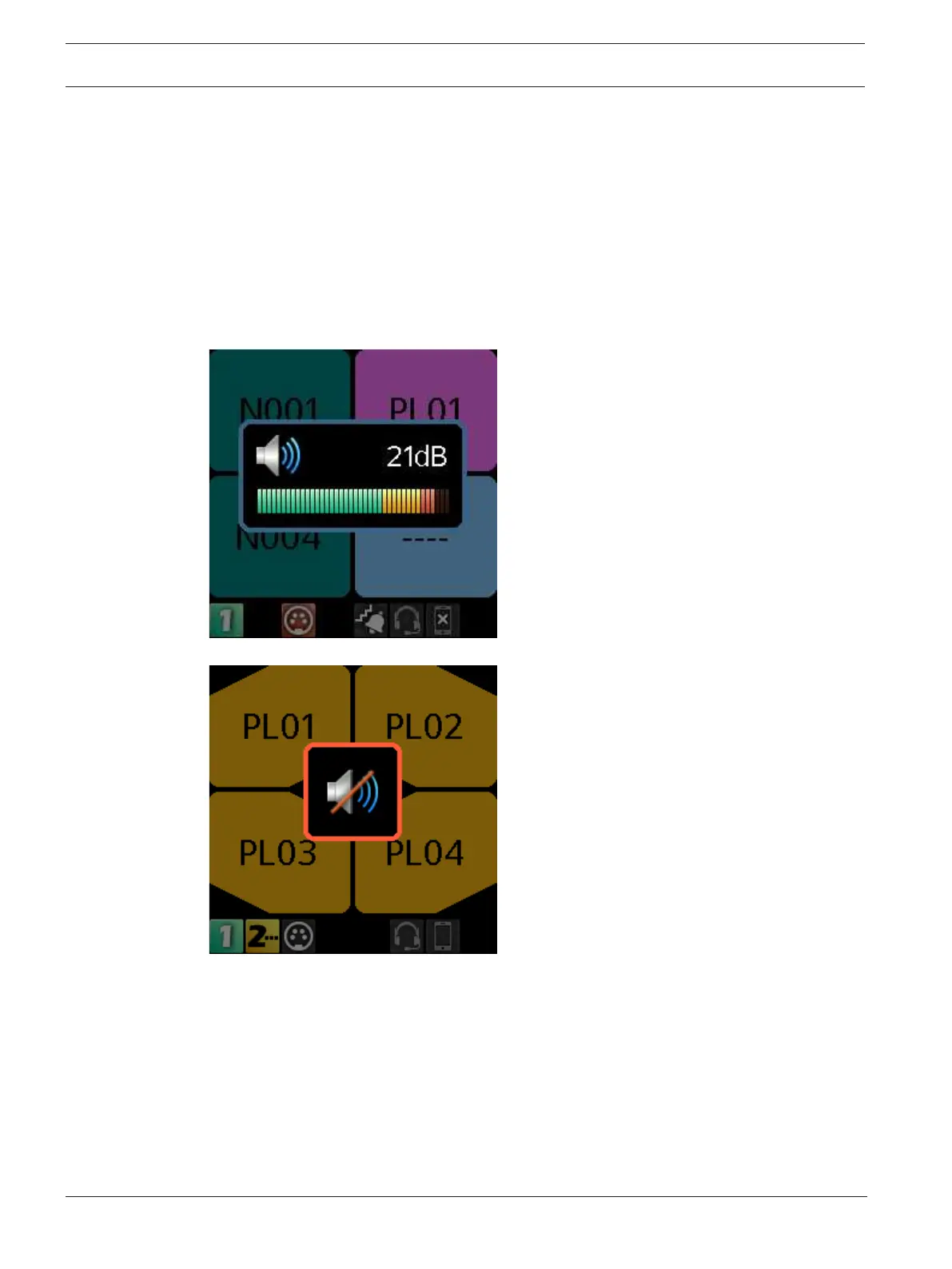
A volume bar appears on the display screen. The volume bar increases or decreases
depending on the adjustment made. The belt pack exits volume adjustment mode after a
few seconds of inactivity.
If the Master Volume is muted, the home screen displays a speaker mute symbol.
Individual listen volumes
To adjust individual listen volumes for Key A and Key C, do the following:
1. Click either shaft encoder.
The master volume activates.
2. Click the A/C shaft encoder once for key A and twice for key C.
The listen volume adjustment for the key activates and a volume bar appears on the key.



 To Next Page