DBP Digital Beltpack Menu Structure | en 87
Bosch Security Systems, LLC
Technical Manual
2021-06 | 01 | F.01U.380.825
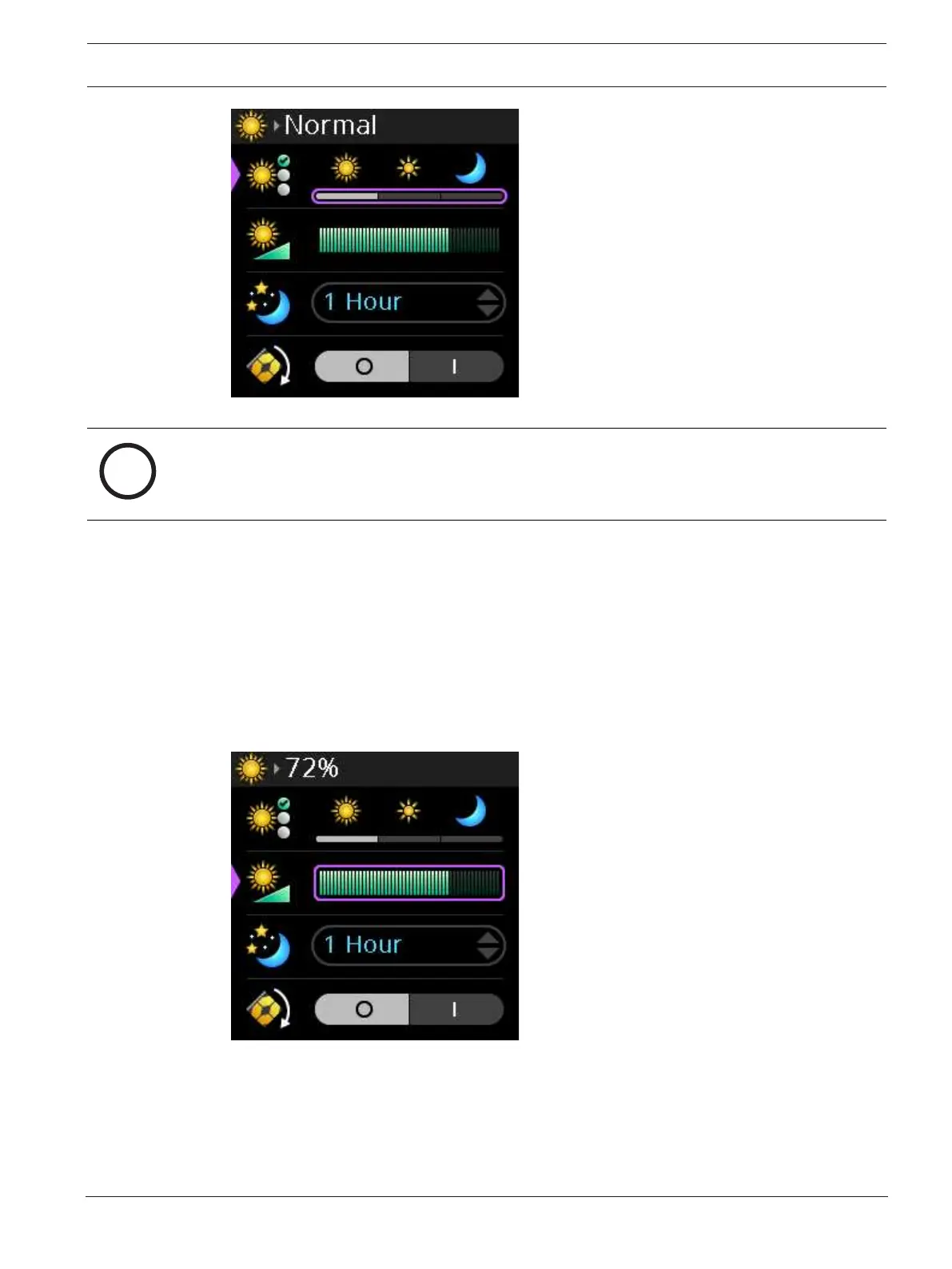
3. Rotate either shaft encoder to scroll through the options.
Notice!
As you switch between the different modes, the Brightness bar graph changes to show the
brightness level for that mode. You can edit the brightness of the mode by selecting the mode
and then modifying the brightness of the selected mode in the Brightness menu item.
4. Press the SEL/MENU button to confirm the selection.
9.16.2 Brightness
Use the Brightness menu item to adjust the brightness for the currently selected display
mode. Adjustments to the brightness appear in increments of two, from 0% to 100%.
To set the brightness, do the following:
1. Navigate to the Brightness menu item (Display | Brightness).
2. Press the SEL/MENU button.
The field becomes active.
3. Rotate either shaft encoder to increase or decrease the display brightness.
4. Press the SEL/MENU button to confirm the change, or press the CLR/BACK button to
abort changes.



 To Next Page