DBP Digital Beltpack Menu Structure | en 59
Bosch Security Systems, LLC
Technical Manual
2021-06 | 01 | F.01U.380.825
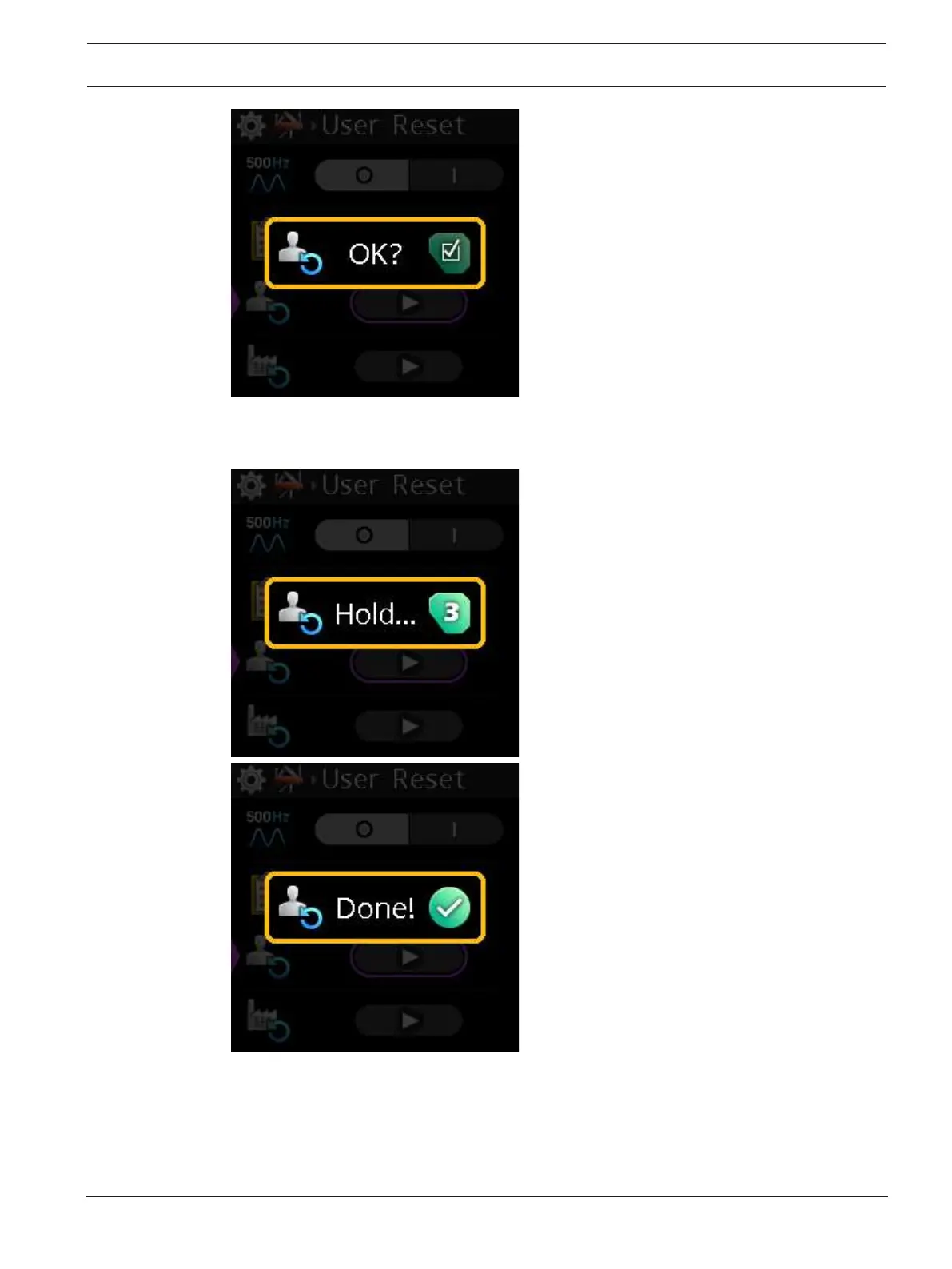
4. Press and hold the SEL/MENU button for 3 seconds.
A three-second countdown screen appears and then the configuration resets. The DBP
does not reboot after a User Reset.
9.4.4 Factory Reset
Use the Factory Reset menu item to set the device back to its original factory settings. The
factory reset differs from a user reset in that the factory reset deletes all paired Bluetooth
devices, any user splash screen or screen saver, any selected offers/partners, and restores the
original factory network settings, which includes the device name.



 To Next Page