60 en | Menu Structure DBP Digital Beltpack
2021-06 | 01 | F.01U.380.825
Technical Manual
Bosch Security Systems, LLC
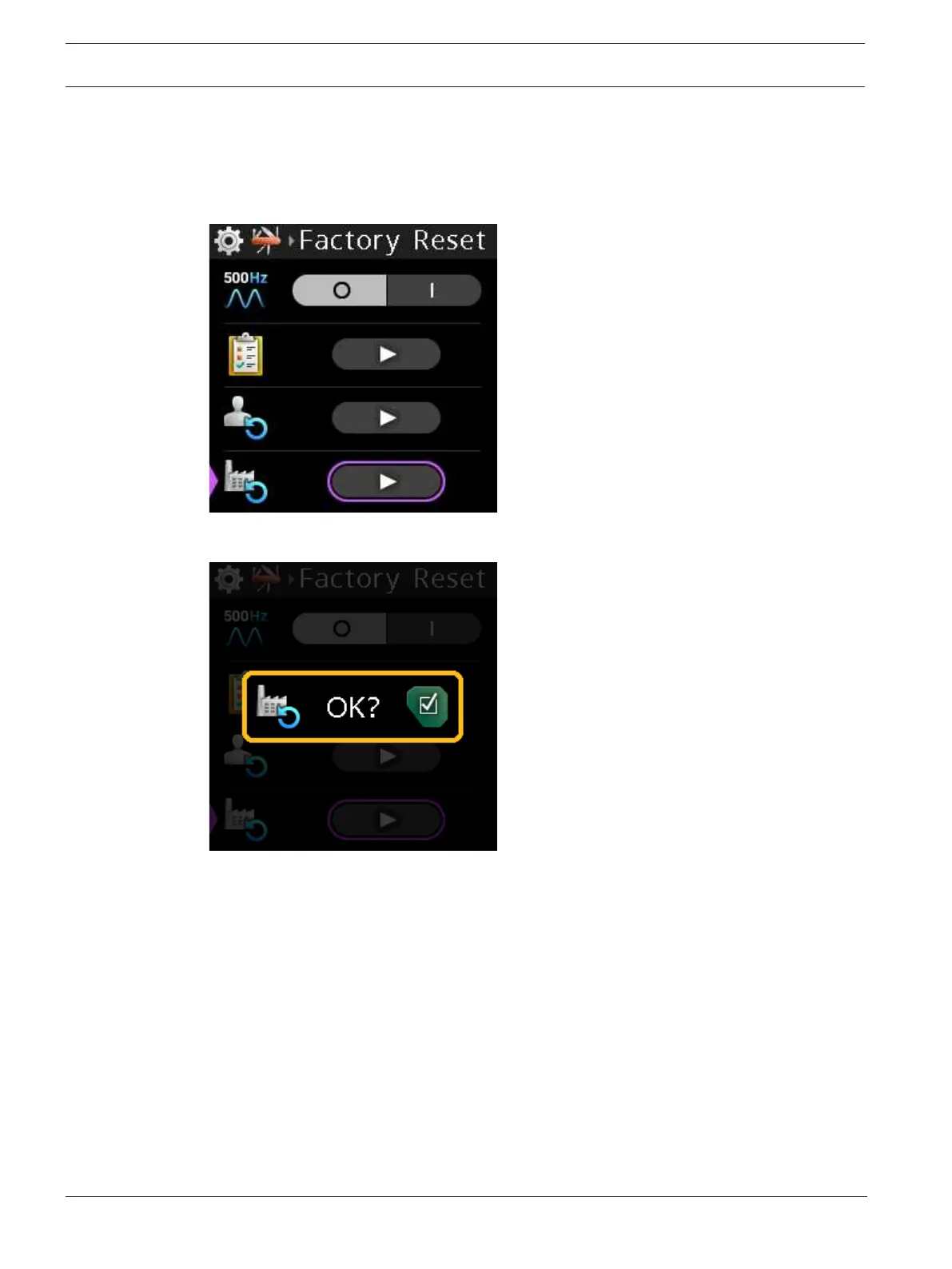
To perform a factory reset, do the following:
1. Navigate to the Factory Reset menu item (Setup | Service | Factory Reset).
2. Press the SEL/MENU button.
The field becomes active.
3. Press the SEL/MENU button.
The Factory Reset confirmation message appears.
4. Press and hold the SEL/MENU button for three seconds.
A three-second countdown message appears and then the belt pack performs a factory
reset and then reboots.



 To Next Page