74 en | Menu Structure DBP Digital Beltpack
2021-06 | 01 | F.01U.380.825
Technical Manual
Bosch Security Systems, LLC
9.11.2 Output Gain
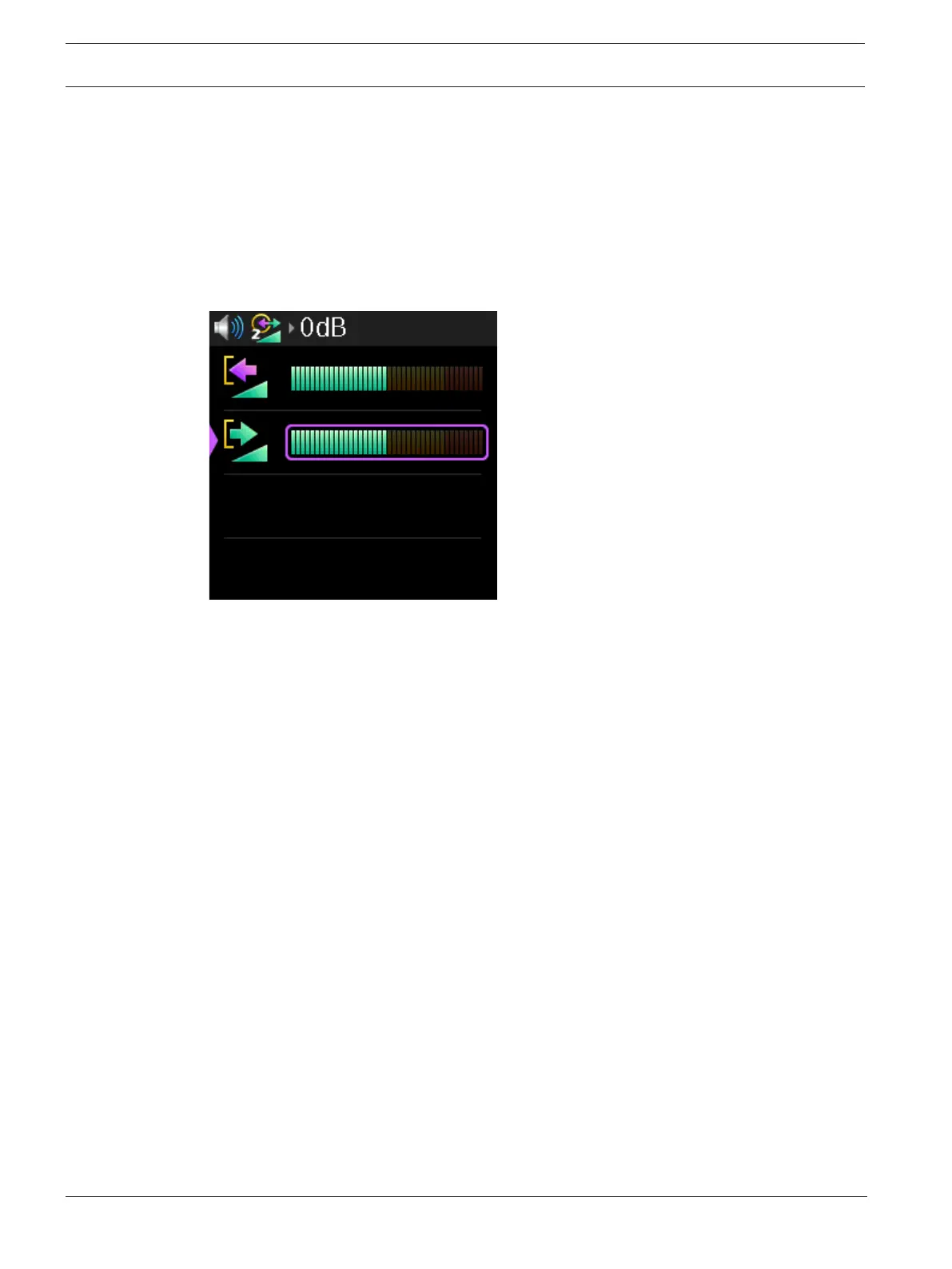
Use the Output Gain menu item to adjust the level of output audio gain on OMNEO channel 2.
The range for this field is -10 dB to 10 dB
The default is 0 dB.
To adjust output gain, do the following:
1. Navigate to the Input Gain menu item (Audio | OMNEO CH2 Levels | Output Gain).
2. Press the SEL/MENU button.
The field becomes active.
Figure9.3:
3. Rotate either shaft encoder to adjust the level.
4. Press the SEL/MENU button to confirm the change, or press the CLR/BACK button to
abort changes.
9.12 Audio | Mixer
Use the Mixer menu item to route select input audio signals to different destinations. The
following destinations are available:
– Headset L+R
– Headset Left
– Headset Right
– To Intercom
– 3.5 mm Aux Out
– OMNEO Ch2 Out
– Bluetooth Out
9.12.1 Headset L+R
Use the Headset L+R menu item to select input sources routed to both the left and right
channels of the headset at the same time.
By default, From Intercom is selected. If Bluetooth is installed, then From Intercom and BT are
selected.
Available options for this field are From Intercom, 3.5mm Aux In, OMNEO Ch2 In, and
Bluetooth In (if installed).
To select the input source for the headset L+R, do the following:
1. Navigate to the Headset L+R menu item (Audio | Mixer | Headset L+R).



 To Next Page