62 en | Menu Structure DBP Digital Beltpack
2021-06 | 01 | F.01U.380.825
Technical Manual
Bosch Security Systems, LLC
Notice!
If a PIN already exists, you are able to enable or disable the PIN entry. However, after
enabling the PIN entry when there is an existing PIN, when exiting the menu a prompt asks for
the PIN before enabling authentication. This is to prevent accidental lockout.
9.5.2 Set PIN
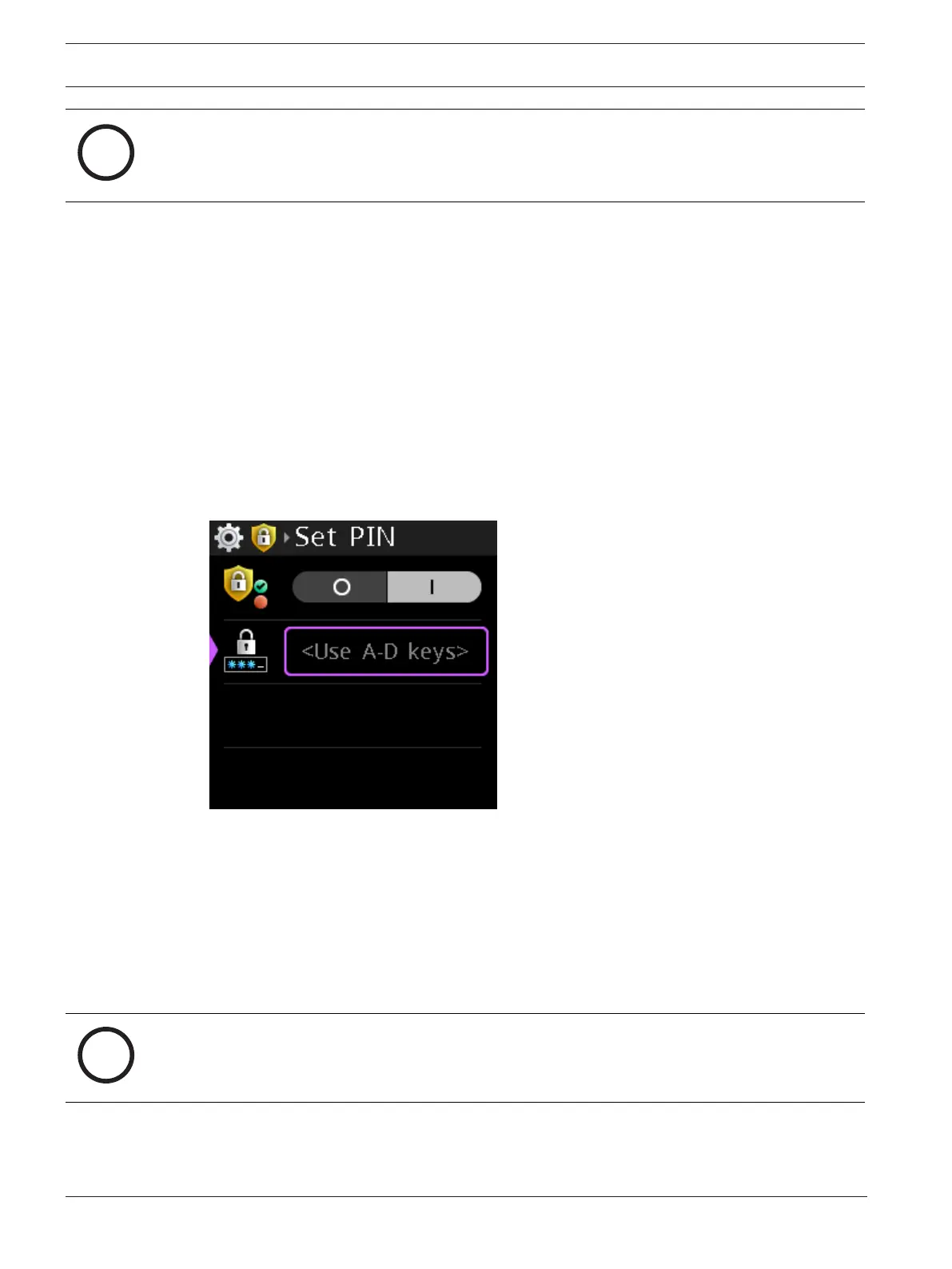
Use the Set PIN menu item to set a security PIN code for the belt pack menu. The PIN is made
up of a sequence of talk key button presses. When enabled, entry of this PIN is required to
access the DBP menu structure.
PIN length can be 1 to 8 characters.
To set the PIN, do the following:
1. Navigate to the Authentication Menu item (Setup | Authentication).
2. Press the SEL/MENU button.
3. Navigate to Select PIN.
4. Press the SEL/MENU button.
The field displays <Use A-D keys>.
5. Press the sequence for the PIN to finish entering the PIN.
6. Press the SEL/MENU button.
7. Press the CLR/BACK button to exit the screen.
A Save? prompt appears on the screen.
8. Press the SEL/MENU button to confirm.
A confirm PIN window appears.
9. Enter the newly created PIN.
10. Press the SEL/MENU button.
The Confirm PIN window closes and the PIN is saved.
Notice!
If you leave this menu without enabling authentication or without changing the PIN, then you
do not have to confirm the PIN.



 To Next Page