90 en | Icons DBP Digital Beltpack
2021-06 | 01 | F.01U.380.825
Technical Manual
Bosch Security Systems, LLC
10 Icons
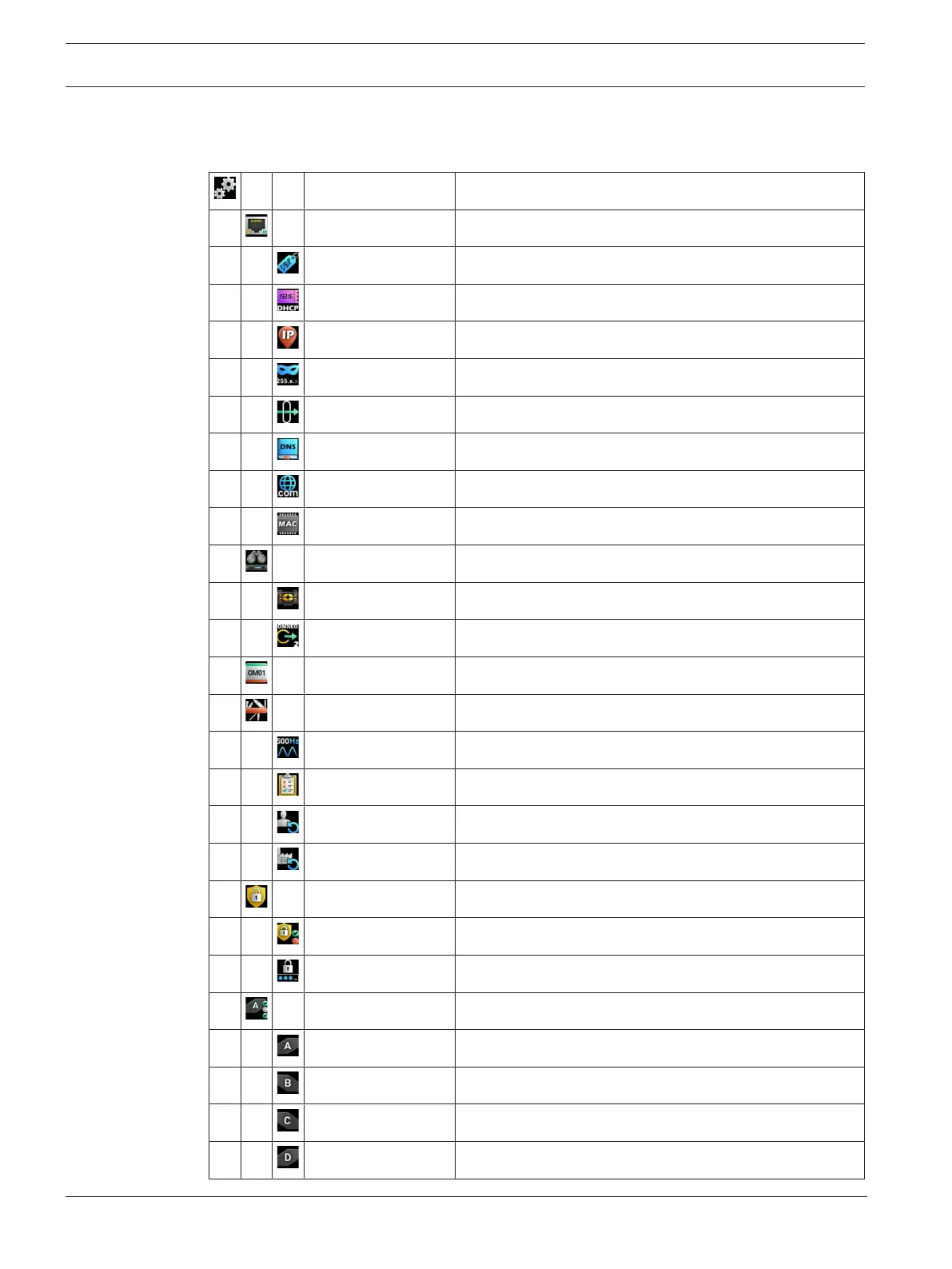
The Digital Belt Pack has a graphical icon menu system to navigate easily to menu items.
Setup Menu Enter the Setup menu
Network Menu Enter the Network menu
Device Name Configure the Device Name
DHCP Enable/Disable DHCP
IP Address Configure the IP Address
Netmask Configure the Netmask
Gateway Configure the Gateway Address
DNS Server Configure the DNS Server
Domain Configure the Domain
MAC Address Display the MAC address
Offers Enter the Offers menu
DBP Offers Select a DBP Offer
Aux Offers Select an Aux Offer
Key Assignments Enter Key Assignment Mode
Service Enter the Service menu
Tone Enable/Disable the Tone Generator
Test Mode Enter Test Mode
User Reset Perform a User Reset
Factory Reset Perform a Factory Reset
Authentication Enter the Authentication menu
Require PIN Configure PIN requirement
Set PIN Set the PIN
Key Modes Enter the Key Modes menu
Key A Select the key mode for Key A
Key B Select the key mode for Key B
Key C Select the key mode for Key C
Key D Select the key mode for Key D



 To Next Page