56 en | Menu Structure DBP Digital Beltpack
2021-06 | 01 | F.01U.380.825
Technical Manual
Bosch Security Systems, LLC
Notice!
To remove an assignment from a key, assign NULL to the key.
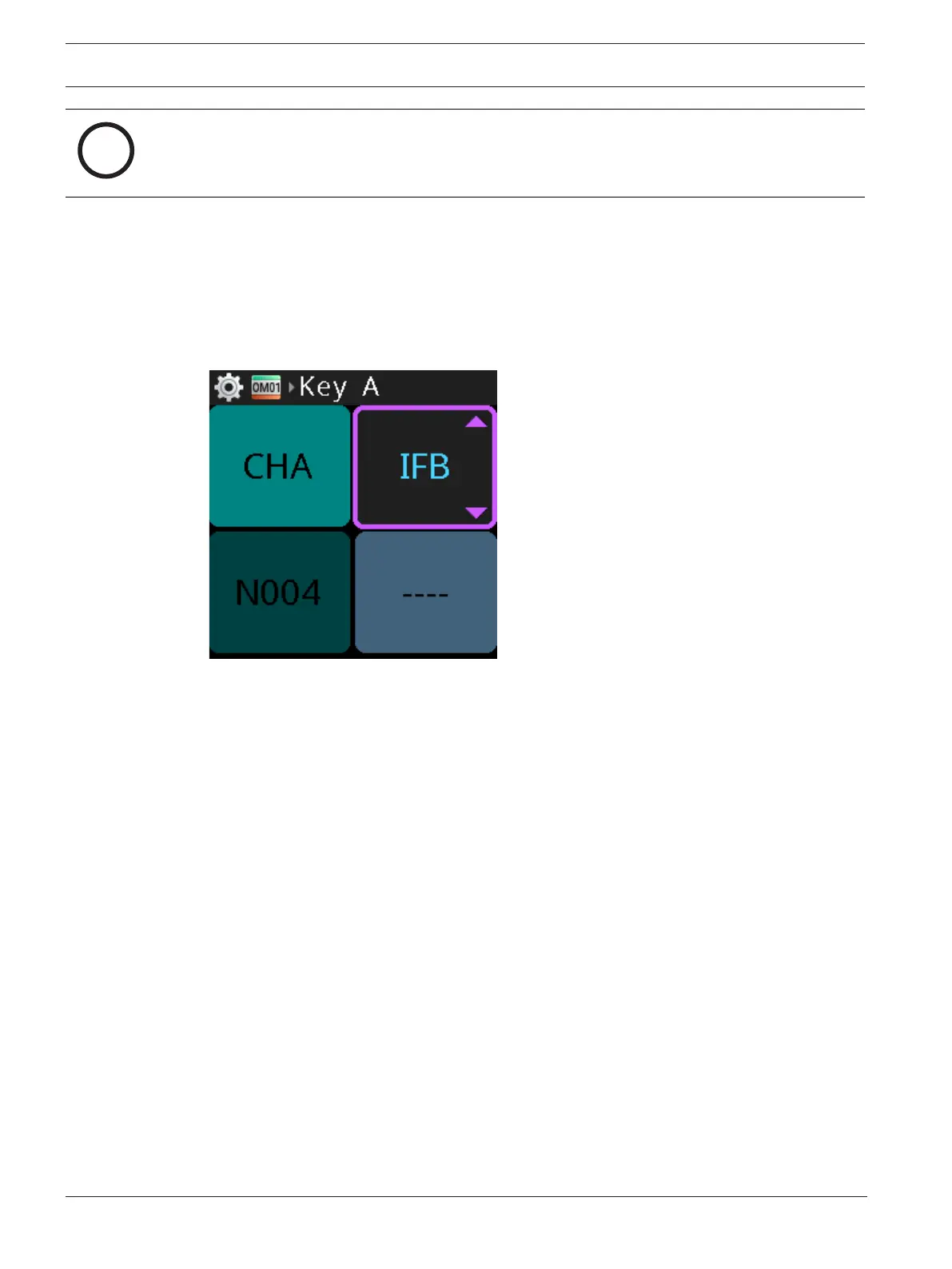
To change the assignment type of a key in keypanel mode, do the following:
1. While changing the assignment of a key, press and hold the assignment type key.
This moves the scroll highlight to the assignment type. The talk key LED for the
assignment type turns red (from white) and the talk key LED for the current assignment
(the key being modified) turns white (from red).
2. Rotate either shaft encoder to scroll through a list of available assignment types.
The assignment type changes and a new scrollable list of assignments appears on the talk key
button previously selected. If you have not accessed the scroll list for this assignment type
before, the DBP asks the intercom for it, and a wait prompt displays until DBP receives the
scroll list. If there are no scrollable items available for the selected function type, only the
current assignment type and NULL are available.
Refer to
– Modes of operation, page 25
9.4 Setup | Service
Use the Service menu item to enable or disable the tone setting, enter test mode, perform a
user reset, or perform a factory reset.
9.4.1 Tone
Use the Tone menu item to enable or disable the 500Hz tone generator. The tone generator
transmits a 500Hz tone from the DBP to the intercom which can be used to test the audio
paths.
To enable/disable tone, do the following:
1. Navigate to the Tone menu item (Setup | Service | Tone).
2. Press the SEL/MENU button.
The field becomes active.



 To Next Page