DBP Digital Beltpack Menu Structure | en 47
Bosch Security Systems, LLC
Technical Manual
2021-06 | 01 | F.01U.380.825
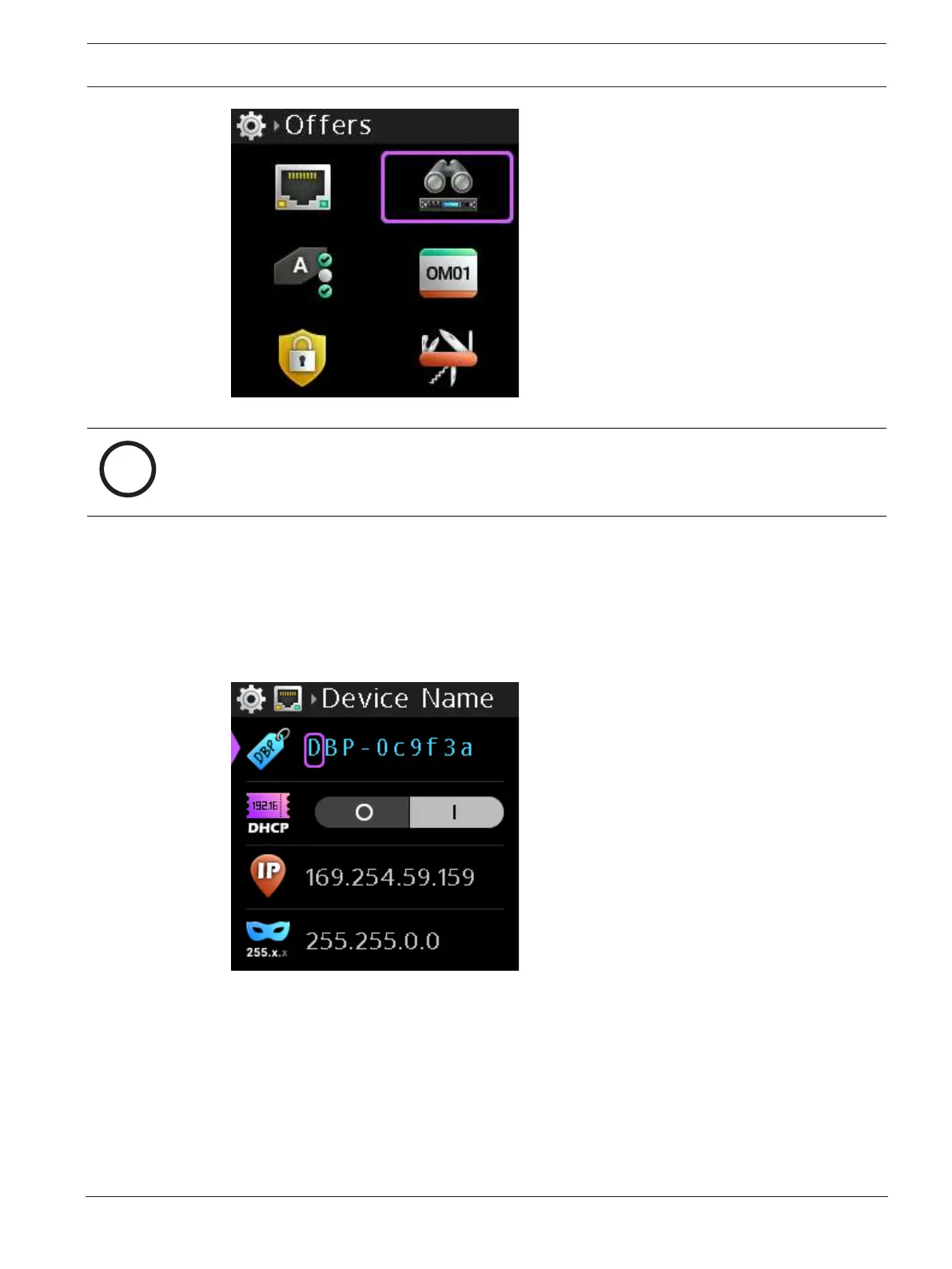
Figure9.2: Network Menu
Notice!
Any changes made to the network information are not active until leaving the Network menu.
A Save prompt appears so that all change approvals occur at the same time.
9.1.1 Device Name
Use the Device Name menu item to configure the name of the device.
To configure the name of the device, do the following
1. Navigate to the Device Name menu item (Setup | Network | Device Name).
2. Press the SEL/MENU button.
The first character position highlights.
3. Rotate the B/D shaft encoder to scroll through available characters.
OR
Rotate the A/C shaft encoder to move to the character for modification.
4. Repeat step 3 until complete.



 To Next Page