DBP Digital Beltpack Menu Structure | en 67
Bosch Security Systems, LLC
Technical Manual
2021-06 | 01 | F.01U.380.825
3. Rotate either shaft encoder to toggle between choices.
4. Press the SEL/MENU button to confirm the change, or press the CLR/BACK button to
abort changes.
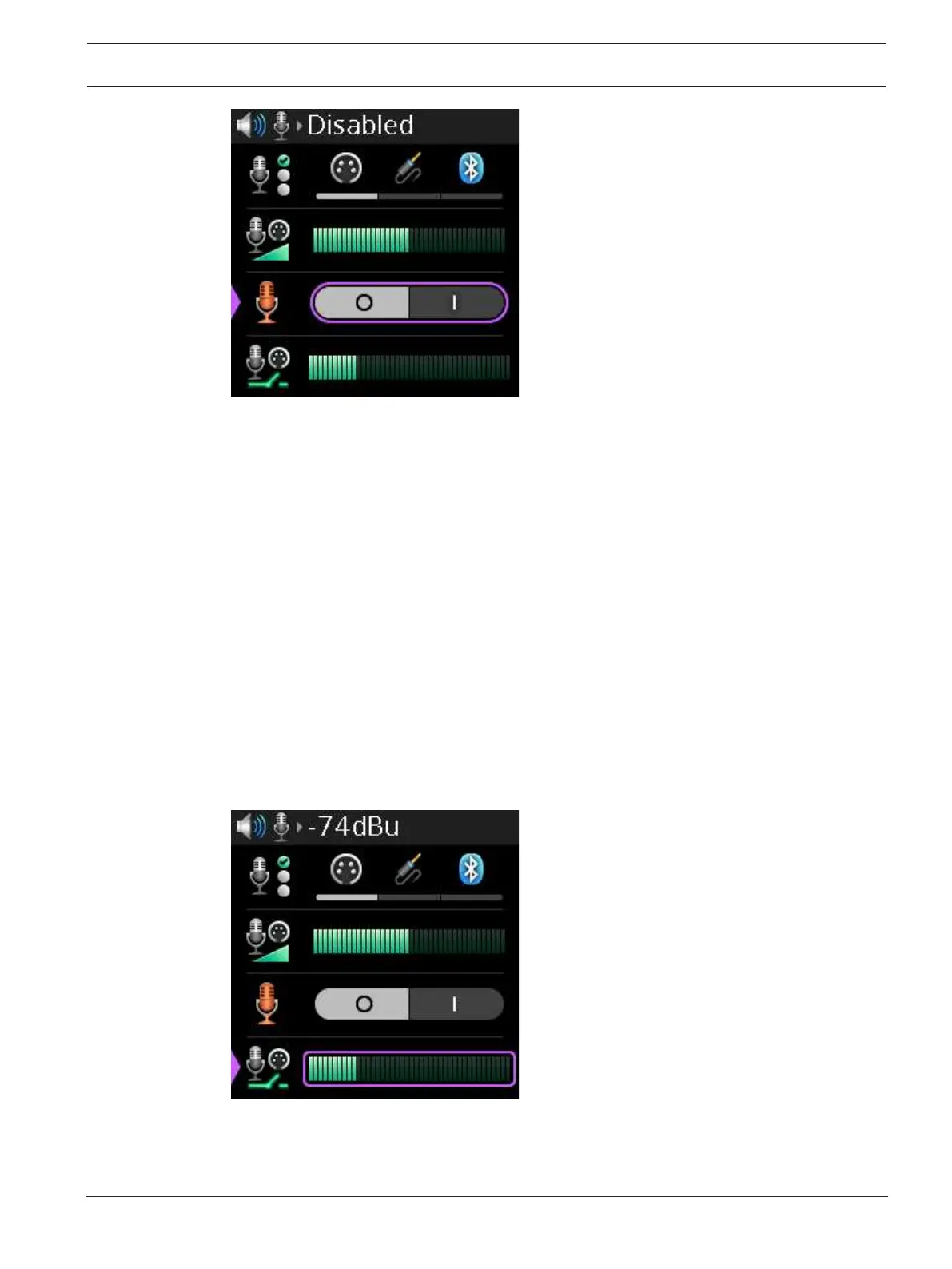
9.8.4 Noise Gate
The Noise Gate menu item adjusts the noise gate for the active mic. The Mic Select menu item
selects the active mic.
The noise gate defaults to a different value depending upon the microphone selected.
XLR = -72 dBu
3.5mm = -66 dBu
Bluetooth = -62 dBu
Available options: Disabled, -87 dBu, -84 dBu, -81 dBu, -78 dBu, -75 dBu, -72 dBu, -69 dBu, -66
dBu, -63 dBu, -60 dBu, -57 dBu, -54 dBu, -51 dBu, -48 dBu, -48 dBu, or -42 dBu.
To adjust noise gate level, do the following:
1. Navigate to the Noise Gate menu item (Audio | Microphone | Noise Gate).
2. Press the SEL/MENU button.
The field becomes active.
3. Rotate either shaft encoder to adjust the level.
4. Press the SEL/MENU button to confirm the change, or press the CLR/BACK button to
abort changes.



 To Next Page