58 en | Menu Structure DBP Digital Beltpack
2021-06 | 01 | F.01U.380.825
Technical Manual
Bosch Security Systems, LLC
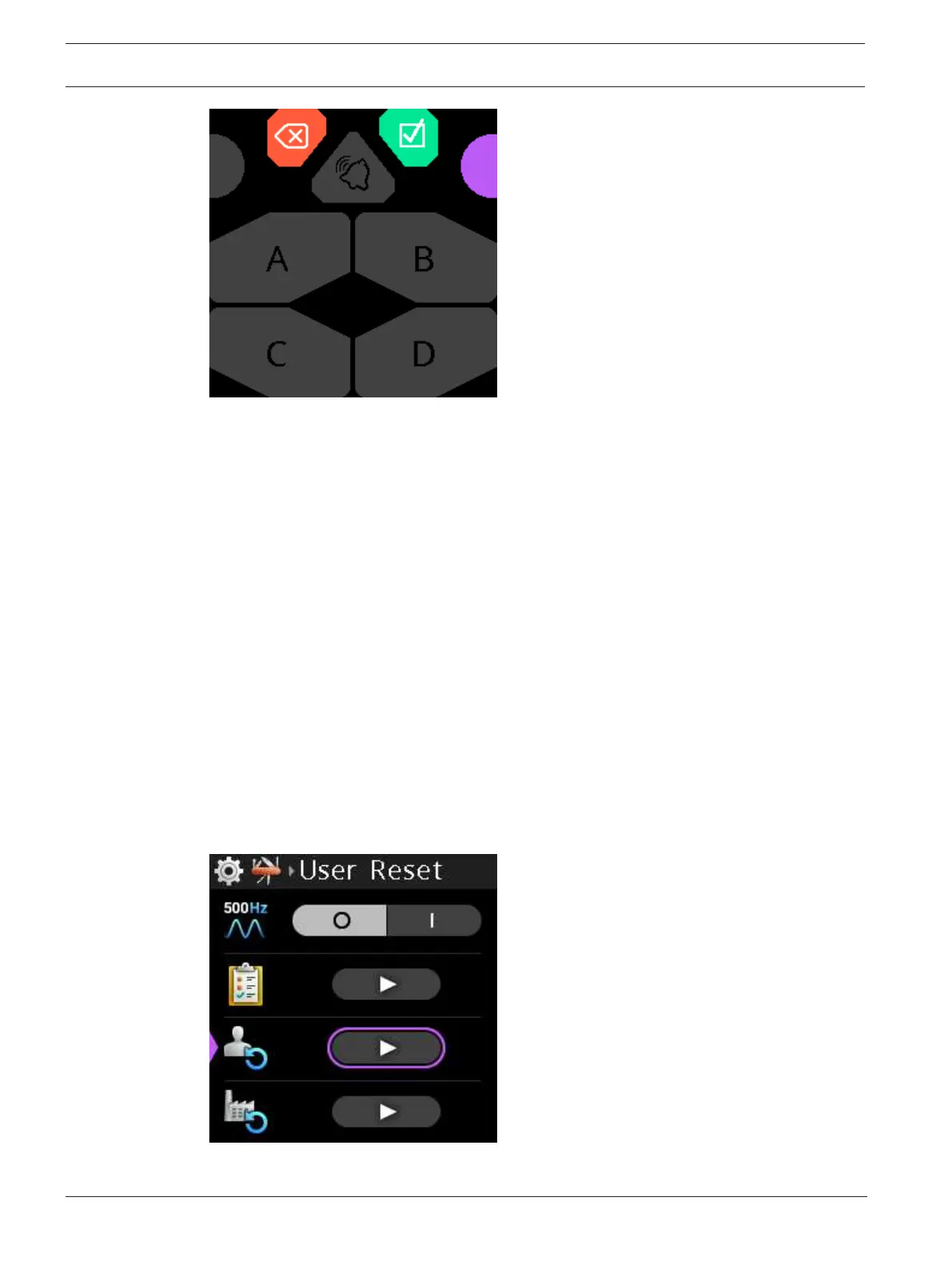
4. Press each A through D key, CLR/BACK, CALL, and SEL/MENU buttons to check
operation.
The A through D letters light in white and then in red, each time you press the button,
and the corresponding LEDs on the physical buttons light in the same color. The icons on
the CLR/BACK, CALL, and SEL/MENU keys light white when pressed and the
corresponding LEDs on the physical buttons light as well.
5. Press the shaft encoders and turn the shaft encoders.
The shaft encoder buttons light in magenta when pushed and blue directional arrows
appear to indicate the rotational direction when rotating the shaft encoders.
To exit test mode, do the following:
4 Press and hold the CLR/BACK button.
After 3 seconds, test mode is closed.
9.4.3 User Reset
Use the User Reset menu item to reset the device configurations.
To perform a user reset, do the following:
1. Navigate to the User Reset menu item (Setup | Service | User Reset).
2. Press the SEL/MENU button.
The field becomes active.
3. Press the SEL/MENU button.
A popup message appears to confirm the reset.



 To Next Page