DBP Digital Beltpack Menu Structure | en 65
Bosch Security Systems, LLC
Technical Manual
2021-06 | 01 | F.01U.380.825
3. Rotate either shaft encoder to toggle between choices.
4. Press the SEL/MENU button to confirm the change, or press the CLR/BACK button to
abort changes.
9.8 Audio | Microphone
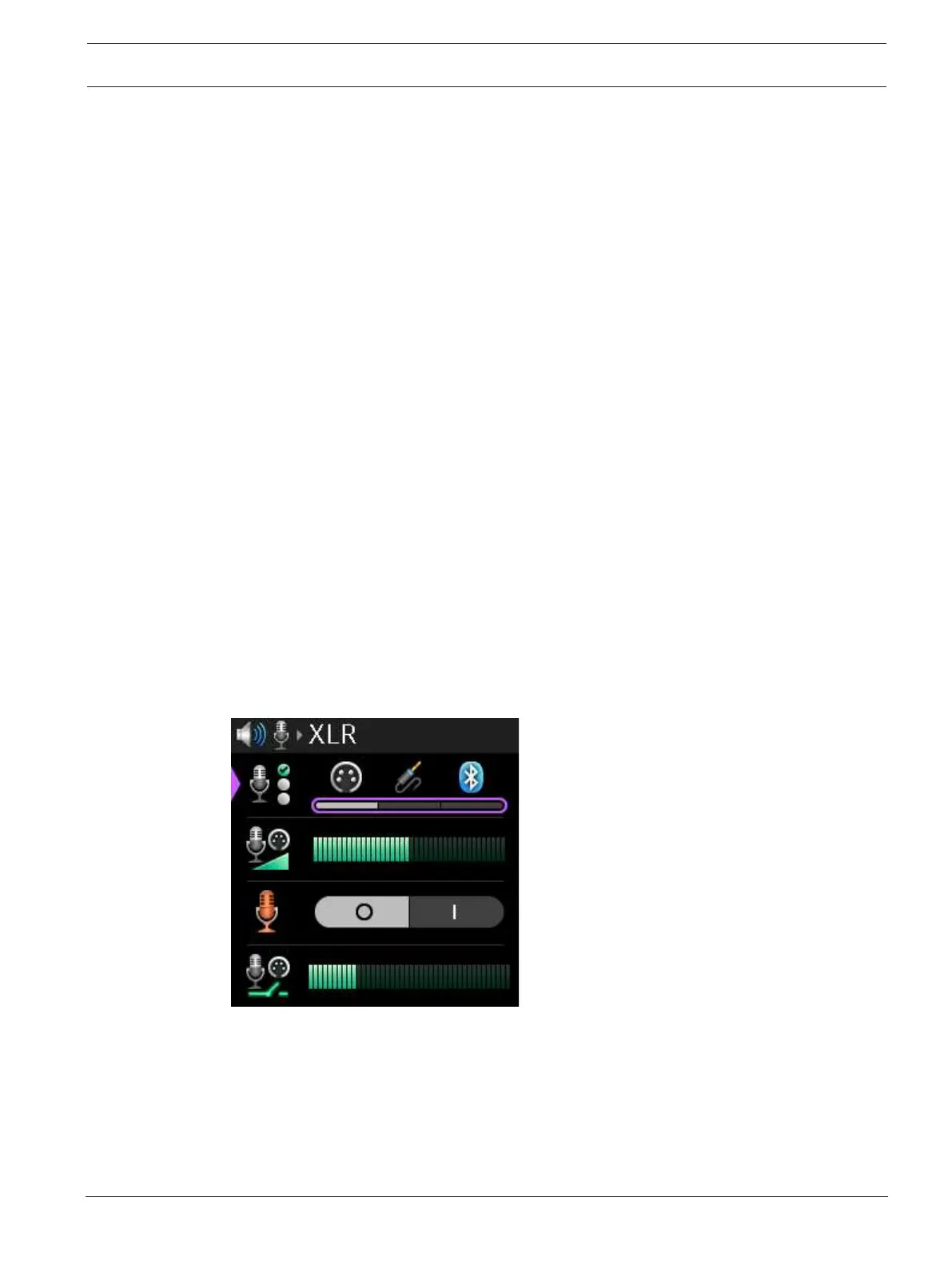
Use the Microphone menu item to select the active mic, adjust mic gain for the active mic,
enable the hot mic, set the noise gate for the active mic, select the XLR mic type, allow/
disallow mic kill signals, and to send a mic kill signal.
9.8.1 Mic Select
Use the Mic Select menu item to select the active mic used with the belt pack. The selection
made in this menu directly affects the menu item seen for mic gain in this menu, noise gating
in this menu, whether the XLR Mic Type menu item is visible in this menu, and sidetone in the
Headset menu. For example, if the mic type selected is XLR, the mic gain menu shows XLR
gain. If the mic type selected is 3.5mm, the mic gain shows 3.5mm gain.
The DBP has the ability to detect insertion and removal of headsets and automatically
configure the active microphone setting based upon this.
– If there are no headsets installed in a DBP, the first headset inserted causes the Mic
Select to automatically re-configure to the newly installed headset.
– If the headset associated with the active microphone is removed from the DBP, and if
multiple headsets are installed, the Mic Select automatically switches to one of the
remaining headsets as the active microphone.
To select the active mic, do the following:
1. Navigate to the Mic Select menu item (Audio | Microphone | Mic Select).
2. Press the SEL/MENU button.
The field becomes active.
3. Rotate either shaft encoder to scroll through the selections.
4. Press the SEL/MENU button to confirm the change, or press the CLR/BACK button to
abort changes.
9.8.2 Mic Gain
Use the Mic Gain menu item to adjust the mic gain level, in dB, of the active mic.
The range for this field is -10 dB to 10 dB
The default for this field is 0 dB



 To Next Page