46 en | Menu Structure DBP Digital Beltpack
2021-06 | 01 | F.01U.380.825
Technical Manual
Bosch Security Systems, LLC
9 Menu Structure
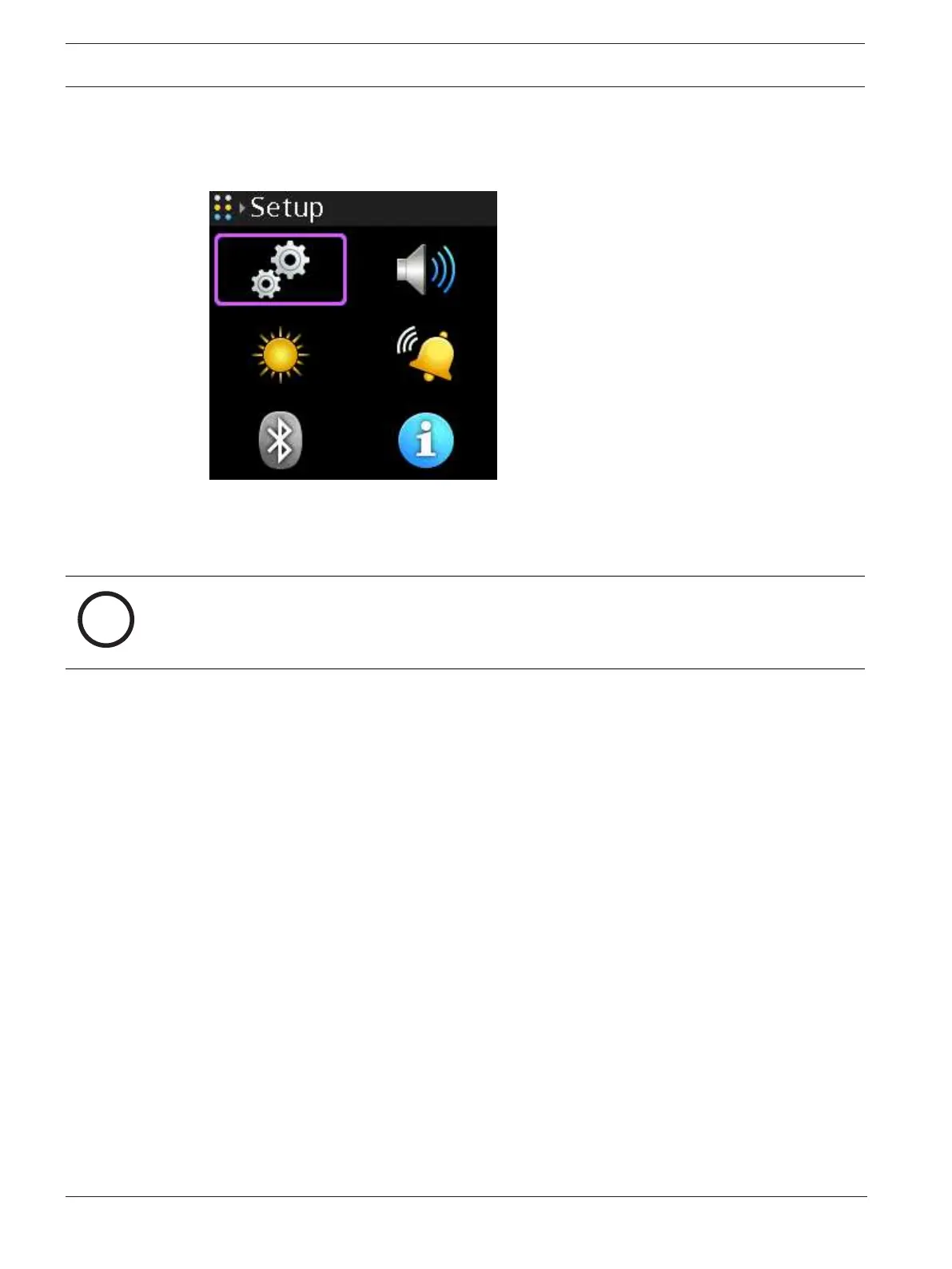
The main DBP menu structure has six sub-menus, two of which (Setup and Audio) are also
main menus with sub-menus:
Figure9.1: Main Menu
– Setup - Use to configure the network, connection offers, key assignments, service items
(such as enabling tone, entering test mode, and performing resets), setting
authentication, and configuring key modes.
Notice!
When showing the Setup menu, the network menu is disabled and the context text shows as
initializing until the DBP acquires an IP address. Similarly, the Key Assignments menu is
disabled and the context text shows Not Connected until the DBP connects to an intercom.
– Audio - Use to configure the headset, microphone, Aux levels, Bluetooth gain levels,
OMNEO CH2 levels, and set up audio mixing.
– Call Alerts - Use to configure call alerts, such as call beep and call vibration.
– Information - Displays the versions of firmware the DBP uses.
– Bluetooth - Use to pair, connect, and disconnect Bluetooth devices.
– Display - Use to configure the display such as brightness level, screen saver timeout, and
screen flip.
9.1 Setup | Network
Use the Network menu to configure the device name, setup DHCP, configure the IP address,
Netmask, Gateway, DNS server, the domain name, and view the MAC address.



 To Next Page