36 en | Basic Operation DBP Digital Beltpack
2021-06 | 01 | F.01U.380.825
Technical Manual
Bosch Security Systems, LLC
Remove an entry from the CWW
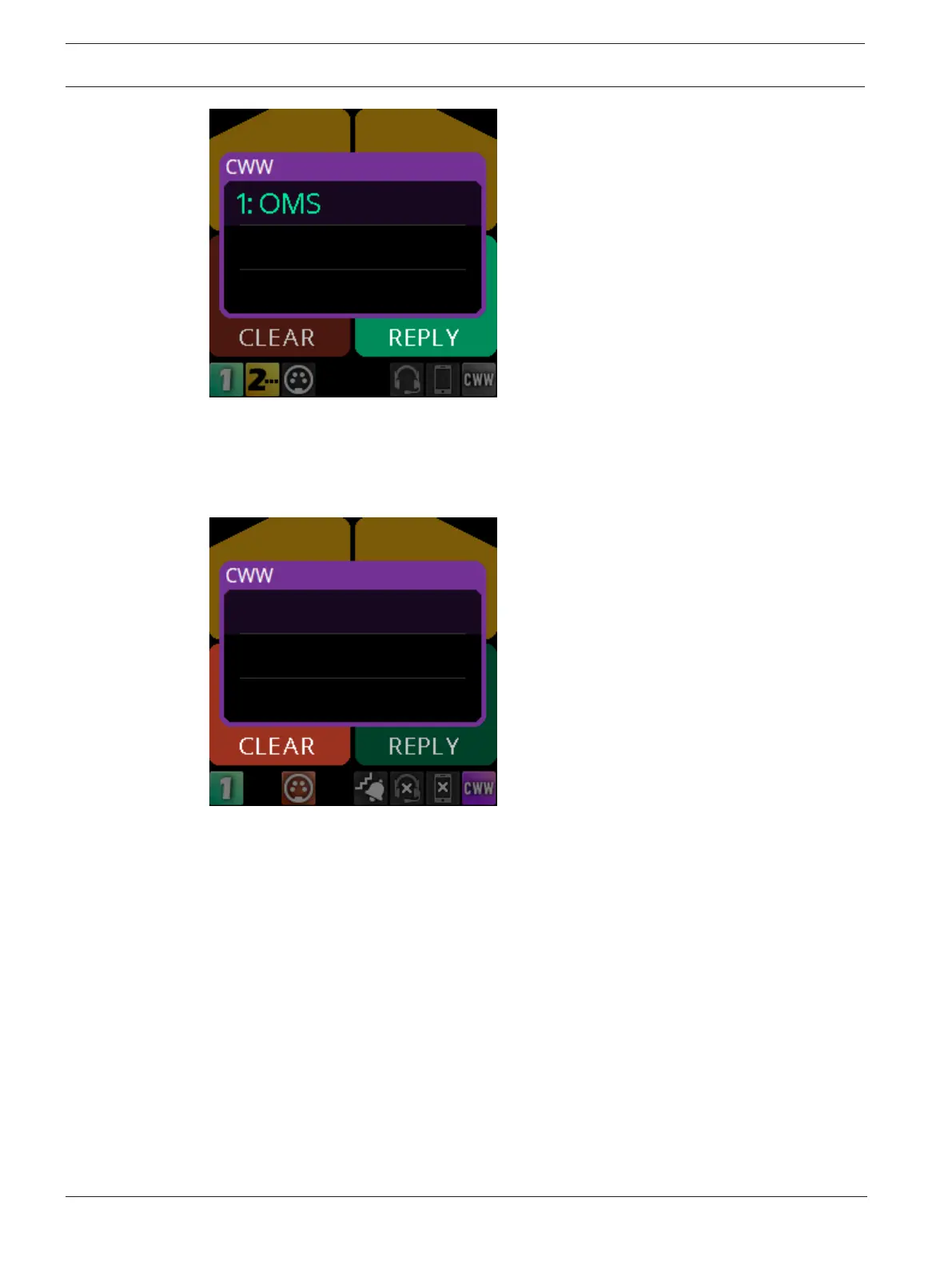
To remove an entry from the CWW, do the following:
1. While the CWW is open, press CLEAR (Key C).
The CLEAR button lights red and the call disappears from the list.
Show the CWW
To show the CWW, do the following:
4 On the home screen, press the CLR/BACK button.
The CWW window appears.
Scroll and select a call in the CWW
To scroll and select a call in the CWW, do the following:
4 While the CWW is visible, with calls, rotate the either shaft encoder to highlight an entry.
Hide the CWW
To the CWW list, do the following:
4 While the CWW window is visible, press the CLR/BACK button.
The CWW window closes.



 To Next Page