DBP Digital Beltpack Menu Structure | en 85
Bosch Security Systems, LLC
Technical Manual
2021-06 | 01 | F.01U.380.825
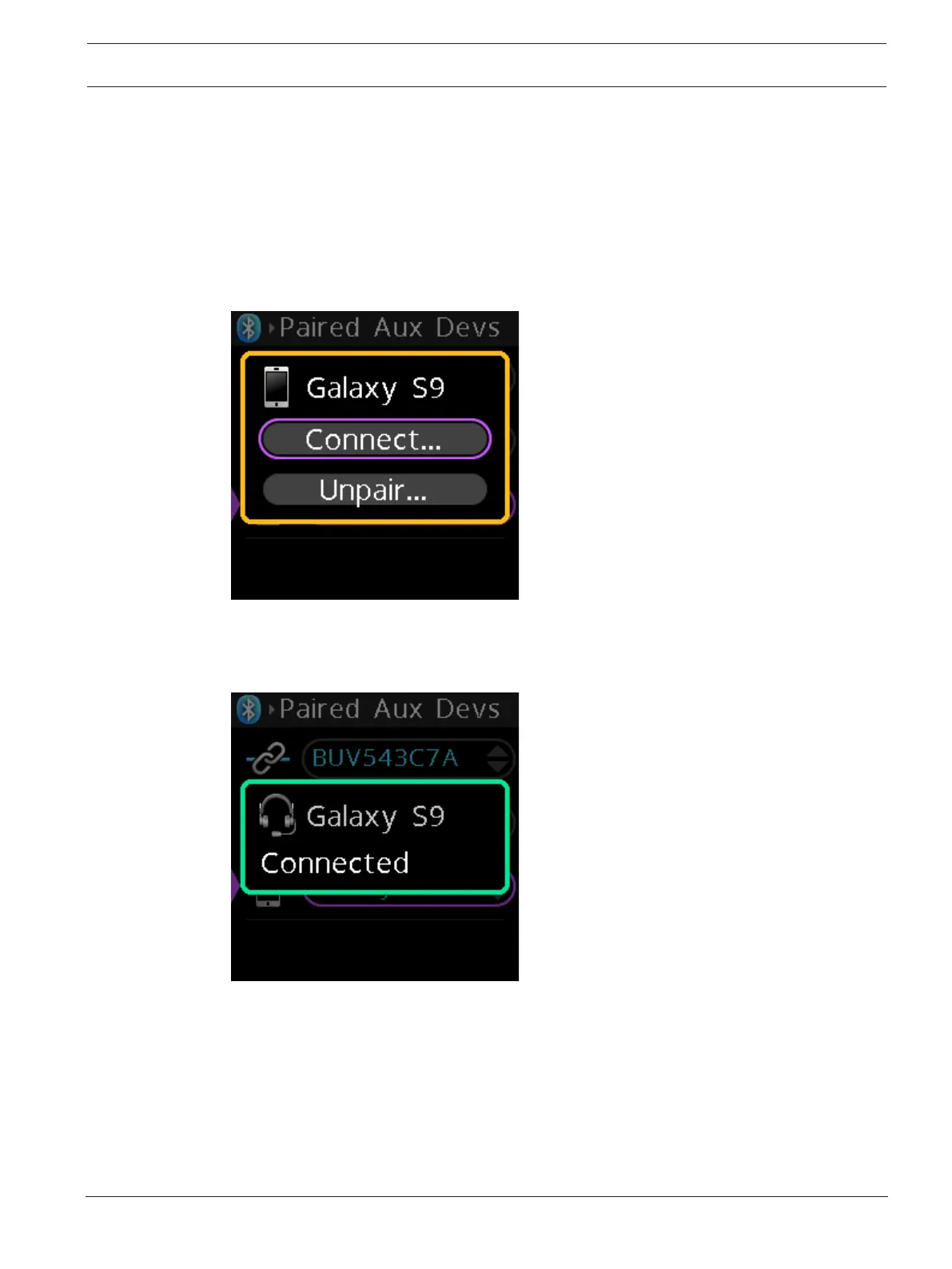
To connect, disconnect, or unpair a Bluetooth device, do the following:
1. Navigate to the Paired Aux Devs menu item (Bluetooth | Paired Aux Devs).
2. Press the SEL/MENU button.
The field is active if Bluetooth devices are available, otherwise the menu item does not
activate.
3. Rotate either shaft encoder to scroll through available devices.
4. Press the SEL/MENU button to select the device.
A popup window appears with Connect and Unpair or Disconnect and Pair buttons.
5. Rotate either shaft encoder to select Connect, Unpair, Disconnect or Pair.
6. Press the SEL/MENU button to initiate a connection.
A progress bar appears on the screen. When it finishes the connection, a status message
appears on the screen.



 To Next Page