HF Series Generators
Calibration
CA-1036R2
12
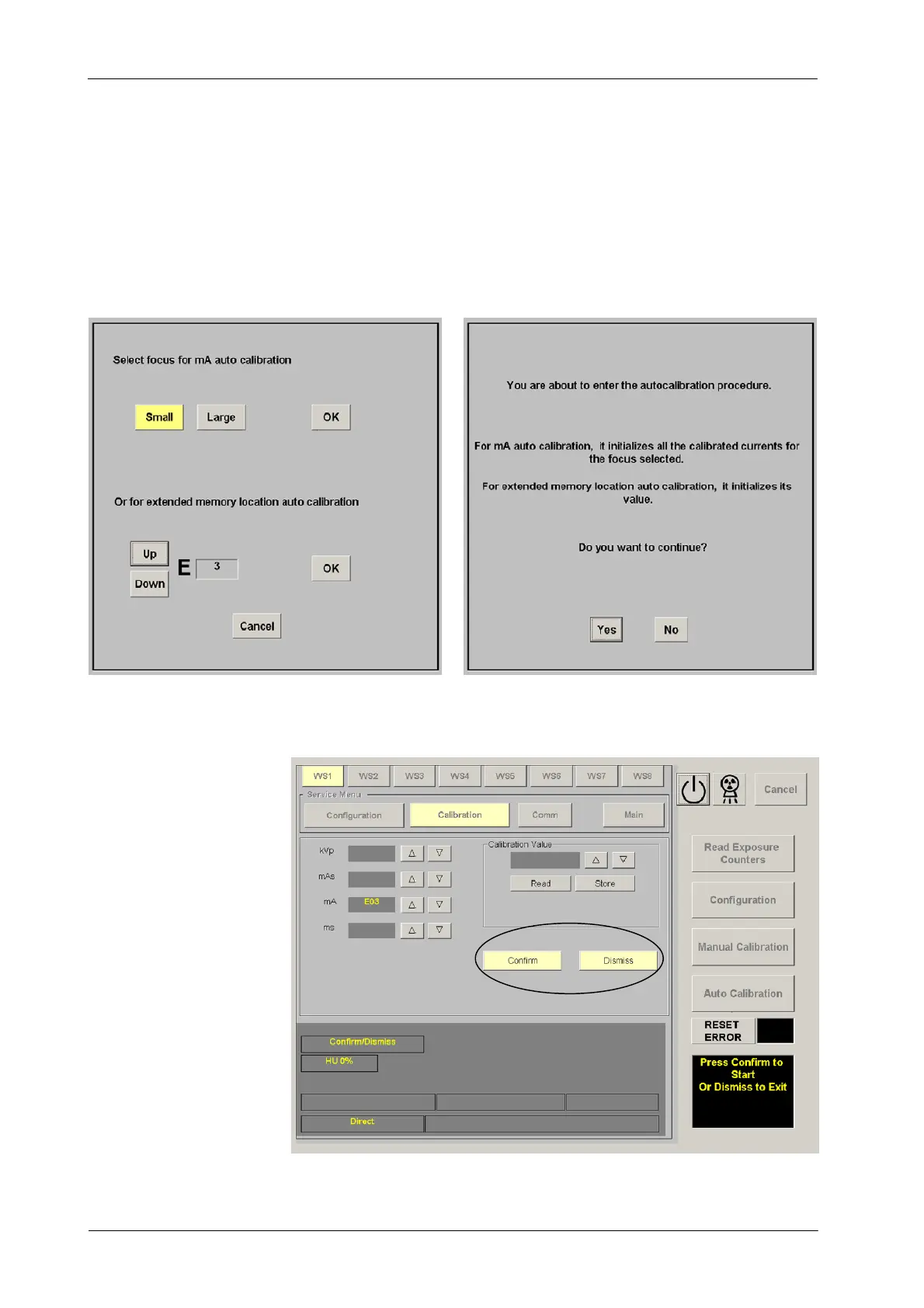
3. Enter in Auto-calibration mode by pressing the “Auto Calibration” button
on the GSM menu. Select an available workstation (WS) and press the
“OK” button. Then, select the respective Memory Location ( E03 or E05)
and press the “OK” button.
Confirm or leave the Auto-calibration by pressing the respective button
(“Yes”or“No”) on the new screen.
Confirm or leave the Auto-calibration (second confirmation) by pressing
the respective button (“Confirm”or“Dismiss”) on the calibration screen.



 To Next Page