HF Series Generators
T roubleshooting
TR-1005R4
9
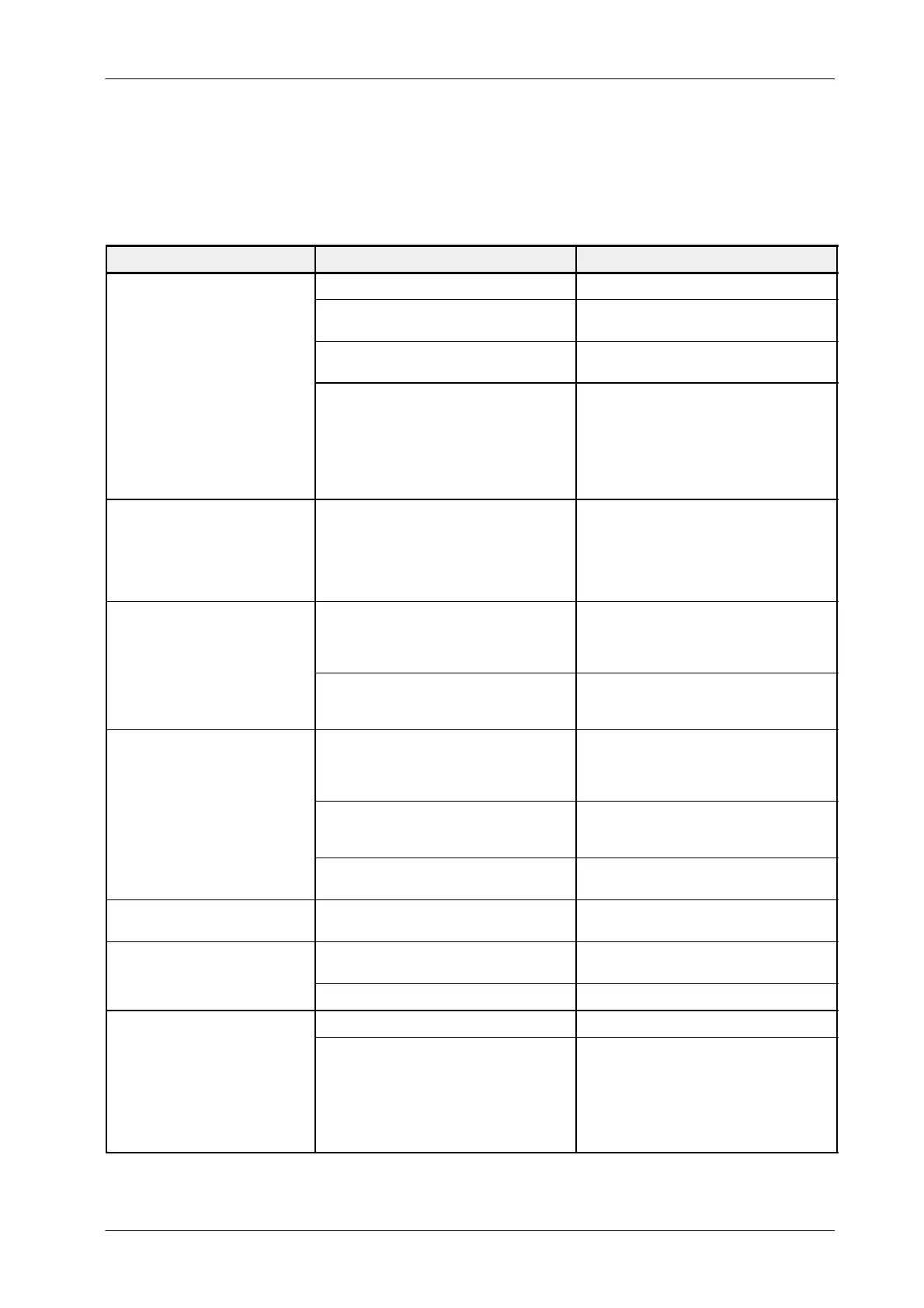
2.5 PROCEDURES RELATED TO THE TOUCH SCREEN CONSOLES
DESCRIPTION POSSIBLE CAUSES ACTIONS
Malfunction of the Power-ON button. Check if the button works properly.
Cable connection or cable status.
Check that all the internal cable are
connected. (A7031--xx Cable)
Generator / Console is not connected to
mains.
Power ON the Generator / Console.
e
onso
ean
e
enera
or
do not start up.
Power Supply does not work properly.
Check all the power connectors from/to the
power supply (power values are +5V and
+12V).
Check the power input selector, change the
power supply (Kit Power Supply) if the
selector is wrong.
The Console starts but the
Generator do not start.
Cable A7067--xx is not properly connected
Connect again this cable.
Check all the cables to the board. If the
problem persist, change the A3515--02
board (you should also check the
connection to the Generator)
The Console bee
sbe
ore start.
BIOS error. If there is a problem with the
video chipset the beep code will consist of a
single long beep followed by three short
beeps
Disconnect the power connector . Wait ten
seconds and connect it again. Push the
power button and if the problem persists,
replace the mainboard.
.
BIOS error. If there is a problem with the
DRAM, the beep code will consist of a single
long beep repeatedly.
Check that the DRAM is connected right. If
so, try to reboot the system, and if the
problem persists, replace the mainboard.
The TFT inverter is not working properly.
First check that the fans are working. If so,
check that cable 55001042 is right
connected. Replace the inverter if the
problem persists.
There is no image on the screen.
Cable 55001042 is broken.
Try to move the cable. If the screen
suddenly bright, replace Kit TFT Screen
TPC 12”.
Mainboard is broken.
Replace the mainboard. If the problem
persists, replace the whole Console.
The operator application is not
launched
The operating system is not working
properly.
Replace the Compact Flash Card.
U
er
ans are sto
ed
Power cable is broken
Check the power cable. If it is broken,
replace the power supply
Fan broken Change the kit fans Console
Calibration error of the touch panel controller Check the calibration process.
Touch panel. If you push a button,
and nothing happens, or another
button is selected
Touch panel controller is broken.
Check that there is a blinking led in the
controller. If not, check the power supply.
If it is correct, replace the Controller.
When the panel is pushed, the led is on
continuously. If not, replace the kit TFT
Screen TPC 12”. If the problem persists,
replace the Kit PC GESPAC.



 To Next Page