HF Series Generators
T roubleshooting
TR-1005R4
7
2.3 REPLACEMENT OF MEMORY IN ATP CONSOLE CPU BOARD AND/OR
HT CONTROLLER BOARD
Before starting up the system, you have to set ON the switch A3024SW2--3 at
the ATP Console CPU Board to enable Service Mode. A few seconds after
pressing the ON button on the Console, you will see E10 (this is shown because
the EPROM U24 has been replaced).
Reset the error indication by pressing the respective button on the Console and
keep it pressed until the Error 10 disappears.
After this, the normal start up will take place.
We recommend setting this switch back to OFF once the installation has been
completed. This will not enable the operator to enter in Configuration or in
Calibration Mode (Service Modes).
2.4 PROCEDURES RELATED TO THE PUSH-BUTTON CONSOLES
2.4.1 APR OPERATION
APR techniques are factory pre-programmed to standard techniques sets. All
parameters of APR techniques may be manually rewritten as required by the
operator and stored in the ”APR working file”forlateruse(refer to the respective
Operator Manual).
This section only applies to Consoles equipped with Anatomical
Programmer (APR).
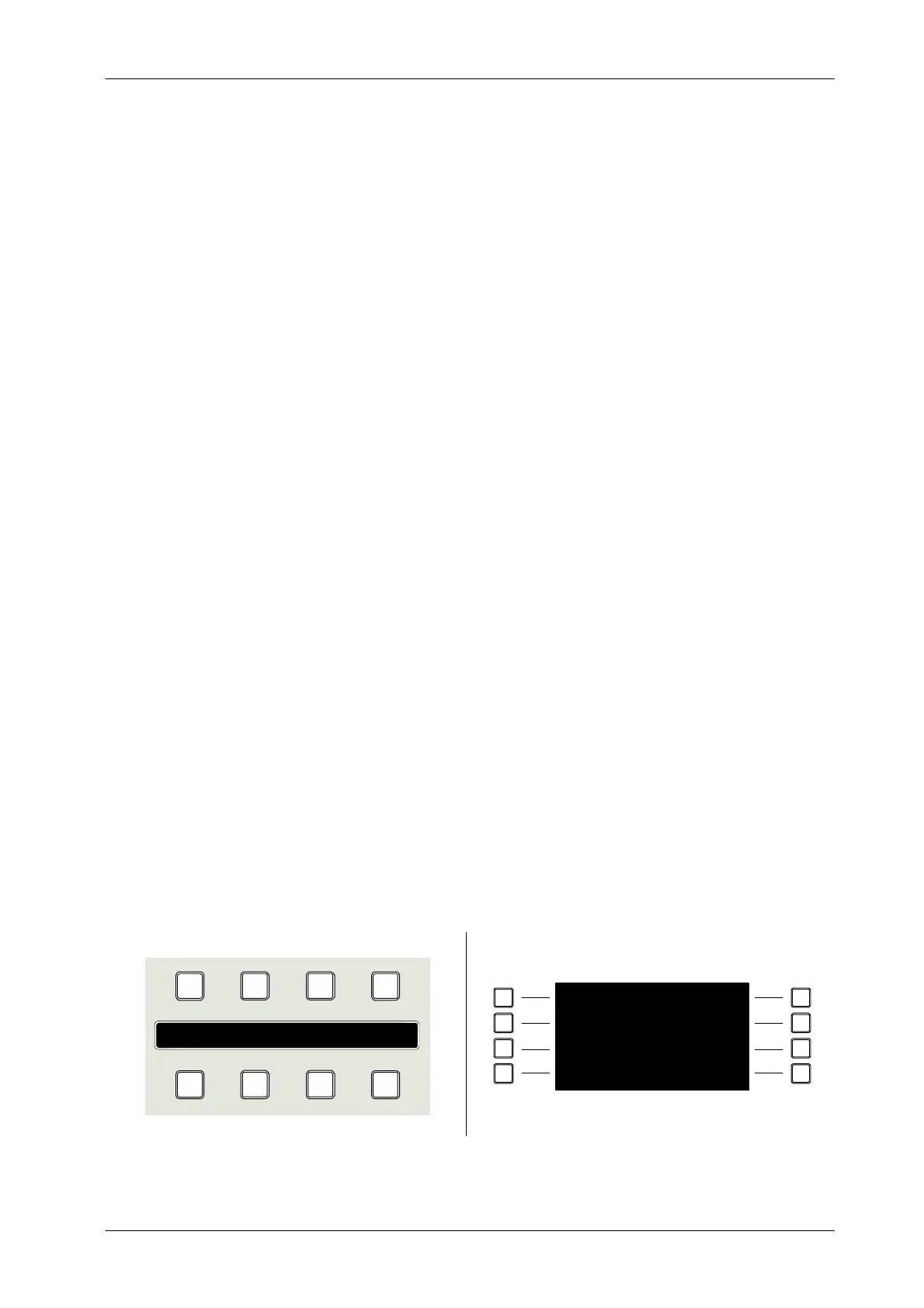
Illustration 2-2
APR Module version in Push-buttons Consoles
2 3 4
8765
1
Display APR
2
3
4 8
7
6
51
Display APR
Note .



 To Next Page