HF Series Generators
T roubleshooting
TR-1005R4
10
2.5.1 SOFTWARE UPGRADE
If the Touch Screen Application is provided with a “Software Upgrade” button
on the Service Mode Menu, it is used to close the Application Program without
turning OFF the System. After pressing this button, the Console shows the PC
Desktop to enable the Application Software Upgrade, Language Configuration
of the PC Operating System or Touch Screen Sensor Calibration.
To perform any of these operations, it is necessary to connect a
Keyboard to the connector labelled “Kb” on the back side of the
Touch Screen Console.
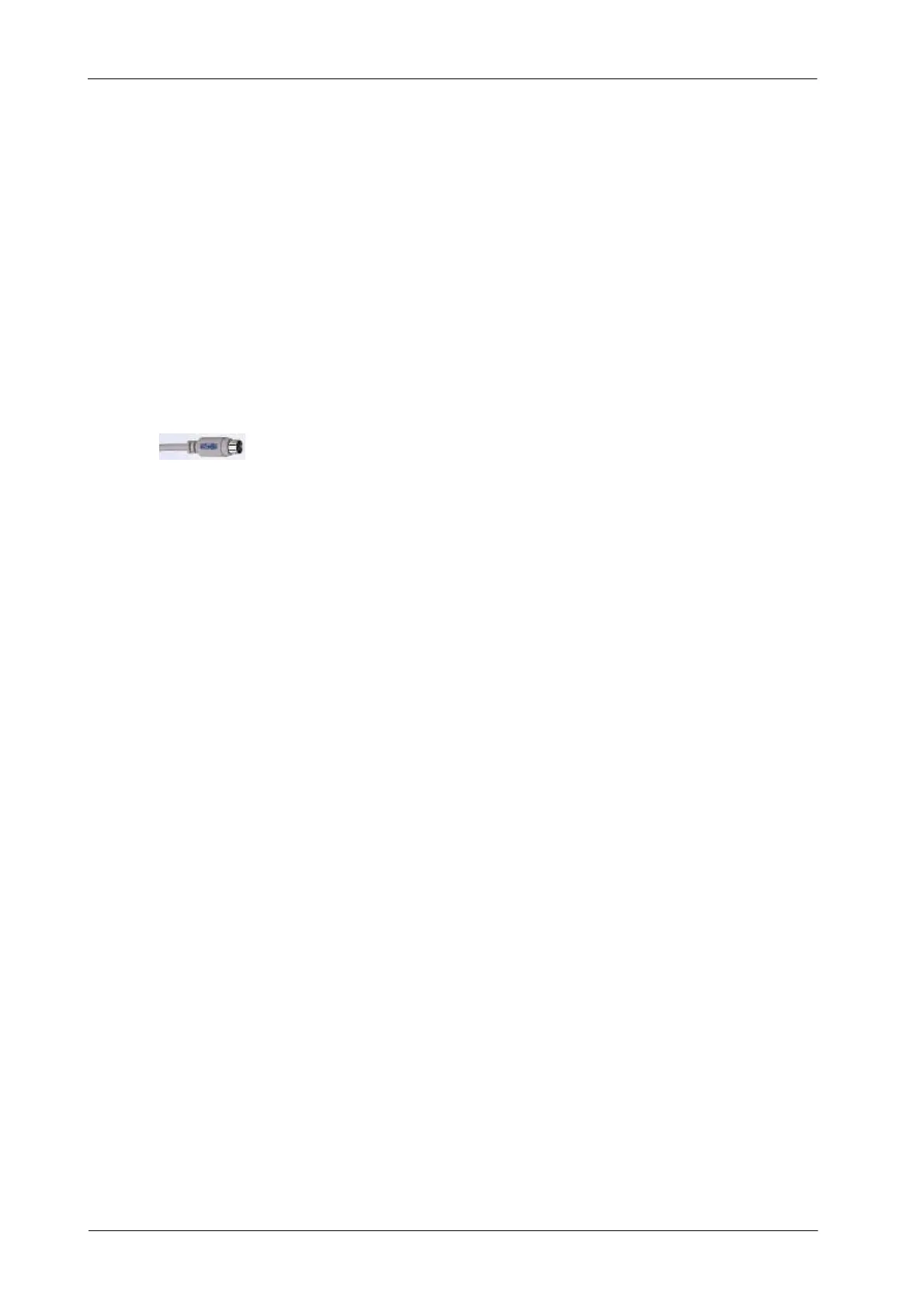
Please, make sure that the Keyboard connector is suitable
(MiniDin type).
2.5.2 TOUCH SCREEN SENSOR CALIBRATION
If required to calibrate the Sensor of the Touch Screen because the buttons can
not be properly selected or because the Compact Flash has been changed,
perform the next procedure:
1. Enter in “Service Mode” and press the “Software Upgrade” button.
2. On the PC Desktop, press the“Start--Windows” button on the keyboard
connected to the Touch Screen Console, then select: “Programs / UPDD
/ Calibrate”.
3. Execute the “Calibrate” program and follow the process clicking on the
indicated places.
4. When finish this calibration, come back to the Application by entering
again in “Start” and select: “Programs / Start up (select the first one) /
Console”.
Note .



 To Next Page