HF Series Generators
Configuration
CF-1018R3
9
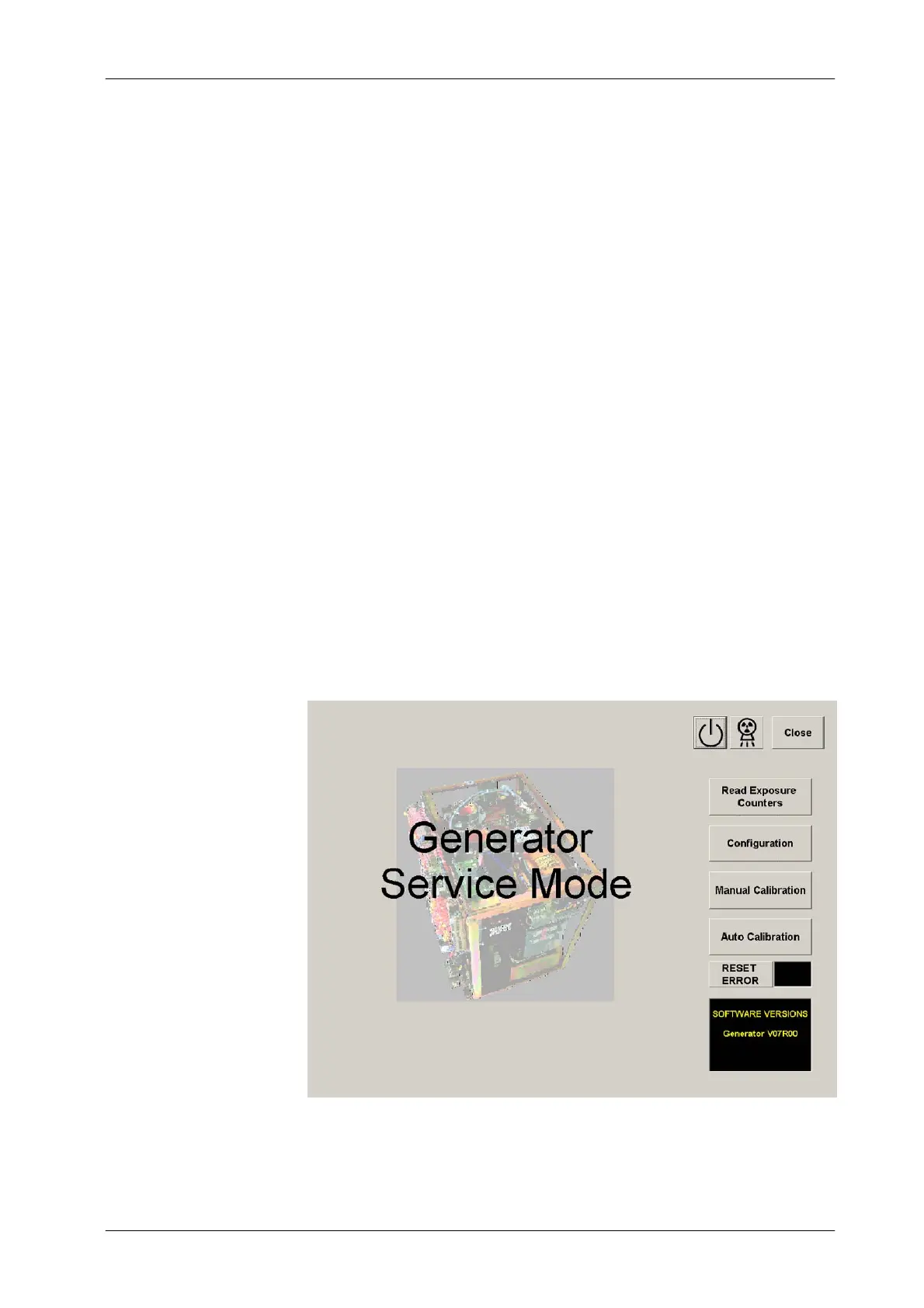
1.5 GENERATOR SERVICE MODE
The Generator Service Mode (GSM) program allows the access to the service
screens for Reading the Exposure Counters, Configuration and Calibration
procedures.
Start the GSM program by clicking on the “ TechService” icon in the path:
“StartMenu / Programs / Tech Service / TechService”. (This is the path by default
after installing the program from the CD-Rom).
After accessing to the GSM program, a black Information Area appears at the
lower right corner of the screen to show some messages related with the
process (a.e. “Power U p the Generator”).
If after pressing the “Configuration”, “Calibration ”orAuto Calibration ” buttons,
the GSM program prompts an error message: “Please check calibration dip
switch and toggle with power off”; it means that these functions are disabled
because position of dip switch 3024SW2-3 on the “ATP Console CPU Board”
is not in “Service Mode Allowed”. Turn OFF the generator, change the dip
switch 3024SW2-3 to Closed (ON) position, turn ON the generator and start the
GSM program again.
Illustration 1-2
GSM Menu



 To Next Page