Factory Default
Setting Item, Function, Setting Range
p///
1 //10
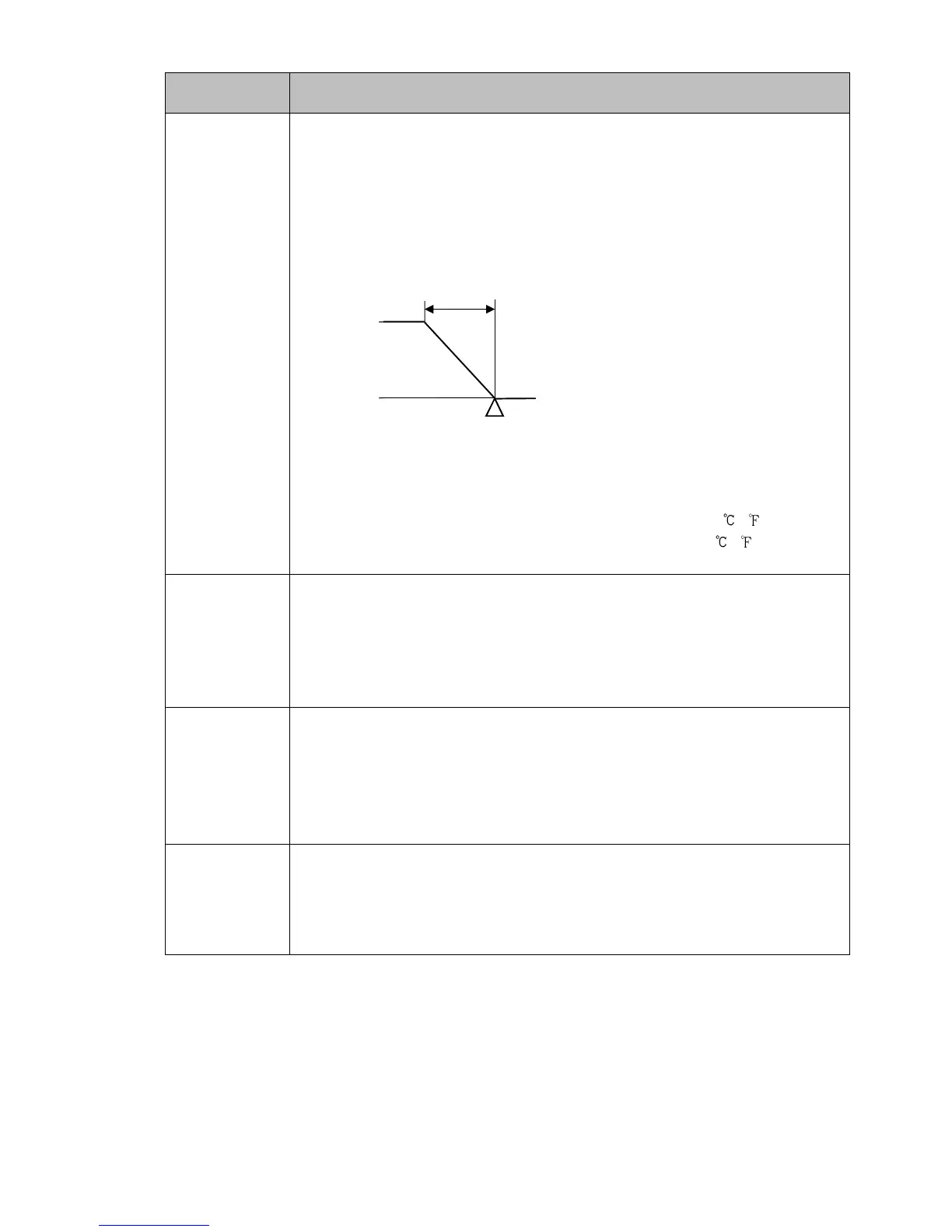
OUT1 proportional band
• Sets OUT1 proportional band for the PID block number selected in [PID block
number].
The PTN/STEP Display indicates the PID block number selected in [PID block
number].
OUT1 becomes ON/OFF control when set to 0 or 0.0.
(Fig. 8.3-1)
• Setting range:
Thermocouple, RTD input without decimal point: 0 to input span ( )
Thermocouple, RTD input with decimal point: 0.0 to input span ( )
DC voltage, current inputs: 0.0 to 1000.0%
i///
1 /200
Integral time
• Sets the integral time of the PID block number selected in [PID block
number].
The PTN/STEP Display indicates the PID block number selected in [PID block
number].
• Setting range: 0 to 3600 seconds
d///
1 //50
Derivative time
• Sets the derivative time of the PID block number selected in [PID block
number].
The PTN/STEP Display indicates the PID block number selected in [PID block
number].
• Setting range: 0 to 1800 seconds
arw/
1 //50
ARW
• Sets the ARW of the PID block number selected in [PID block number].
The PTN/STEP Display indicates the PID block number selected in [PID block
number].
• Setting range: 0 to 100%
OUT1 proportional band



 To Next Page