Factory Default
Setting Item, Function, Setting Range
c///
/ ///3
OUT1 proportional cycle
• Sets OUT1 proportional cycle.
For relay contact output, if the proportional cycle time is decreased, the
frequency of the relay action increases, and the life of the relay contact is
shortened.
Factory default value is different depending on the output type.
Relay contact output: 30 seconds
Non-contact voltage output: 3 seconds
Direct current output: Not available
• Setting range:
0.5, 1 to 120 seconds
Available when OUT1 is relay contact output or non-contact voltage output type.
hys/
/ //1.0
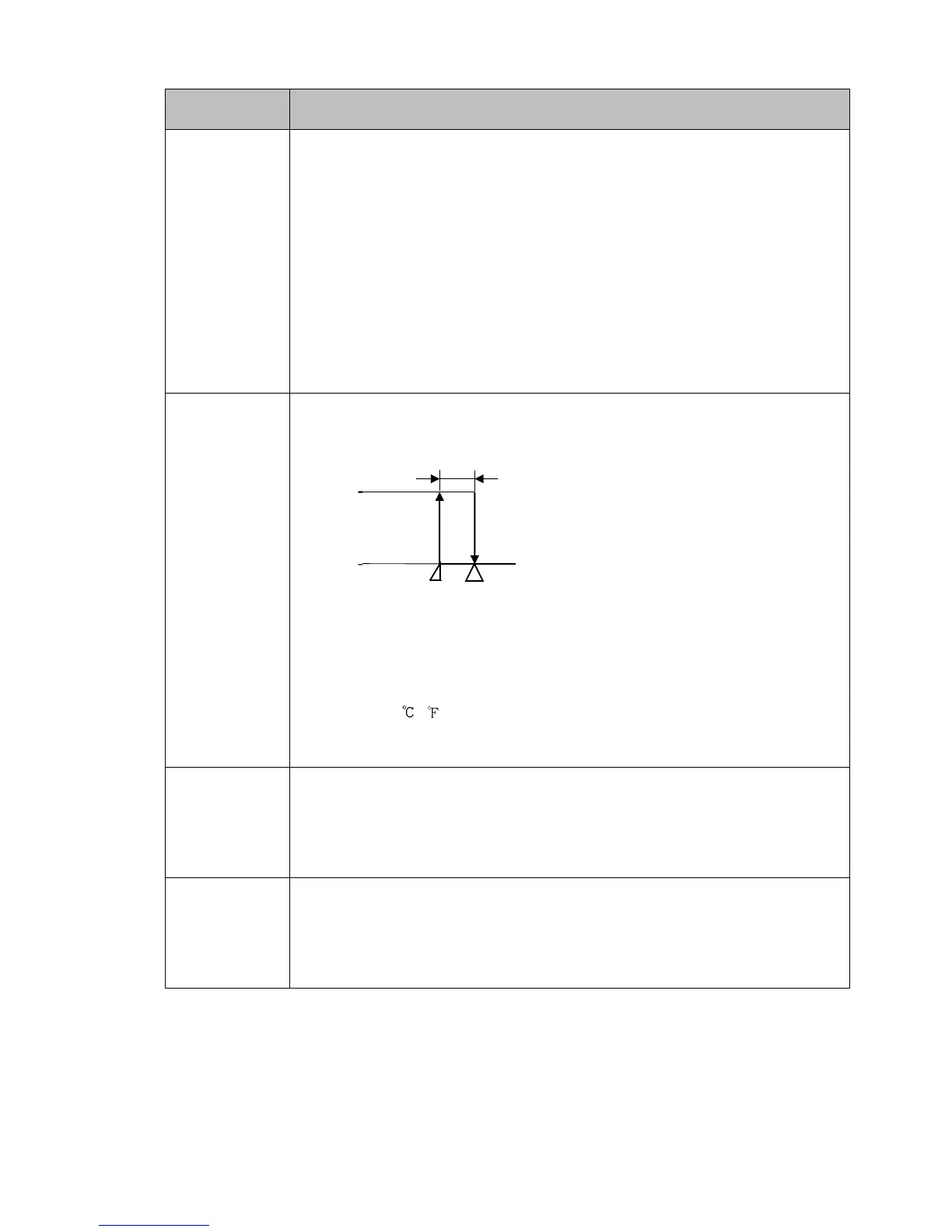
OUT1 ON/OFF hysteresis
• Sets ON/OFF hysteresis for OUT1.
(Fig. 8.3-2)
• Setting range:
0.1 to 1000.0 ( )
DC voltage, current inputs: 1 to 10000 (The placement of the decimal point
follows the selection.)
olh/
/ /100
OUT1 high limit
• Sets OUT1 high limit value.
• Setting range:
OUT1 low limit to 100%
Direct current output type: OUT1 low limit to 105%
oll/
/ ///0
OUT1 low limit
• Sets OUT1 low limit value.
• Setting range:
0% to OUT1 high limit
Direct current output type: -5% to OUT1 high limit



 To Next Page