Factory Default
Setting Item, Function, Setting Range
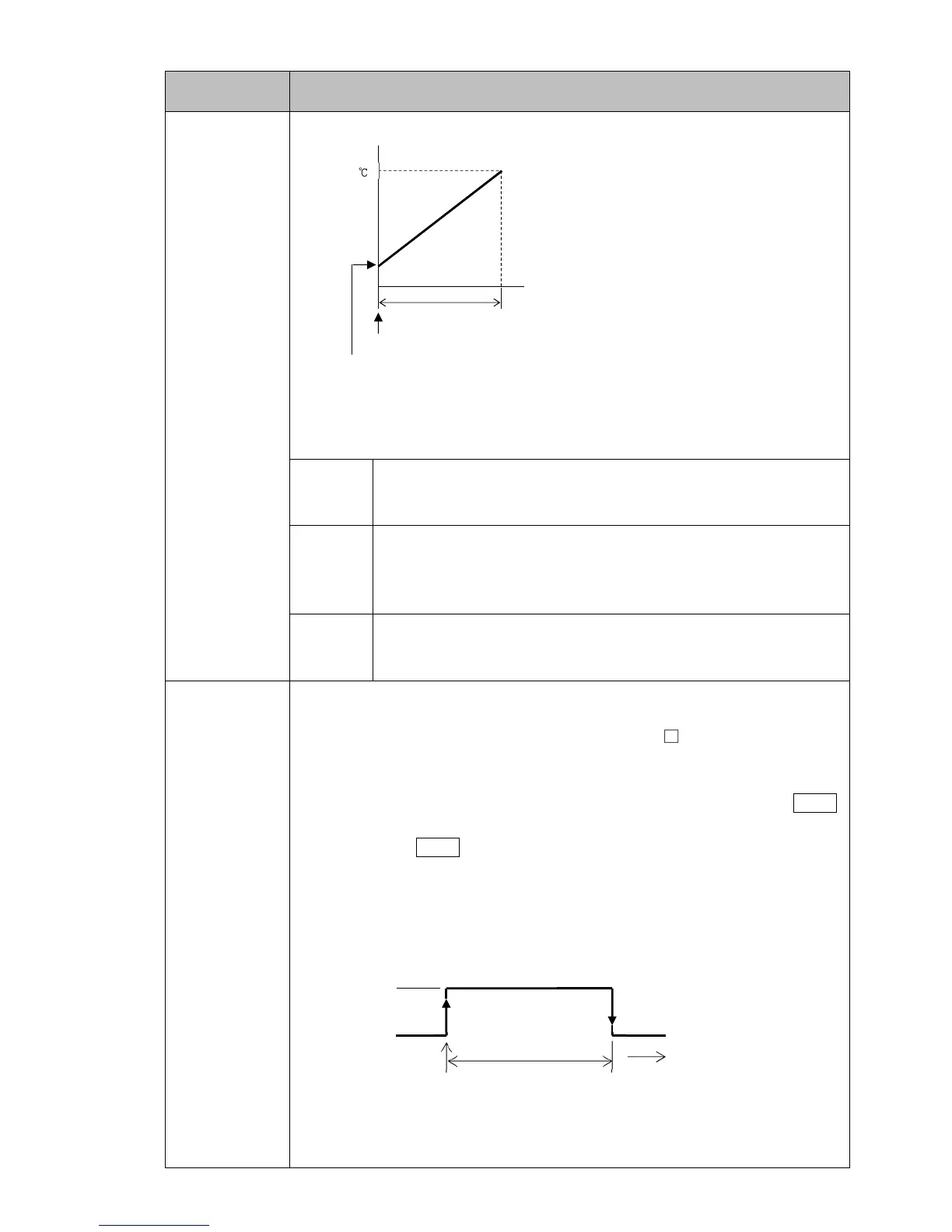
SV start
(Fig. 8.6-8)
• Selection item:
pv// PV start:
Only when Program control starts, the step SV and step time are
advanced to the PV, then Program control starts.
pvr/ PVR start:
When Program control starts and in pattern repeating, the step SV
and step time are advanced to the PV, then the Program control
starts.
sv// SV start:
When Program control starts, the Program control starts from the
step SV set in [Step SV when program control starts].
petm
/ ///0
Pattern end output time
• Sets Pattern end output retention time after program control is finished.
If ‘Pattern end output’ is selected in [Event output EV allocation], pattern
end output is turned ON after program control is finished, and the SV Display
flashes p.end.
Setting the time to 0 (zero) seconds causes continuous output, until the STOP
key is pressed for 1 second, or until the power is turned OFF.
By pressing the STOP key for 1 second, Pattern end output is turned OFF,
and the unit returns to Program control STOP (in Standby).
When setting the time to 1 to 10000 seconds: Pattern end output is
automatically turned OFF after Pattern end output time has elapsed, and the
unit returns to Program control STOP (in Standby).
(Fig. 8.6-9)
• Setting range: 0 to 10000 seconds



 To Next Page