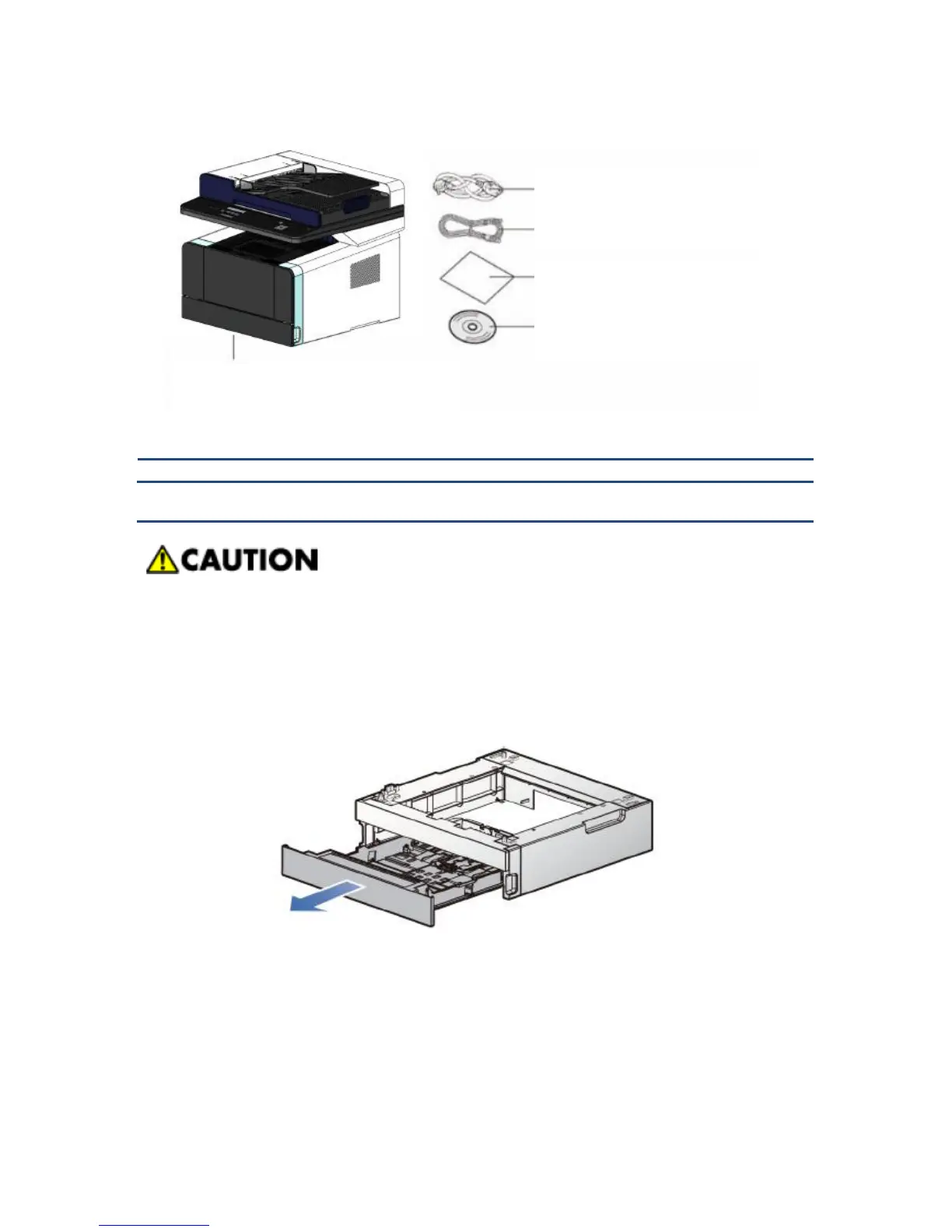
Please proceed with the followings before installing the option tray after the printer
installation.
Turn the printer’s power off
Remove the power cord from the printer and remove all cables on the backside
1. Remove all wrappings and tapes on the feeder.
2. Pull the feeding unit out from the feeder.
3. Hold both edges of support and place it on the printer placing location.
4. Re-install the feeder. Push it in until it completely attaches.
1. Tray (basic 250 sheets), Cartridge (wrapped
and enclosed in the printer)



 To Next Page