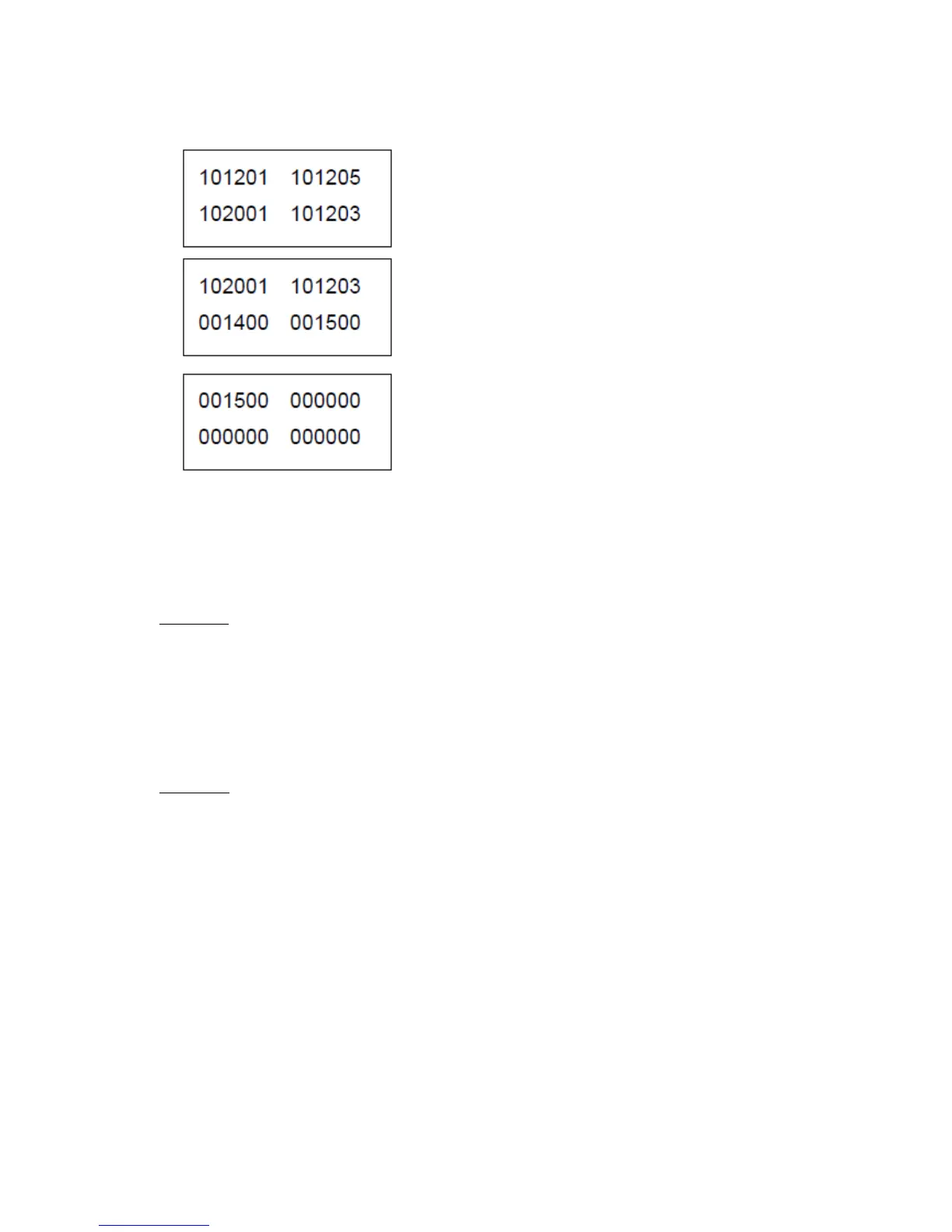
In this example, the most recent error is (1) 101201 that can be solved by a user. When there’s no
error, 000000 is displayed. Second occurred error is a user recoverable (1) 101205 error and orderly,
7
th
error is (0) 001400 error that cannot be solved by a user.
2. To exit error log, press Return.
Print Log
Error log can be printed from additional diagnosis information.
To print error log:
1. Select Print Log from Error Log menu.
2. To exit Error Log menu, press Return.
Clear Log
1. Select Clear Log from Error Log menu.
2. Clear Log? is displayed.
3. Press Select to clear log. To exit without clearing log, press Return



 To Next Page