6. Configuration by operator/local admin
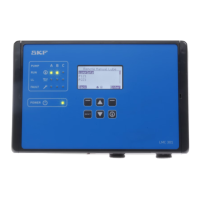
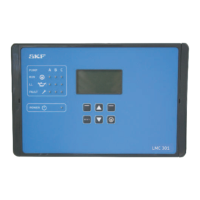
Customer programming of the LMC 301 unit via the controller display and controller keys
Programming via the SKF Flex-Control display
Step Key Display Description
1
The following requirements are met:
• User settings have been made according to Chapter 6.3.5
• Login settings have been made according to Chapter 6.3.6 (only at Local Admin level)
• Device settings have been made according to Chapter 6.3.7
• Master and slave devices must communicate with each other via DIP switches
Timing User Settings
2
• Use <down/up arrow key> to select Pump 1 Timings
• Press <OK control key>
)You will enter the Pump 1 Timings menu.
)The following menu items are available:
o Zone 1 Settings
o Zone 2 Settings
• Use <down/up arrow key> to select the Zone 1 Settings menu item
• Press <OK control key>
Main menu
Login settings
User settings
Device settings
Pump 1 Timings
Information
Pump 1 Timings
Zone 1 Settings
Zone 2 Settings


 To Next Page
 Loading...